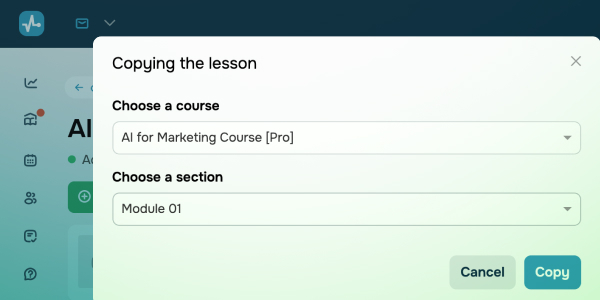
Targeted copying of course elements Copied lessons, tests, or certificates used to appear only at the end of your course, so you had to move them manually every time. Now you can spend less time organizing and more time creating! When you copy a lesson, test, or certificate from one course to another, you can choose exactly where it goes. It will appear right where you need it — no extra steps, no manual moving. This update saves you time, keeps your courses organized, and helps maintain a consistent layout, whether you’re creating new content or updating existing elements. Quickly drop a placement test into the first section of your courses and include certificates right at the end in one smooth move. |