Auto-recharges are now available in SendPulse

Newsletter Archive
SendPulse
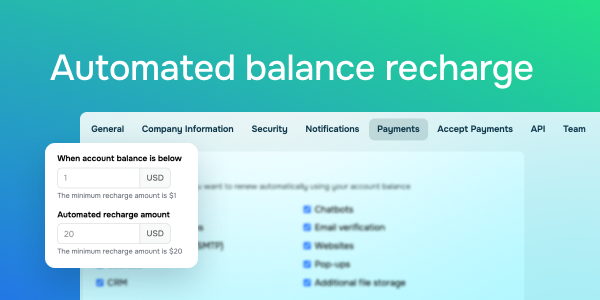
Automated balance recharge
Caleb Smith

Caleb Smith

Product Marketer


Imagine all your tools are running smoothly, you're attracting new customers, and then, at the worst possible moment, your balance runs out. You have to rush to top it up manually just to keep access to SendPulse premium features.

No more stress or last-minute top-ups! Balance auto-recharge is now available in SendPulse.

Here are the benefits it can bring you: 

✔ Your balance always stays topped up.

✔ Recharges happen automatically — no action needed from you.

✔ You can enable or disable auto-recharges anytime.

How do I enable auto-recharges?

  1. Go to your account settings → the “Payments” tab.
  2. Turn on the "Auto-recharge balance" toggle.
  3. Set a minimum balance threshold (starting at 1 USD) and a fixed recharge amount (starting at 20 USD). 

As simple as that! Your balance will be recharged automatically through your connected payment system.

You will receive email notifications about every successful and failed transaction.

Set up auto-recharges
icon

If you need help with setup or have any other questions, contact our tech support team — we're in touch 24/7.

Best regards, Caleb Smith

sendpulse.com

You received this email because you are a customer of SendPulse

Unsubscribe

Sent via

SendPulse