👤 [NEW] Share access to selected client accounts

Newsletter Archive
SendPulse

Hello! 

You asked, we delivered! Now you can give your team access to selected client accounts using updated user role settings.

prava_ENG

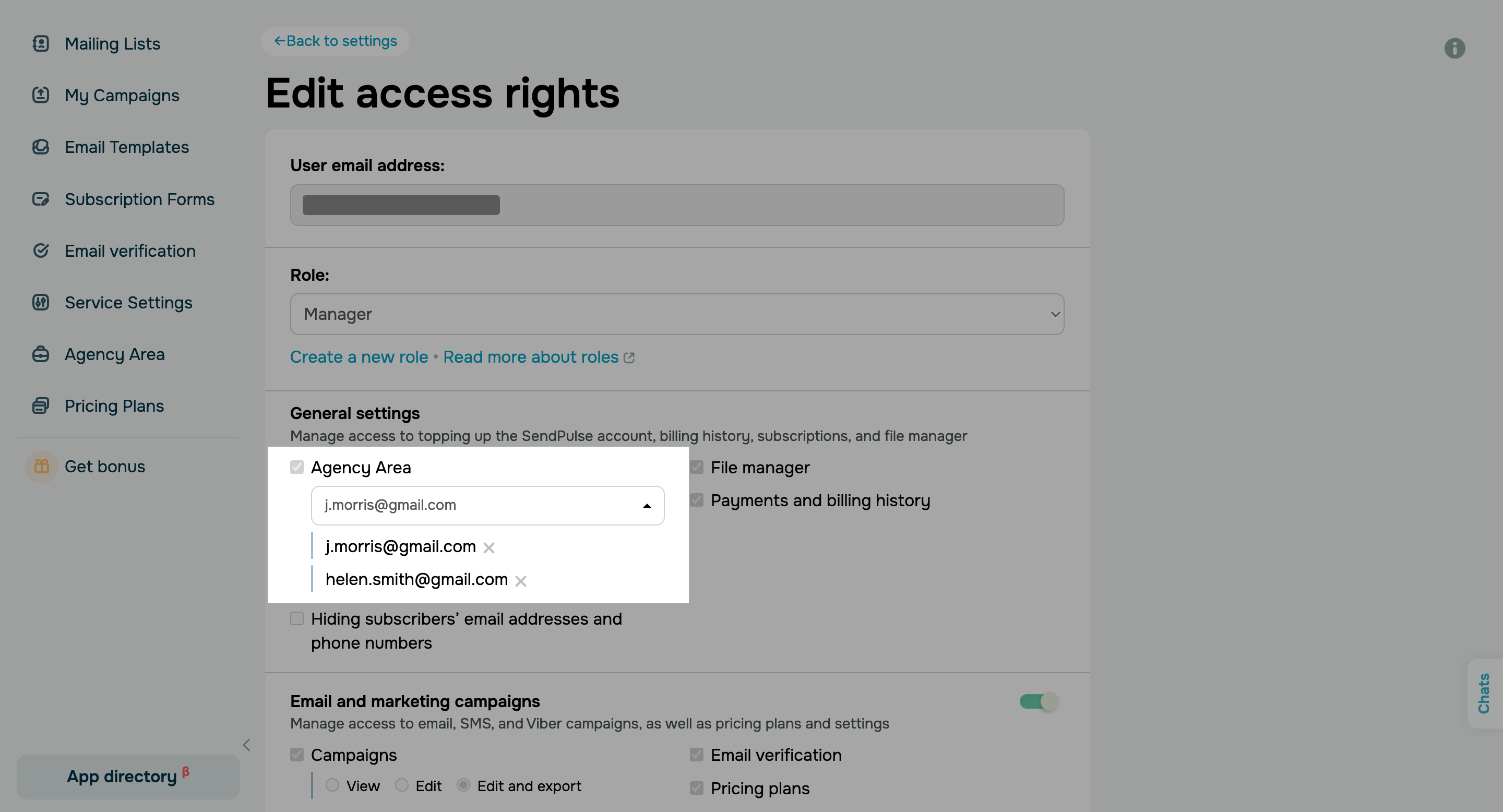
Previously, all invited “Manager” and “Superman” users had access to your Agency Area. From now on, team management has become more flexible — you can limit the number of client accounts accessible to specific team members.

To edit an existing user role or create a new one, go to the ”Team” tab in your account settings.

Standard user role rights are as follows:

  • “Superman” can access all your Agency Area features and client accounts.
  • “Manager” can access your Agency Area and all client accounts. You can limit their access to specific client accounts whenever you want to.

Users with all other standard roles cannot access your Agency Area.

You can grant users with custom roles access to your entire Agency Area or selected client accounts.

Set up user roles

Important: Your Agency Area doesn’t show the “Commission rate,” “Reward,” and “Performance” sections, as well as the “Accept payments” button, to all invited users except for "Superman." You can restrict access to transactions and pricing plans in user role settings.


If you need help with your Agency Area or have any other questions, please reply to this email.

olya_kukharuk_3

Olga Kukharuk

Partnership Manager | SendPulse


You received this email because you signed up for the SendPulse pertnership program. 
Unsubscribe

Sent via

SendPulse