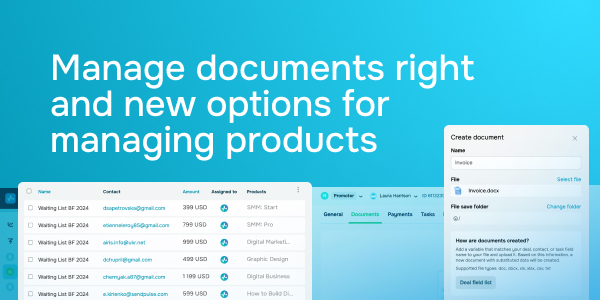
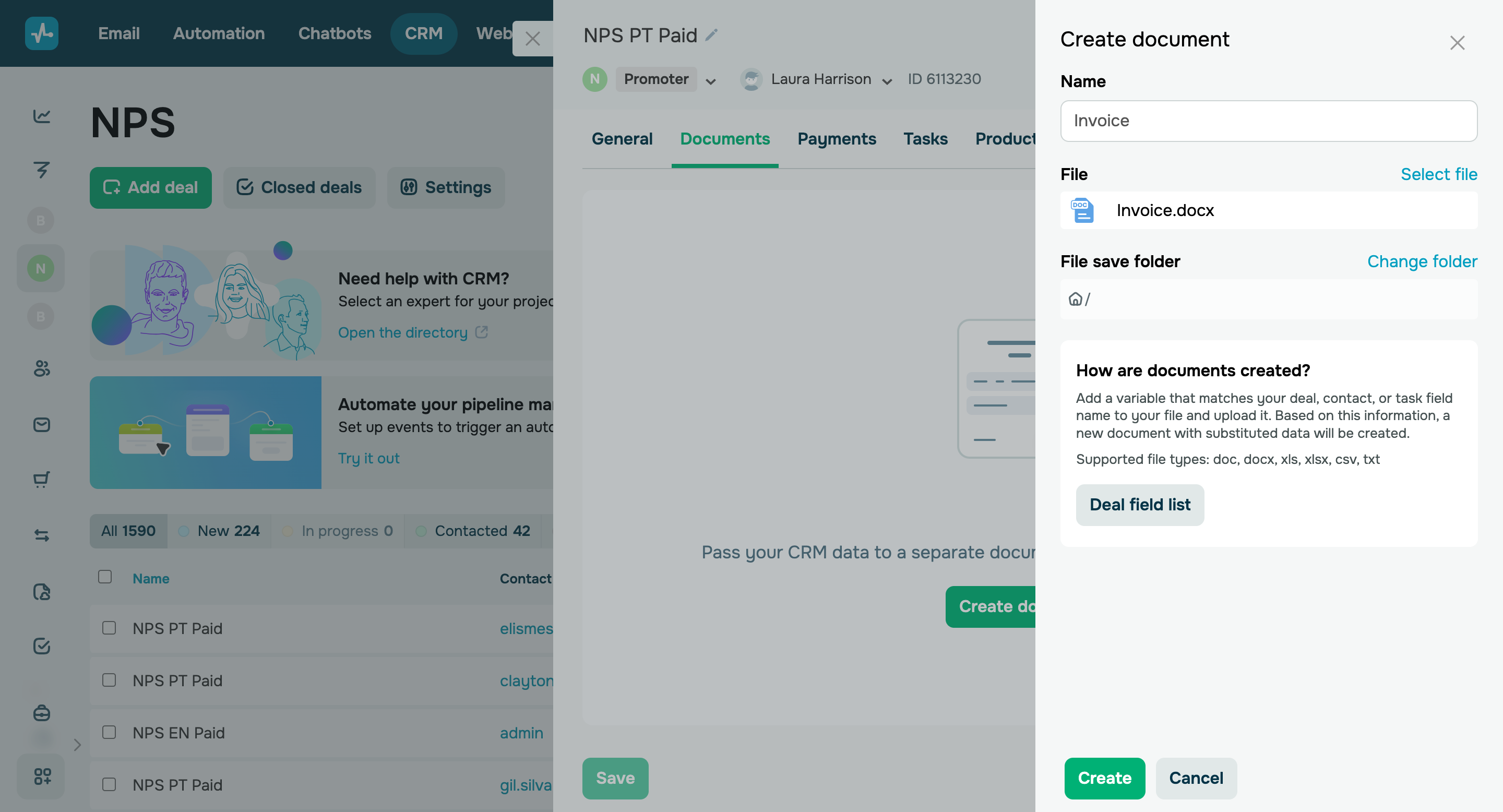
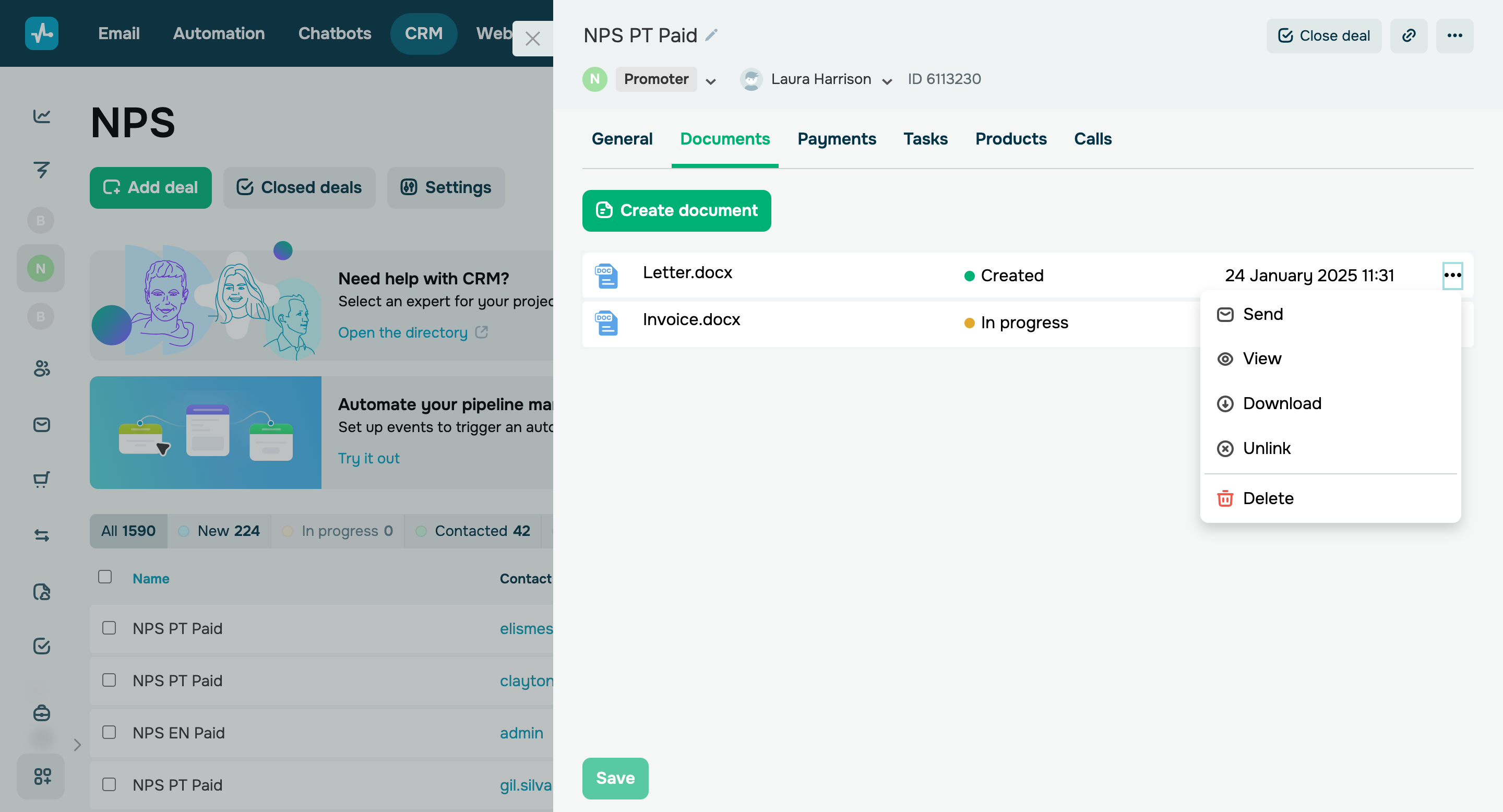
In the SendPulse CRM system, you can now create documents, such as invoices, contracts, and agreements, attach them to contacts, tasks, or deals, and email them to your clients or partners. Here’s how CRM documents are created: - Add a variable that matches your deal, contact, or task field name to your file and upload it to the CRM system
- Based on this information, a new document with substituted data will be created.
You can copy the relevant variable from the list of deal/contact/task fields. Go to the Documents tab and click Create document > Deal/Contact/Task field list. Supported file formats: doc, docx, xls, xlsx, csv, and txt. |