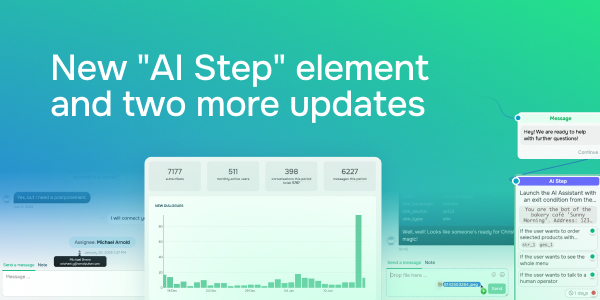
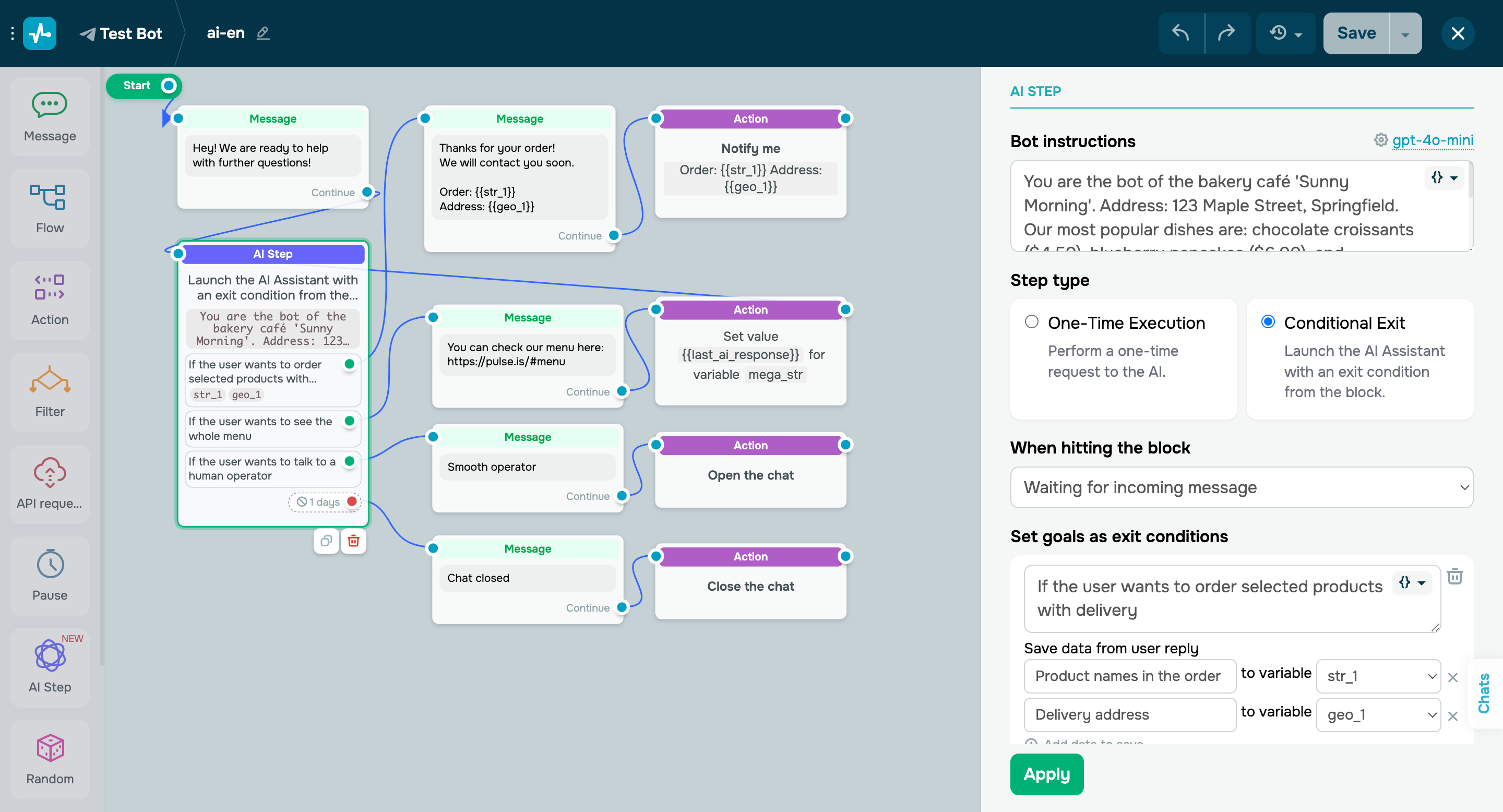
New "AI Step" chatbot builder element Using the new “AI Step” element, you can now: - incorporate AI features into your chatbot flows;
- branch your chatbot flows based on user intent.
Select “One-time execution” to trigger your “AI Step” element only once — perfect for simpler tasks like translations or calculations. Alternatively, use “Conditional exit” to keep your element active until a specific condition is met. Let’s say your chatbot promotes a webinar, introducing its speakers and sharing participation details. Once one of your subscribers is ready to sign up, the AI can automatically trigger a registration flow for them. Personalize each subscriber’s experience using advanced chatbot settings to account for conversation context and save user responses as variables. You can also customize your chatbot’s behavior when an exit condition is triggered. To get started, specify an OpenAI token in element settings or pass it from your chatbot or account settings. Learn more about how to set up the “AI Step” element in our knowledge base. |