New “Text” widget features
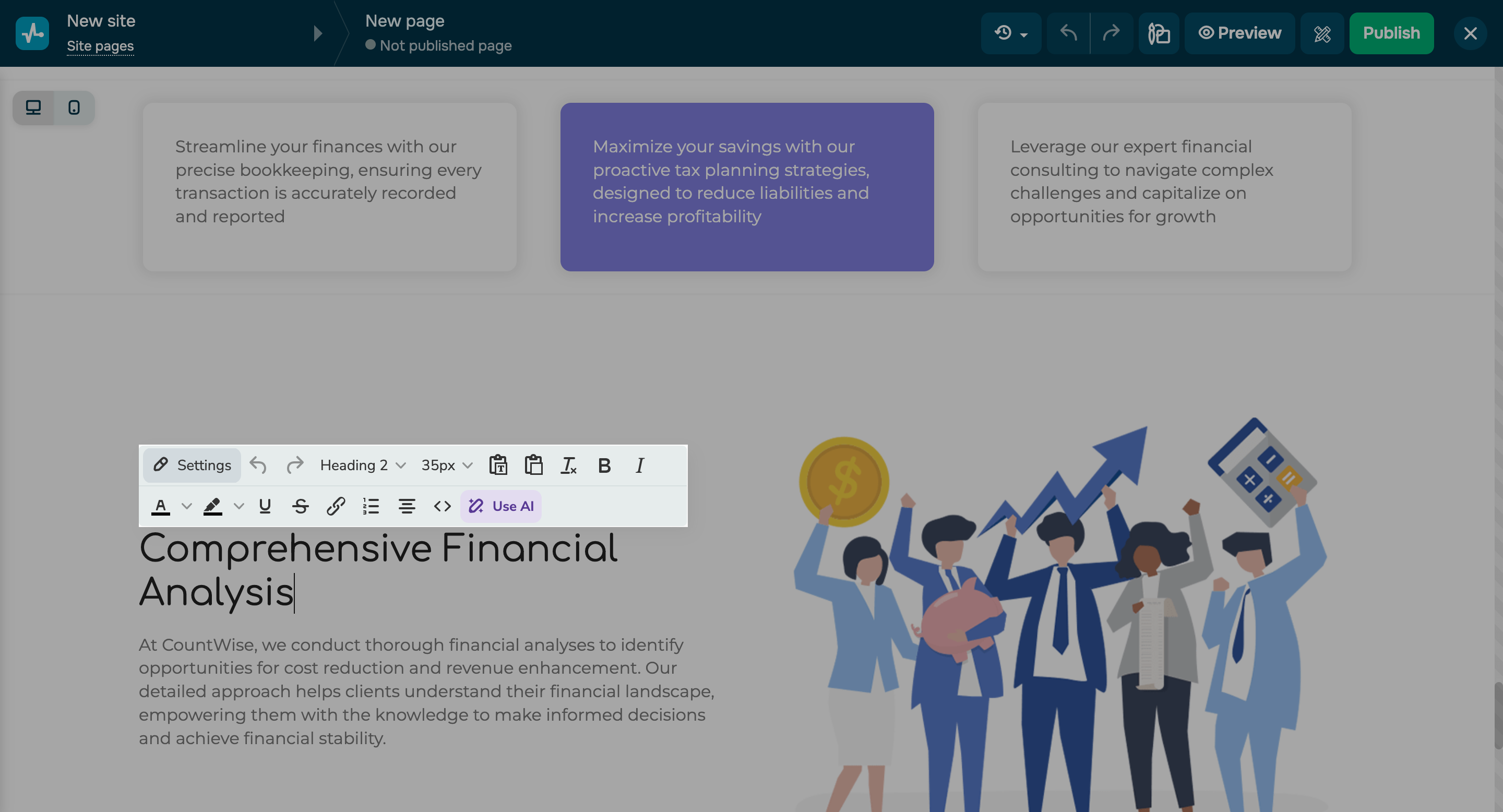
We have updated the “Text” widget to streamline your web design workflows. Here’s what you can do now: - collapse the website settings panel;
- use the toolbar and right-click to insert unformatted text;
- clear styles;
- undo and redo text edits.
You can also adjust line spacing manually and set it below 100% for a customized text layout. Beyond that, you can modify layout elements' sizes to place them outside the grid. Hover over an element border, click and hold the slider, and drag it left or right. |