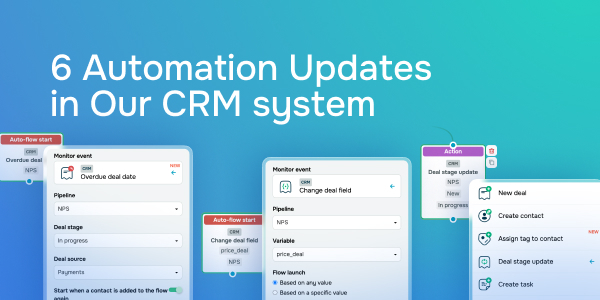
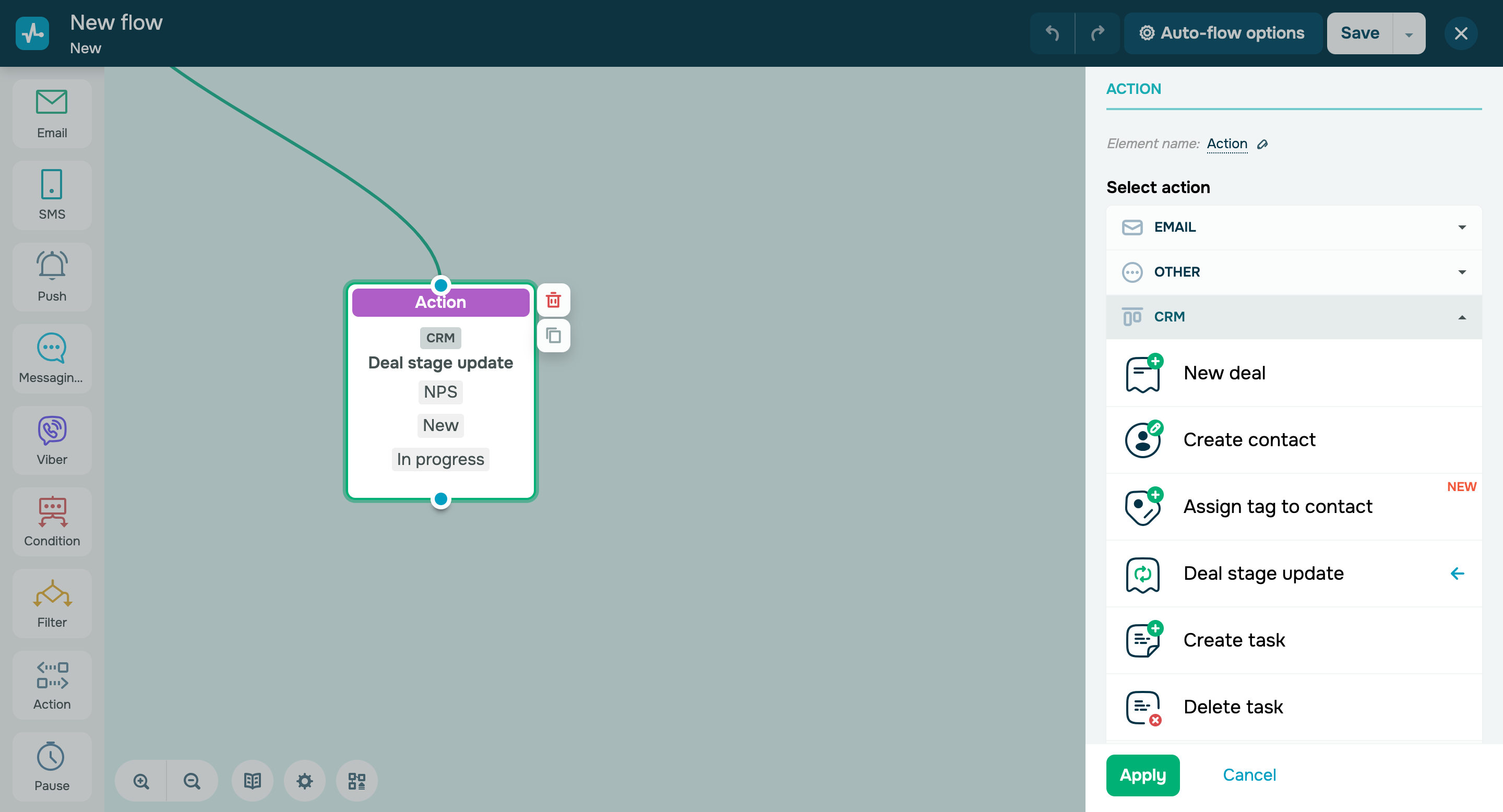
From now on, you can launch automated flows using two new triggers: - Overdue deal date;
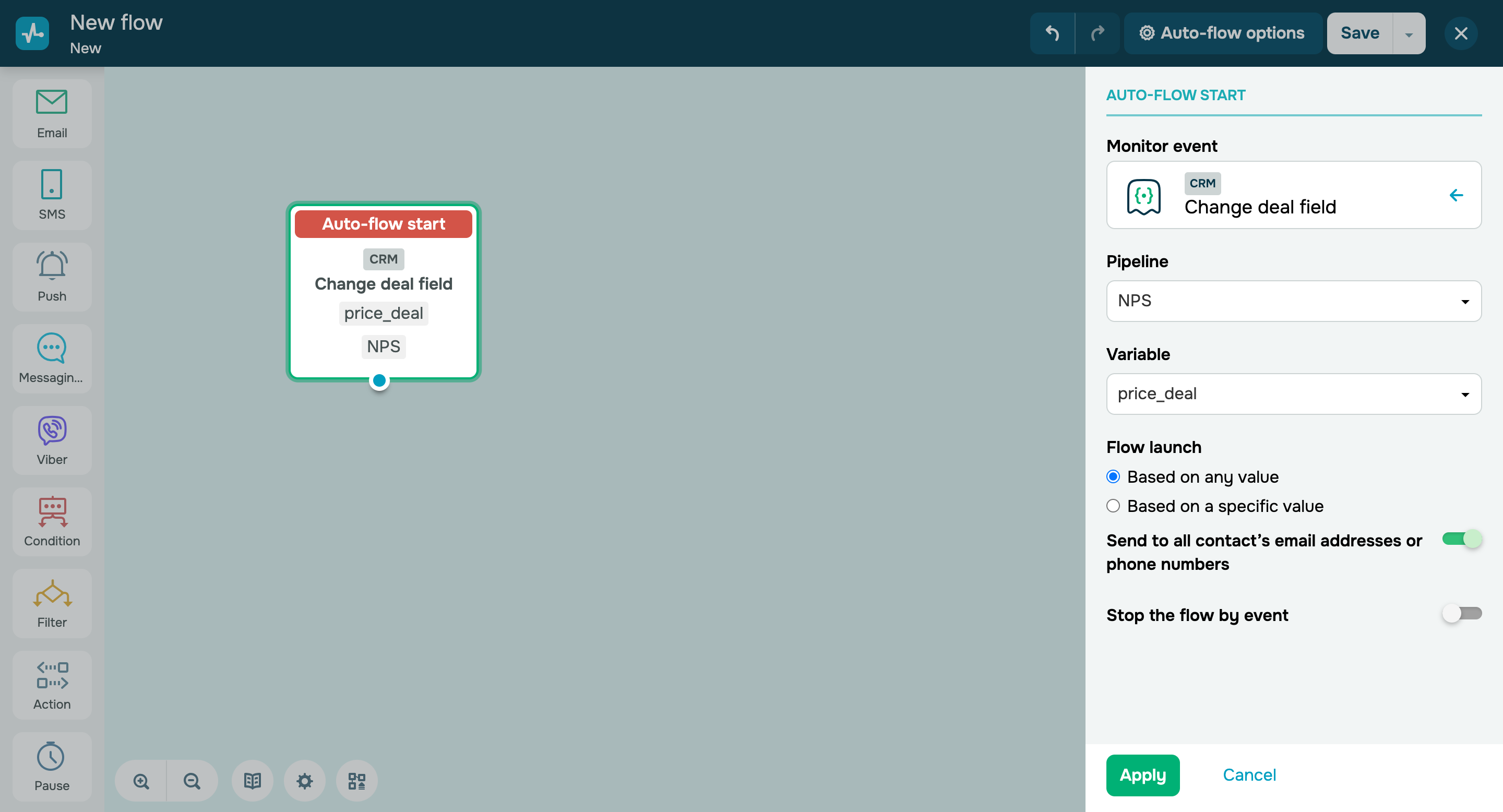
- Change deal field.
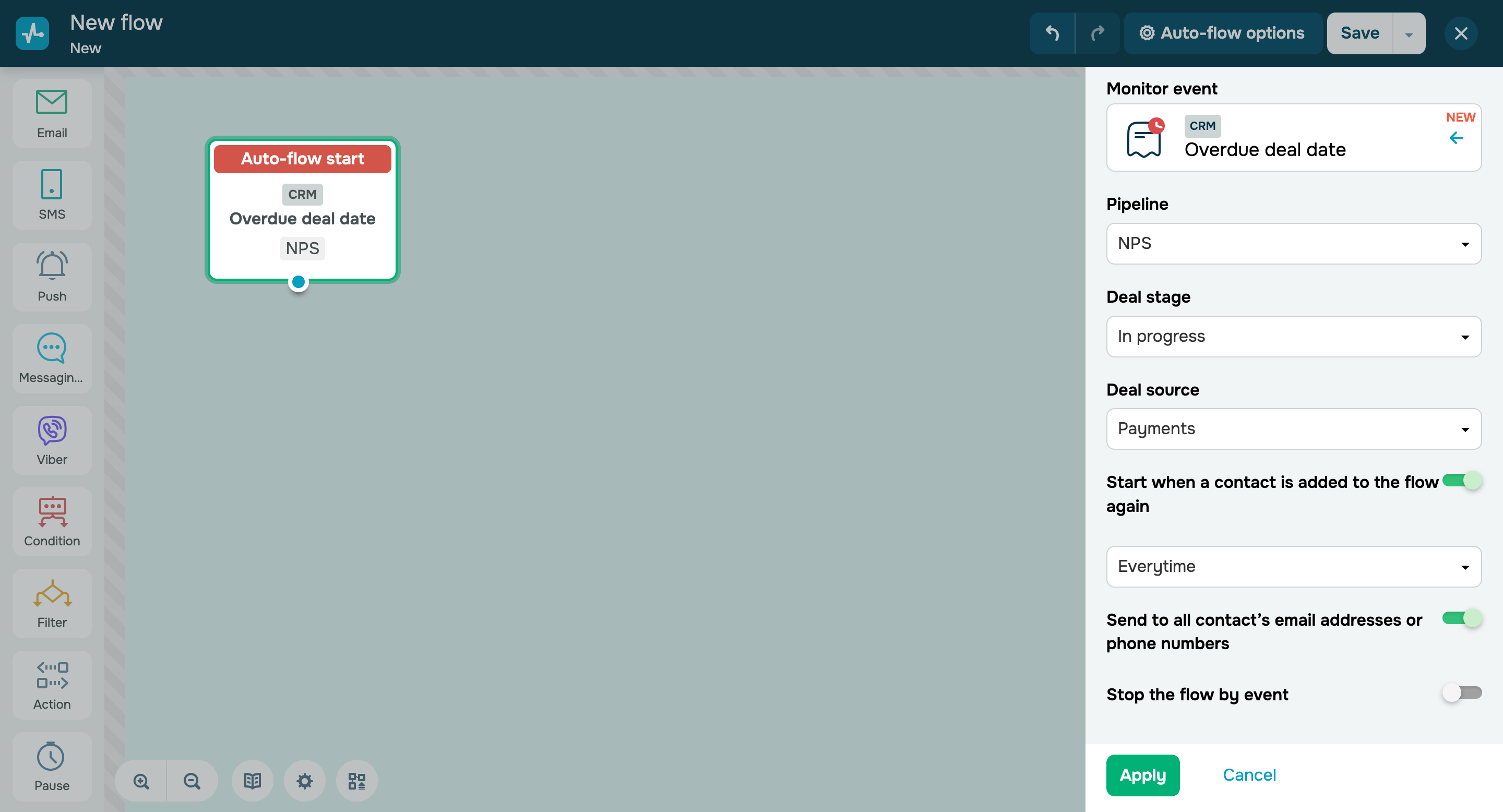
The “Overdue deal date” trigger starts a flow when your deal’s due date expires. You can use it to convert customers or remind them about your deal. The CRM system checks for overdue deals every 5 minutes, including 5 minutes before the trigger is set up. For example, if you create a flow and set the trigger at 1:30 PM, a deal that becomes overdue at 1:26 PM will also trigger the flows, the date and time of which fall within the 5-minute interval. |