⭐ Copying an entire chatbot to another bot or channel

Newsletter Archive
SendPulse
3 chatbot builder updates
Caleb Smith

Caleb Smith

Product Marketer


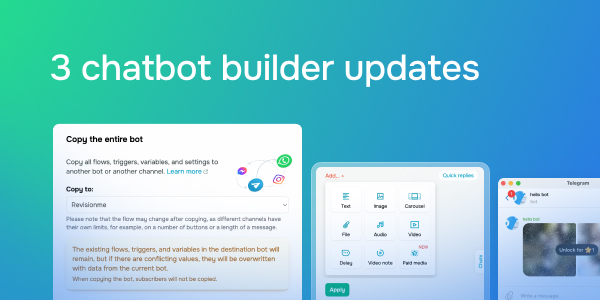
From now on, you can copy all chatbot flows, triggers, variables, and settings to another bot or channel. We have also added a paid media message option for Telegram chatbots and a new "Comment on your post" trigger for Facebook chatbots.

Copying the entire chatbot to another bot or channel

Copying the entire chatbot to another bot or channel

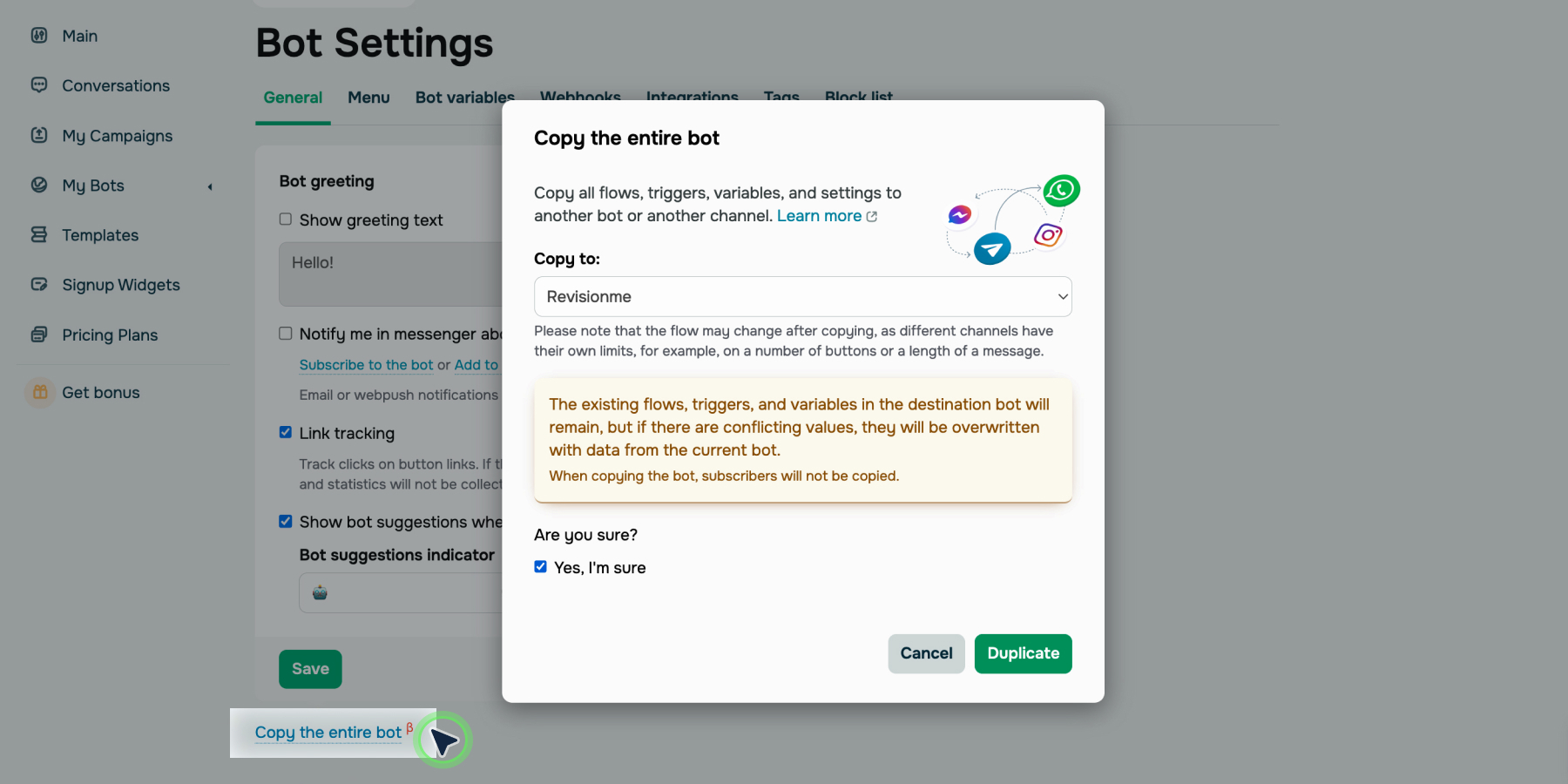
If you use multiple messaging platforms for your business communications, you can transfer your chatbot to another bot or channel to save time and effort. For instance, you can copy your Telegram chatbot content to use it in a newly created Instagram bot.

Here’s what you can copy:

  • flows;
  • triggers; 
  • variables;
  • chatbot settings.

Subscribers and their data can’t be copied.

All existing flows, triggers, and variables in the destination chatbot will remain. However, if there are any conflicting values, they will be overwritten with data from the current bot.

Note: Another messaging platform bot may not support a specific element or have other content restrictions. We recommend checking the copied content to avoid errors and incorrect scenarios.

Copy your chatbot
Paid media content for Telegram

Paid media content for Telegram

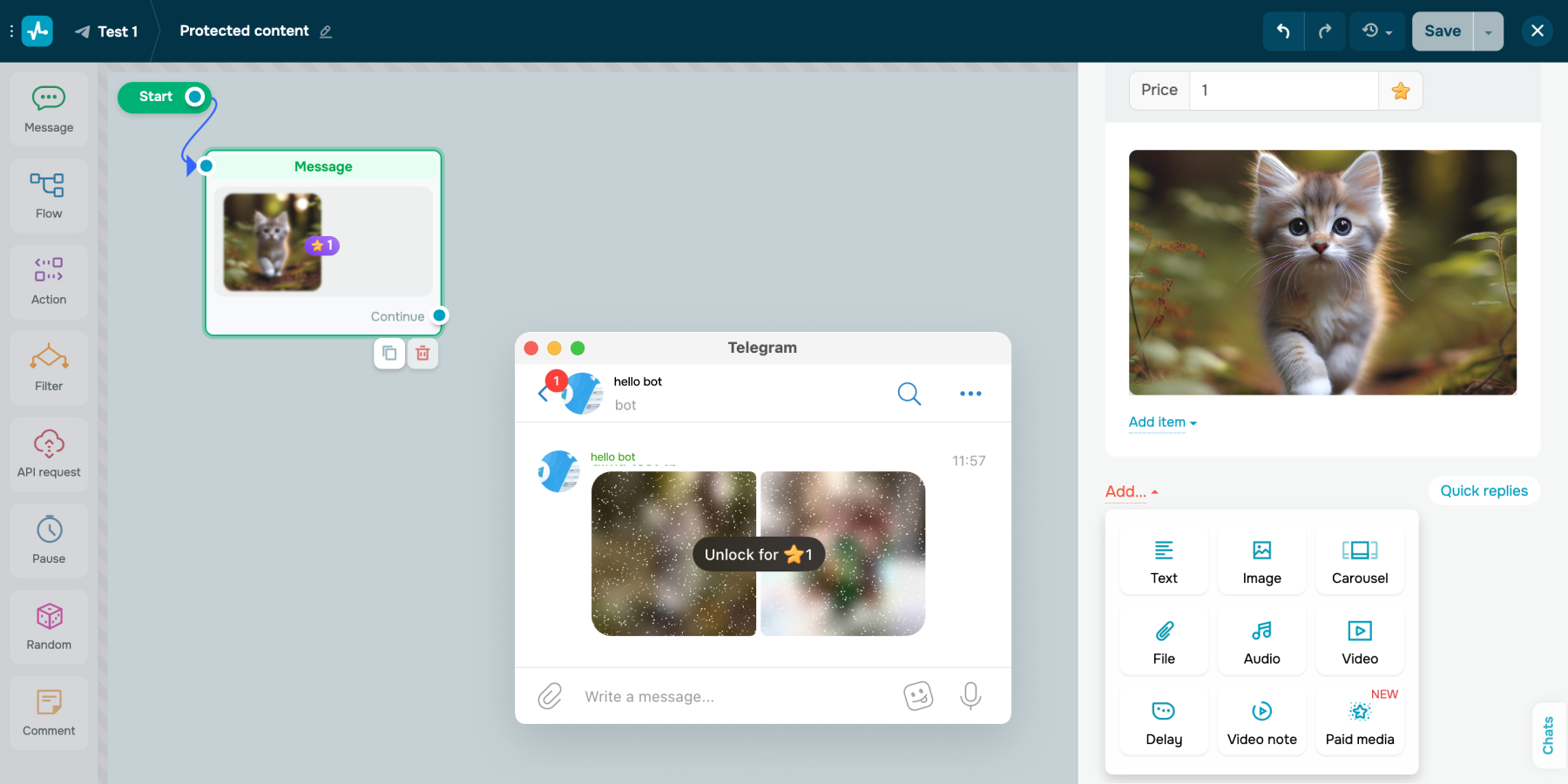
Now you can add paid images or videos to your messages in Telegram bots. The content will be available to subscribers only after payment via Telegram's internal currency, Stars. 

You can add multiple media files to the same message campaign. You will get access to the Stars received from your subscribers when you sign in to your chatbot account. You can also find the instructions on how to withdraw the internal currency there.

Add paid media
New trigger "Comment on your post" in Facebook chatbots

New trigger "Comment on your post" in Facebook chatbots

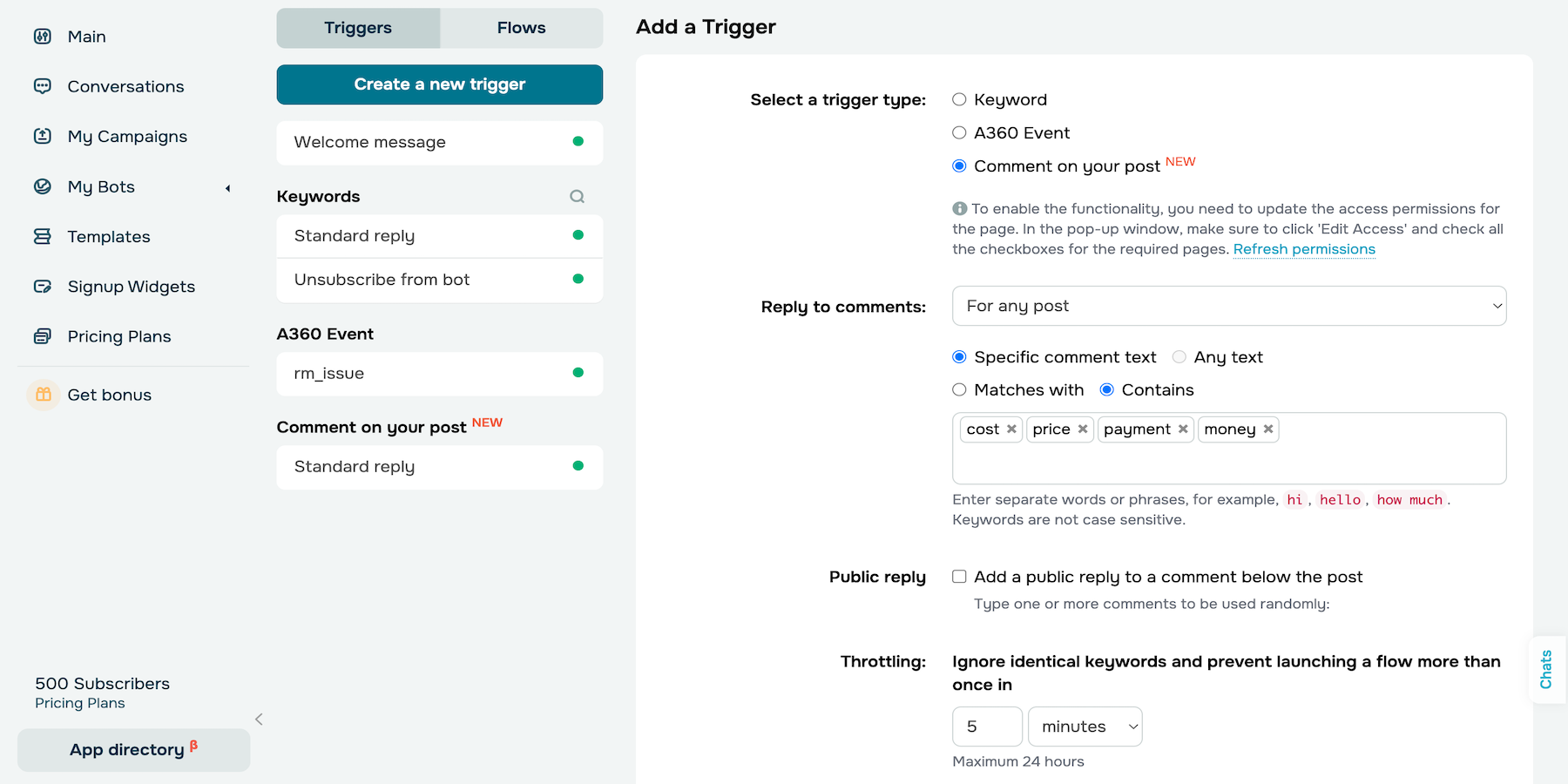
From now on, you can automate communications with users who leave a comment on your page. 

Enable the new “Comment on your post” trigger to: 

  • add a public response to the comment;
  • send the chatbot flow to the user in Facebook Messenger.

Facebook allows you to send a flow consisting of one text message and up to three buttons or quick replies within 24 hours in response to a comment.

Once the user replies or clicks the button, they become a bot subscriber, and you can send them messages without these restrictions. To avoid losing contact, encourage your subscriber to continue communicating.

Set up trigger

Update the SendPulse Chatbots app for Android and iOS

We updated our SendPulse Chatbots app to allow you to send voice messages, manage Telegram business accounts, and accept payments in Telegram Stars. We have also resolved the issue causing message delivery delays to optimize your conversations.

btn-google-play-en
btn-app-store-en
icon

If you need help with setup or have any other questions, contact our tech support team — we're in touch 24/7.

Best regards, Caleb Smith

sendpulse.com

You received this email because you are a customer of SendPulse

Unsubscribe

Sent via

SendPulse