🔥 New WhatsApp template features for your automated flows

Newsletter Archive
SendPulse
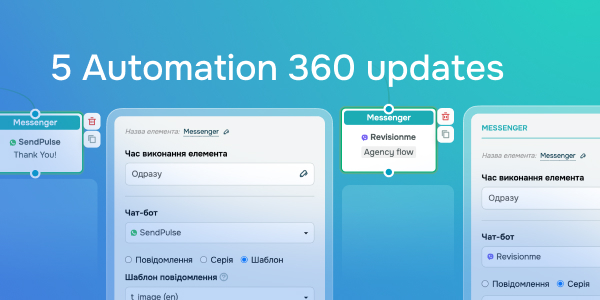
5 Automation 360 updates
Caleb Smith

Caleb Smith

Product Marketer


“Improve the integration between Automation 360 and your chatbots by using the “Messenger” element to send dynamic WhatsApp templates, messages, or flows to your Viber chatbot."

WhatsApp templates with dynamic content

WhatsApp templates with dynamic content

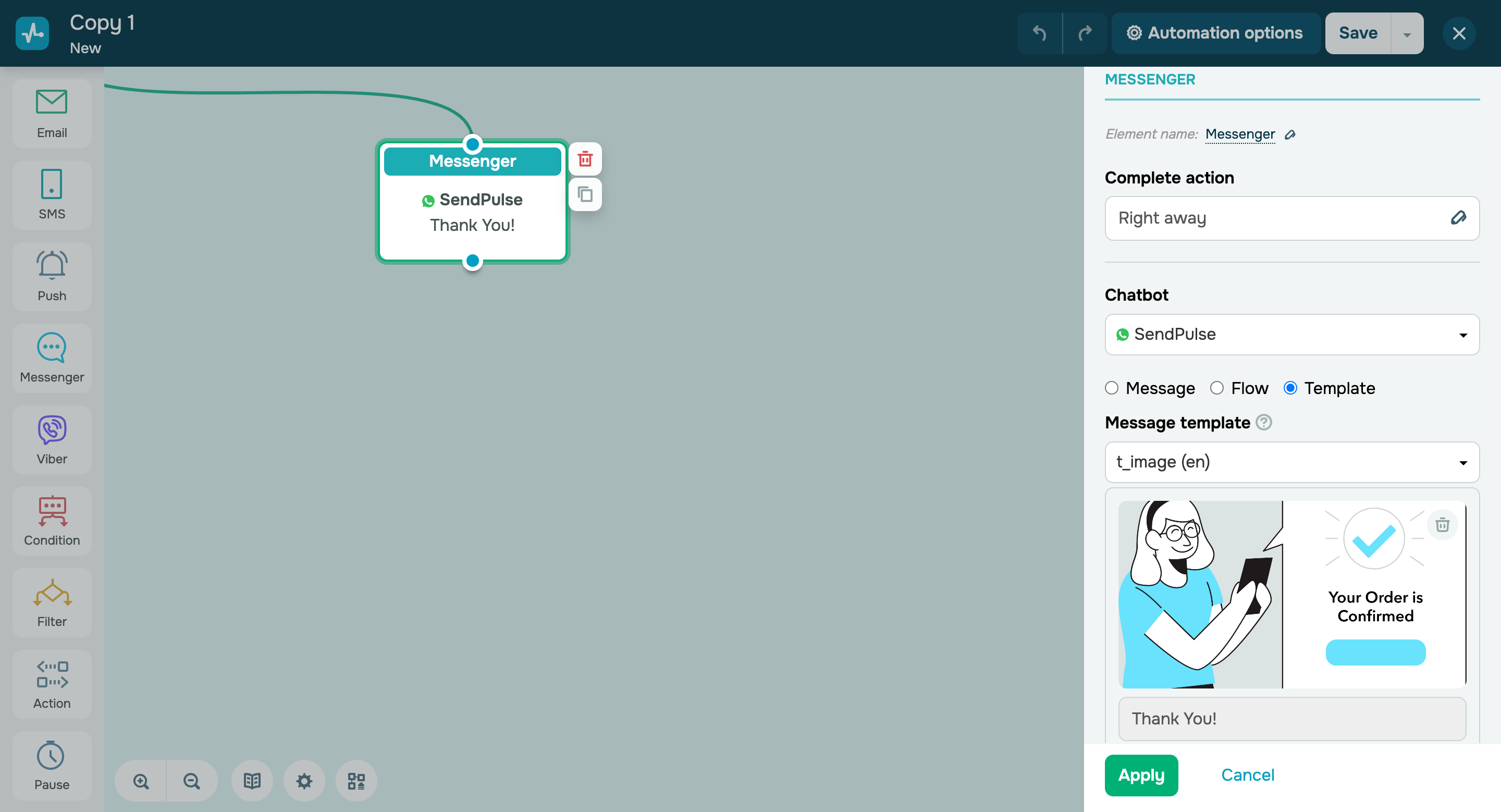
Boost your automated campaigns’ multichannel potential by sending dynamic WhatsApp templates through the “Messenger” element.

Your templates can include a button and attachments, like files, images, or videos. 

Supported attachment formats are MP4, PNG, and JPG.

There are also size limits:

  • 5 MB for images;
  • 16 MB for videos;
  • 20 MB for files.

Remember, you can only send WhatsApp messages to a user within 24 hours of their last message or interaction with your chatbot.

Set up a dynamic template
Viber chatbots in the “Messenger” element

Viber chatbots in the “Messenger” element

Previously, you could only send automated notifications to Viber, such as order confirmation or product delivery messages.

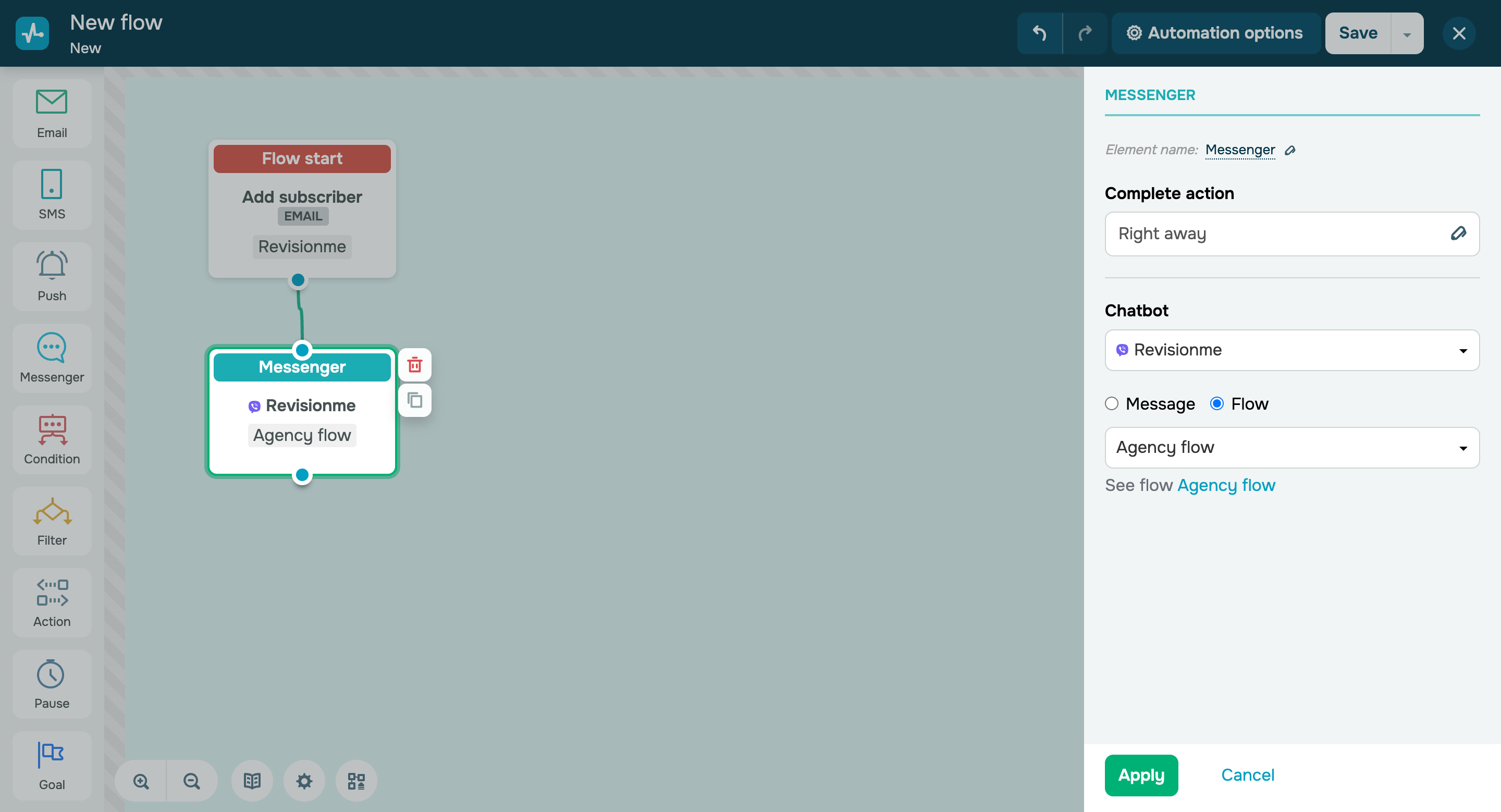
Now you can also communicate with subscribers in Viber chatbots. To receive your messages, a user must subscribe to your chatbot and have their email address or phone number added to this chatbot’s "Audience" list.

Here’s what you can do:

  • Send a message;
  • Launch a chatbot flow.

You can also view your chatbot scenario if you need to.

Set it up

More Automation 360 updates:

    • With the “Change access time limits” option in the “Action” element, you can limit a student's access to your course. Their access will be revoked automatically when your students reach your “Action” element.
    • With the "Change variable for contact" option in the "Action" element, you can select a dynamic value based on the current date in date variables.
    • You can launch automated flows when a contact variable is updated in the CRM system. Use the “Change variable” element to launch an Automation 360 flow when your variable changes to any or specific variable value. You can track all contact variables except for some system variables, including id, userId, createdAt, and contact_id.
    icon

    If you need help with setup or have any other questions, contact our tech support team — we're in touch 24/7.

    Best regards, Caleb Smith

    sendpulse.com

    You received this email because you are a customer of SendPulse. 

    Unsubscribe

    Sent via

    SendPulse