πŸŽ“ New content access settings for third-party instructors

Newsletter Archive
SendPulse
New content access settings for third-party instructors
Caleb Smith

Caleb Smith

Product Marketer


Β«From now on, you can invite third-party instructors to teach your course without worrying about the safety of copyright materials. We have added flexible content access settings that will help prevent instructors from viewing and copying your course.

Let's dive in!Β»

How do I set up access to my course content?

How do I set up access to my course content?

With instructor permissions, you can distribute access to your course content within a team and ensure your data points are safe. SendPulse allows you to use standard roles or create a custom user role with your own element access rights.

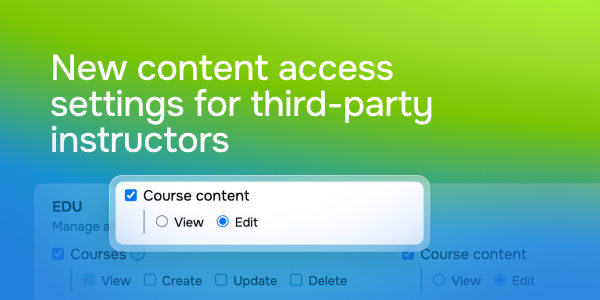
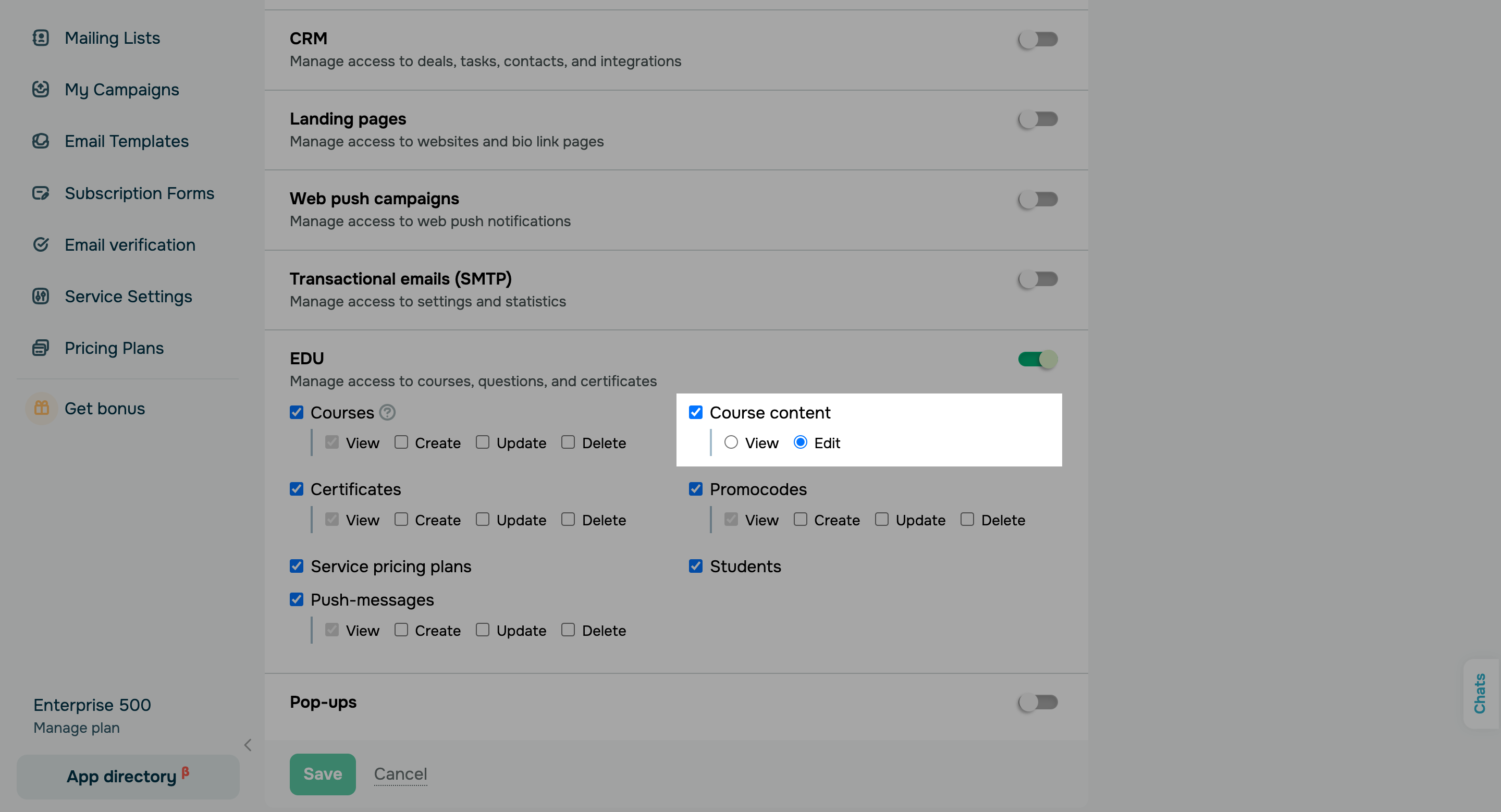
From now on, you can set up user access to your course content in role settings.Β 

Here’s what user access rights can look like:

  • Access restricted: The β€œLessons” tab will not appear in instructor accounts. Viewing your content through a direct link to the lesson builder will also be prohibited.
  • View: Instructors can view your course content but cannot delete, edit, add, or schedule course content availability.
  • Edit: Invited instructors can create and edit course structure and content.
Set up user access rights
icon

If you need help with setup or have any other questions, contact our tech support team β€” we're in touch 24/7.

Best regards, Caleb Smith

sendpulse.com

You received this email because you are a customer of SendPulse.Β 

Unsubscribe

Sent via

SendPulse