πŸ”” New "Message" element settings in Telegram chatbots

Newsletter Archive
SendPulse
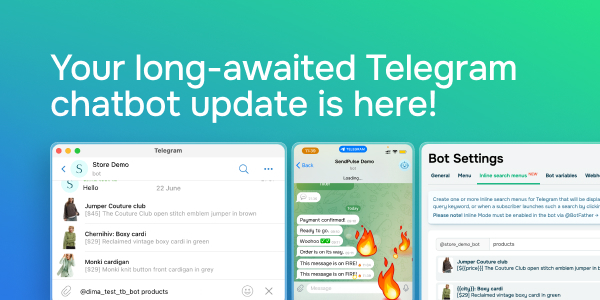
Your long-awaited Telegram chatbot update  is here!
Caleb Smith

Caleb Smith

Product Marketer


β€œIn your Telegram chatbots, you can now use our newest message customization settings to highlight and protect your content. Also, if you’re a premium Telegram member, you can now seamlessly connect your chatbot to your SendPulse account.

Let’s dive in!”

New message settings for Telegram chatbots

New message settings for Telegram chatbots

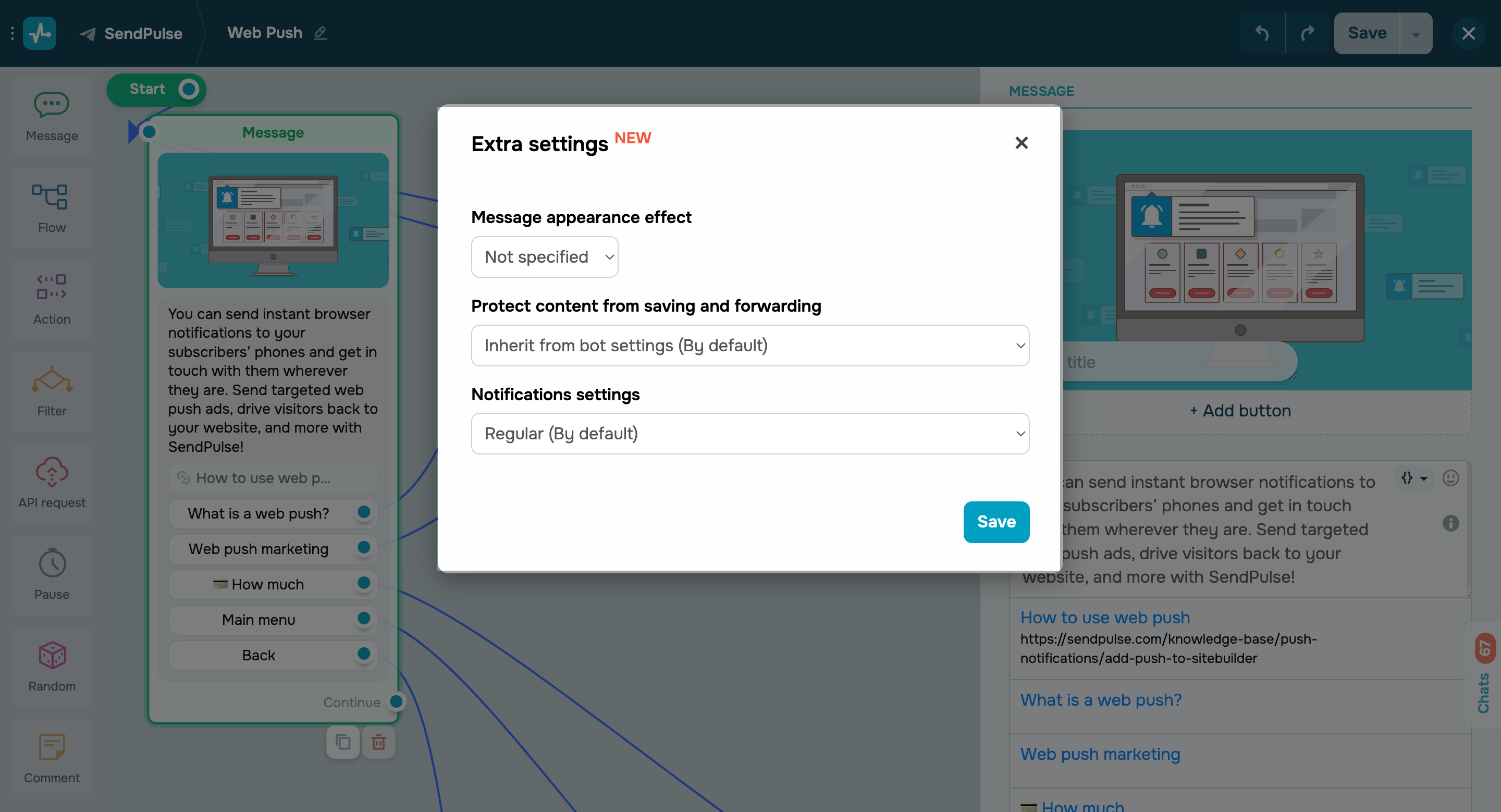
We’ve recently introduced a few advanced message customization options you can use to highlight and protect your Telegram flow and campaign content more effectively.

Using these extra settings, you can:

  • Customize message appearance effects;
  • Protect content from being saved and forwarded;
  • Manage notification preferences.

To adjust these settings, click the icon next to your β€œMessage” element.

Inline search menus in Telegram chatbots

Inline search menus in Telegram chatbots

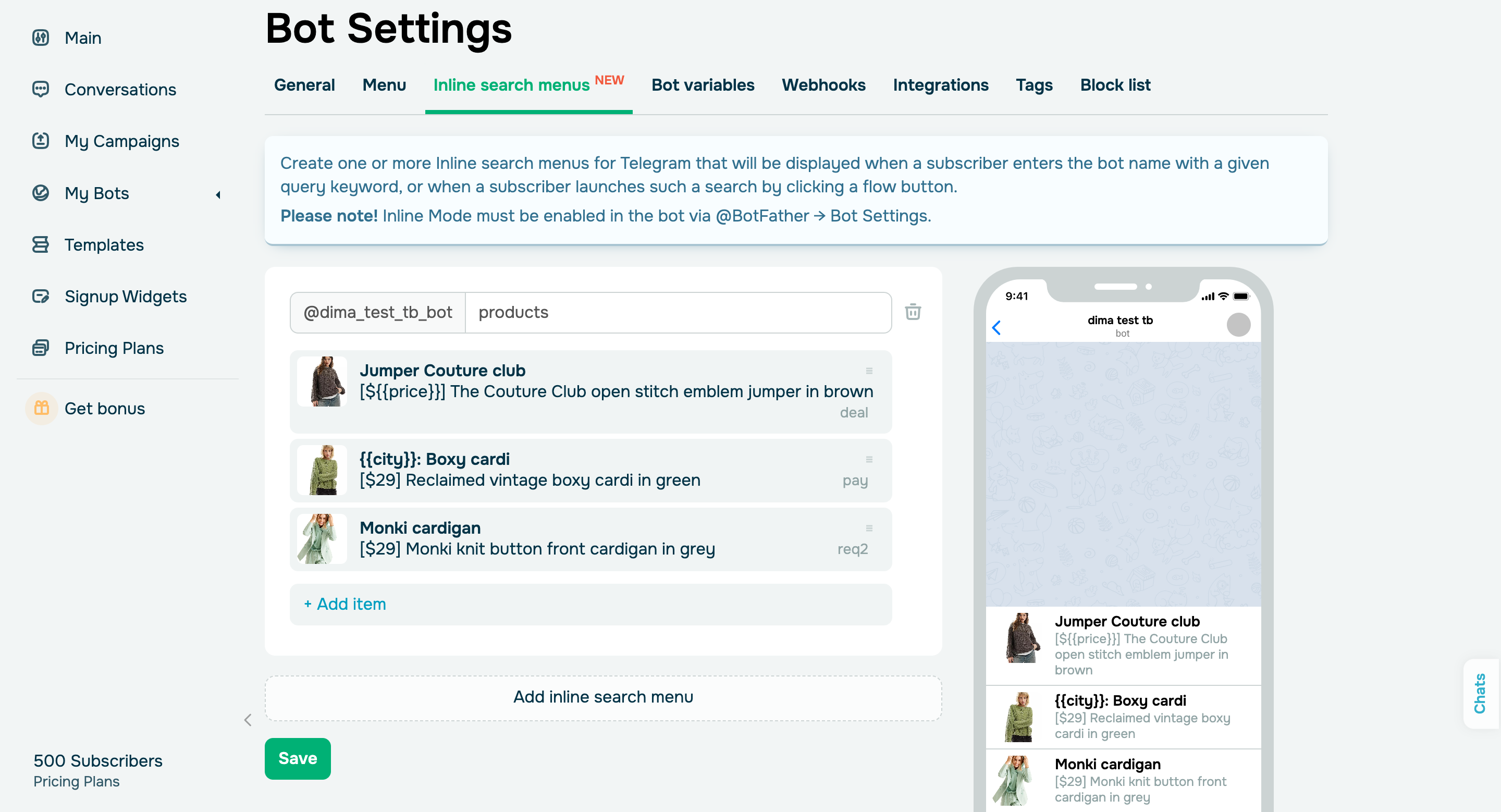
In your β€œBot Settings,” you can now create inline search menus and add them to your chatbot flows. These menus will automatically appear when you type your bot’s name or command into your chatbot’s search line or initiate your search by clicking a flow button.

Learn more about how to set up inline search menus in our knowledge base.

Telegram Business chat support

As a Premium Telegram member, you now have access to its business tools, including the option to connect your chatbot directly to your SendPulse account. Also, you can customize your bot’s access settings for specific chats. For instance, you can restrict its access to all existing chats with your contacts or set it to only respond to new chats.

Once connected, your chatbot’s conversations will appear in the "Chats" section of your SendPulse account, and the data from users who initiate new conversations will be saved to contacts in your β€œAudience” section. Additionally, our new filter will allow you to check if your chatbot contact belongs to your Telegram Business contact list.

On top of that, you can send campaigns and launch flows to such contacts without buttons. We’re also working on new features to automate your business account responses, which will be available soon.

Set it up

Developer updates:

  • Closed chat webhook. You can now send a webhook to an external server when you switch your chat to the "Closed" status in your chatbot settings.
  • New API method for working with notes, You can now retrieve a list of existing operator notes for a contact and create, edit, and delete them.
  • New options for retrieving a dialog list via API. You can now use the new search_after parameter of the /chats/messages method to specify the message element ID after which new messages should be received.
icon

If you need help with setup or have any other questions, contact our tech support team β€” we're in touch 24/7.

Best regards, Caleb Smith

sendpulse.com

You received this email because you are a customer of SendPulse.Β 

Unsubscribe

Sent via

SendPulse