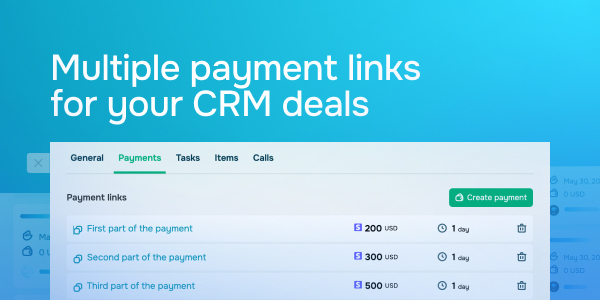
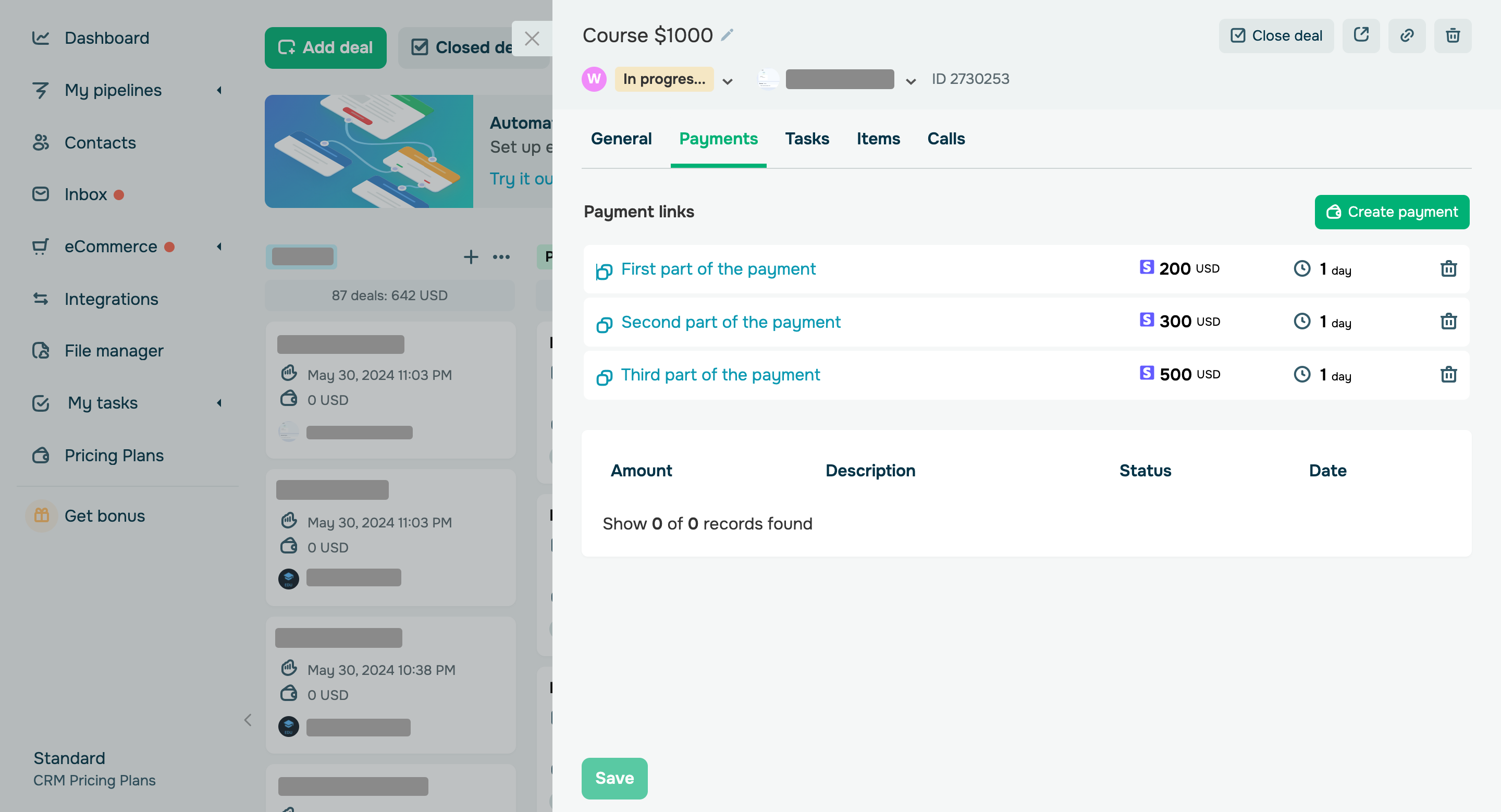
You can now create multiple payment links right in your CRM deals and share them with your customers. This will allow clients to pay for your product, service, or course in installments. For instance, you can divide your $1000 course into three installments: the first and the second installments will be $200 and $300, and the last will be $500. To automatically allow students to access your course after the last payment, select "EDU Payment" from the payment type list. Our CRM system displays links as their descriptions. To copy a link, click its description. Once a user clicks through your link, they will be able to pay a specific installment. After the last payment, your new students will receive an email with a login and password to access your course, and your existing students will receive payment confirmation and access to your course through their student account. Learn more about how to create, set up, and manage deals in the SendPulse knowledge base. |