πŸŽ“ The new β€œAudience” section in our online course builder and multiple homework assignments

Newsletter Archive
SendPulse
Three online course builder updates
Caleb Smith

Caleb Smith

Product Marketer


β€œAdd multiple homework assignments to your course lesson to test your students’ knowledge more effectively. Easily access all your course students' profiles in the new 'Audience' section.”

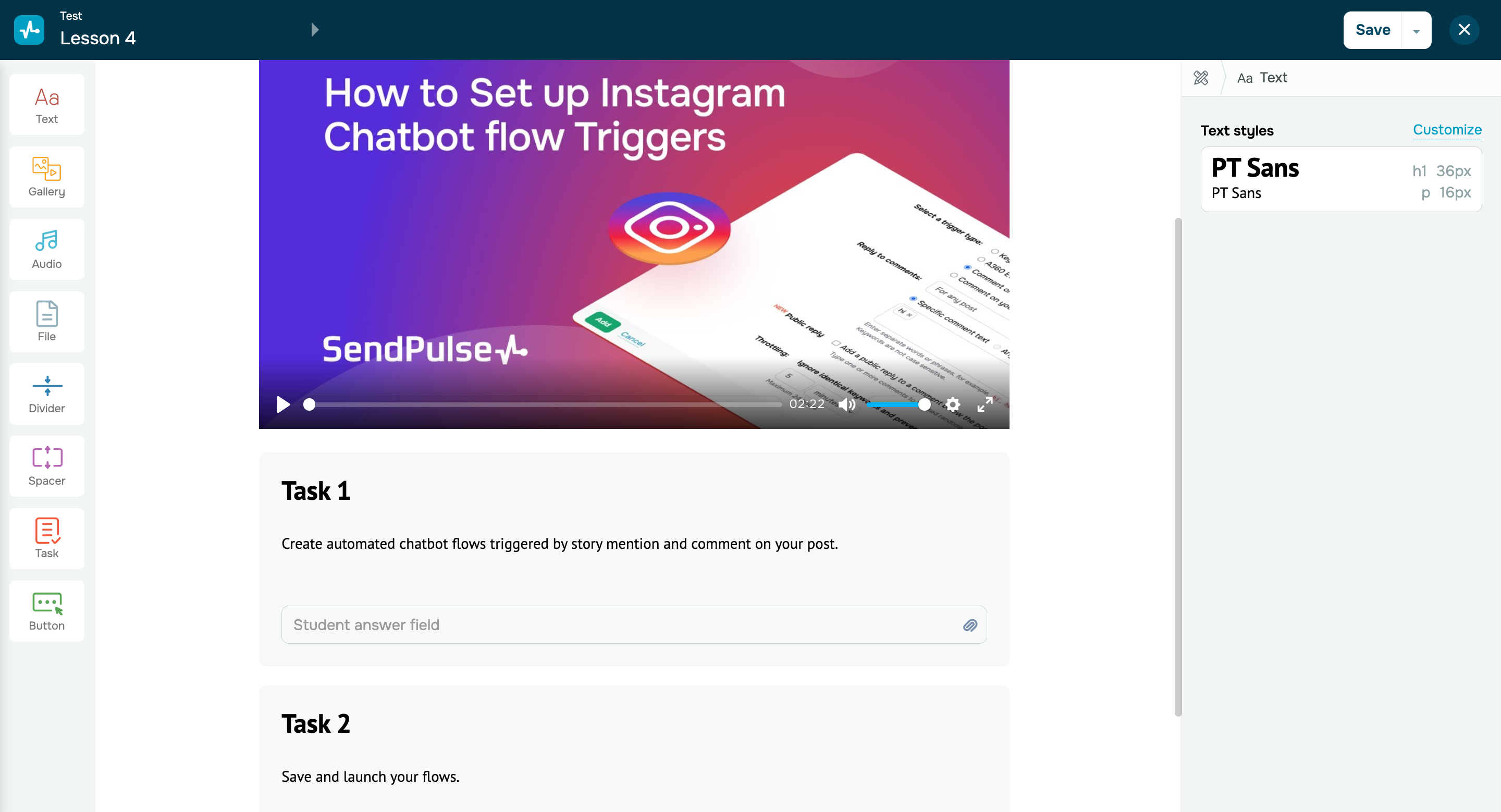
Multiple homework assignments for your course lesson

Multiple homework assignments for your course lesson

Add as many "Task" elements as necessary to your lesson structure to offer multiple homework assignments to your students.Β 

Your students can work on each assignment separately and track its status and history. Your instructors will be able to easily identify which assignment each answer corresponds to and can accept or decline it accordingly.

The lesson will be considered complete once your instructors accept students' answers to each assignment.

Add multiple assignments
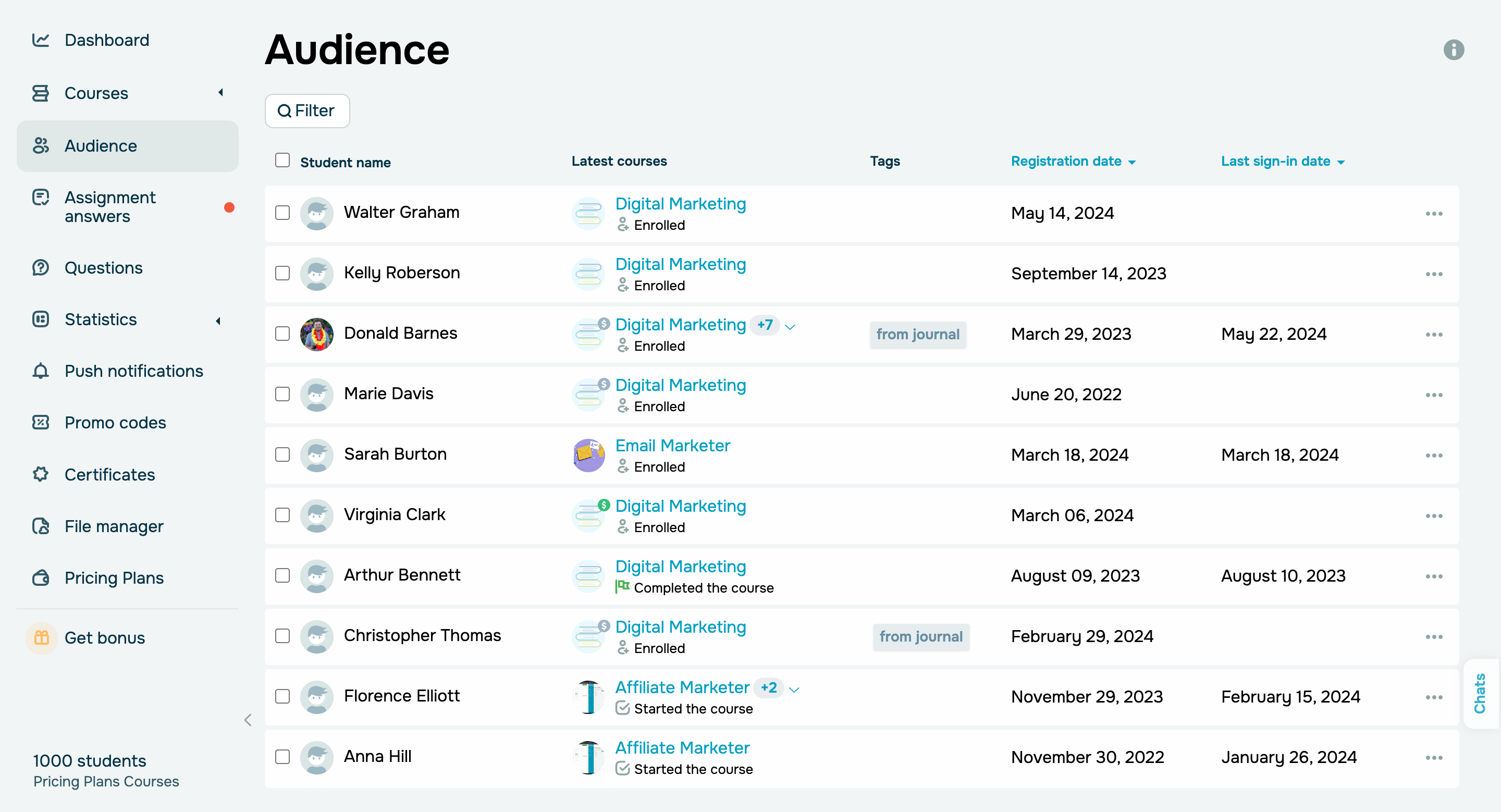
New β€œAudience” section

New β€œAudience” section

This section now displays the list of all your active students based on your pricing plan, including their courses, tags, statuses, payment history, and promo codes. Filtering and sorting options are available for your convenience.Β 

To view your list of deleted students, go to the β€œContacts” section of the CRM system and filter them by subscription source.Β 

Learn more about how to view student data in our knowledge base.

Try it out
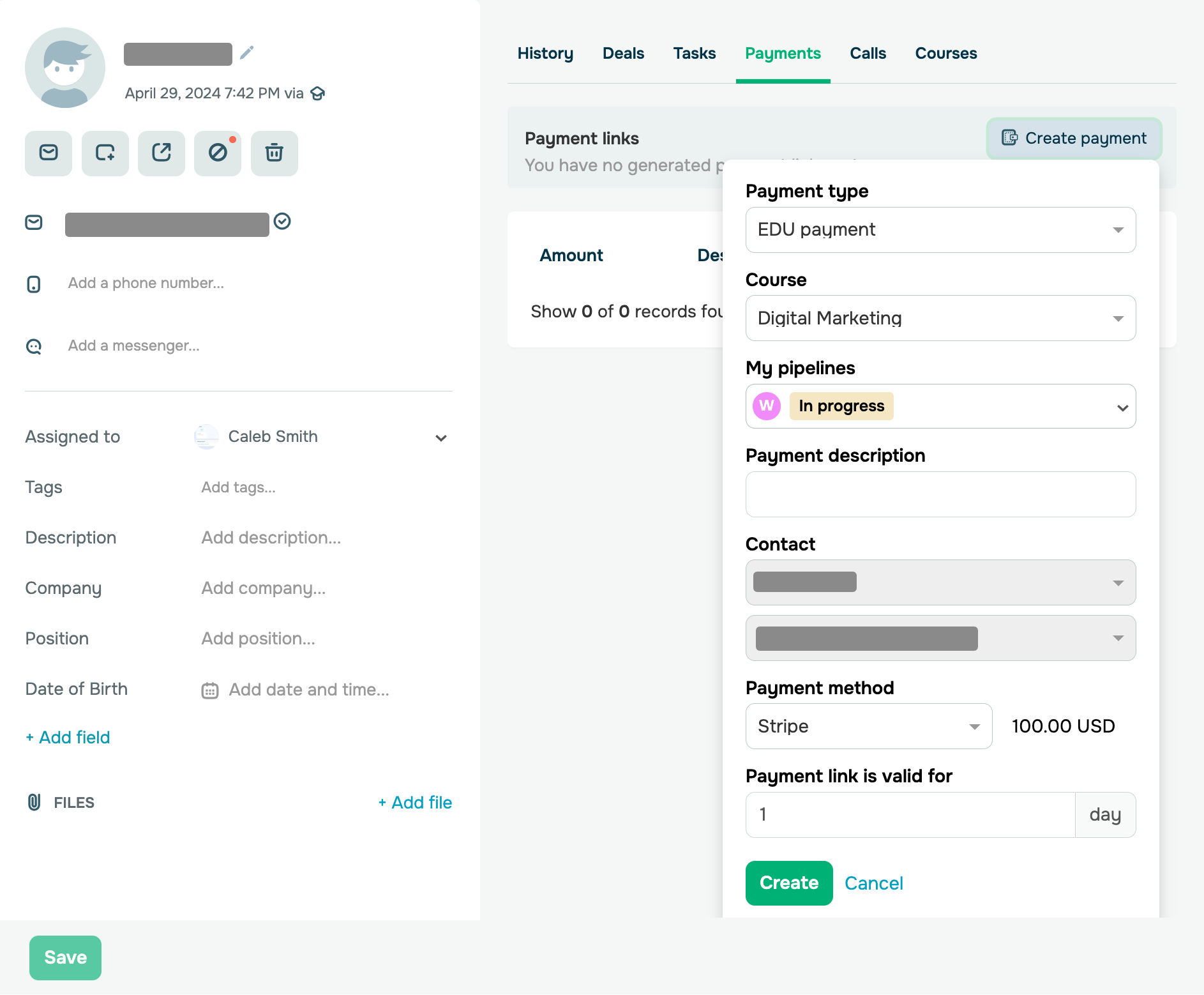
Generate payment links for online courses

Generate payment links for online courses

You can now generate payment links right in the CRM system and share them with your potential students via live chats, chatbots, or emails. This will make their payment process more comfortable, and your accountants will have a convenient reporting tool.

A payment link allows you to receive an online payment for a specific course via a created invoice. Once a user clicks your link, they will be able to pay for your course. New students who complete their payment will receive a confirmation email with their course registration data. Your existing students will receive a payment confirmation and access to your online course through their student account.Β 

Learn more about how to create, set up, and manage your payment links in our knowledge base.

Generate a payment link
icon

If you need help with setup or have any other questions, contact our tech support team β€” we're in touch 24/7.

Best regards, Caleb Smith

sendpulse.com

You received this email because you are a customer of SendPulse.Β 

Unsubscribe

Sent via

SendPulse