🔥 New pop-up element and display scenario

Newsletter Archive
SendPulse
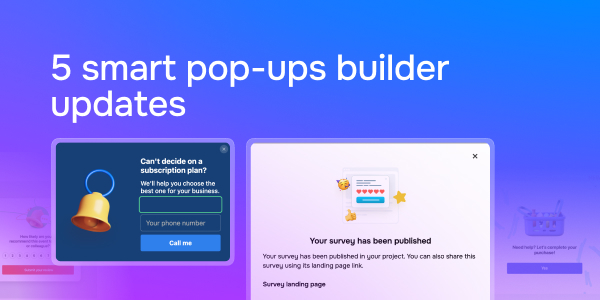
5 smart pop-ups builder updates
Caleb Smith

Caleb Smith

Product Marketer


«We continually boost our pop-up service's versatility, and today we’re thrilled to introduce our five pop-up service updates: new pop-up element and scenario, auto-generated survey landing pages, survey pop-up templates, and image buttons.»

New pop-up builder element

New pop-up builder element

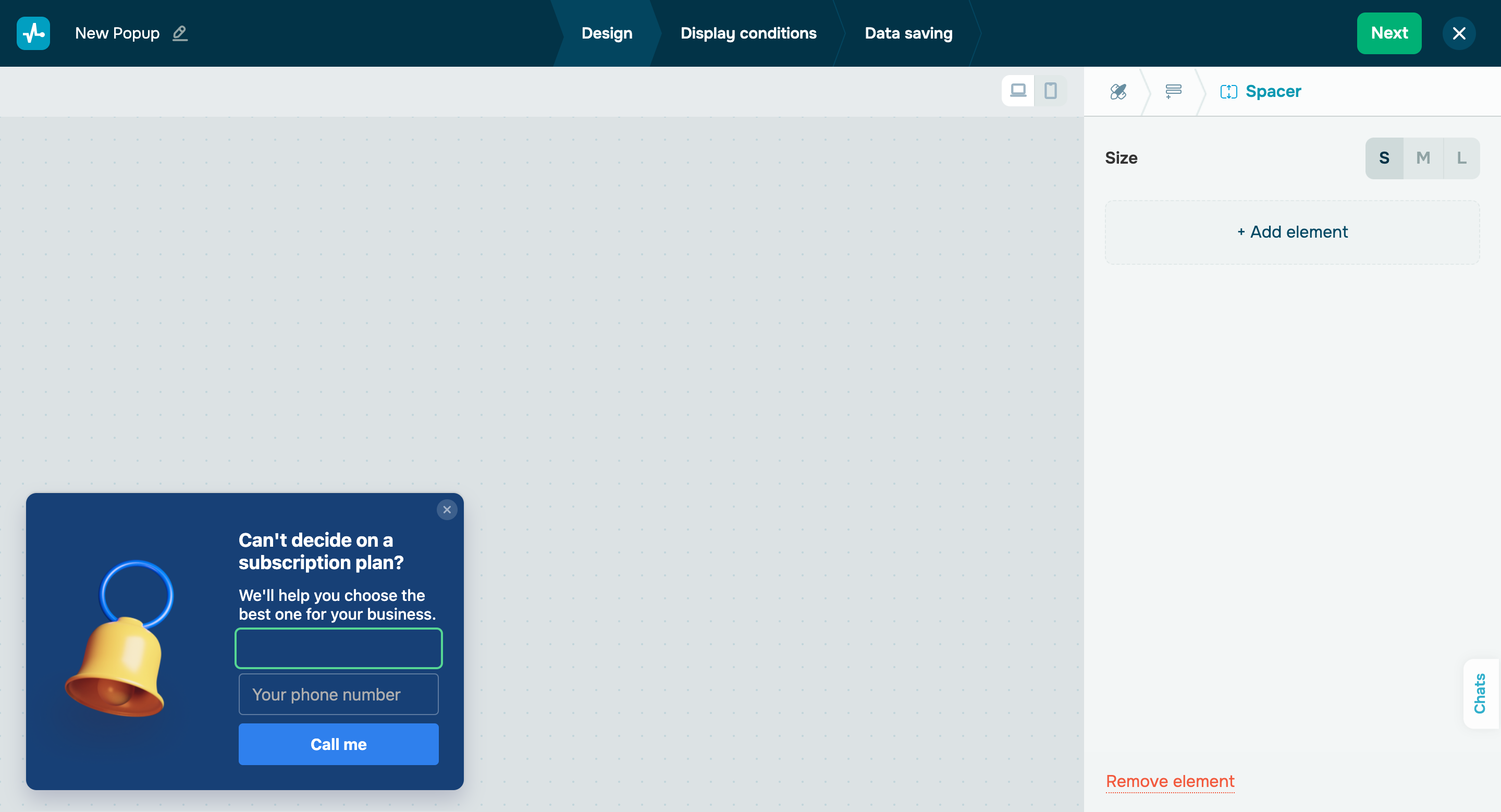
You can now use the new “Spacer” element to visually separate two pop-up template elements from one another. 

There are three spacer sizes available: S, M, or L.

Add the "Spacer" element
New pop-up display scenario

New pop-up display scenario

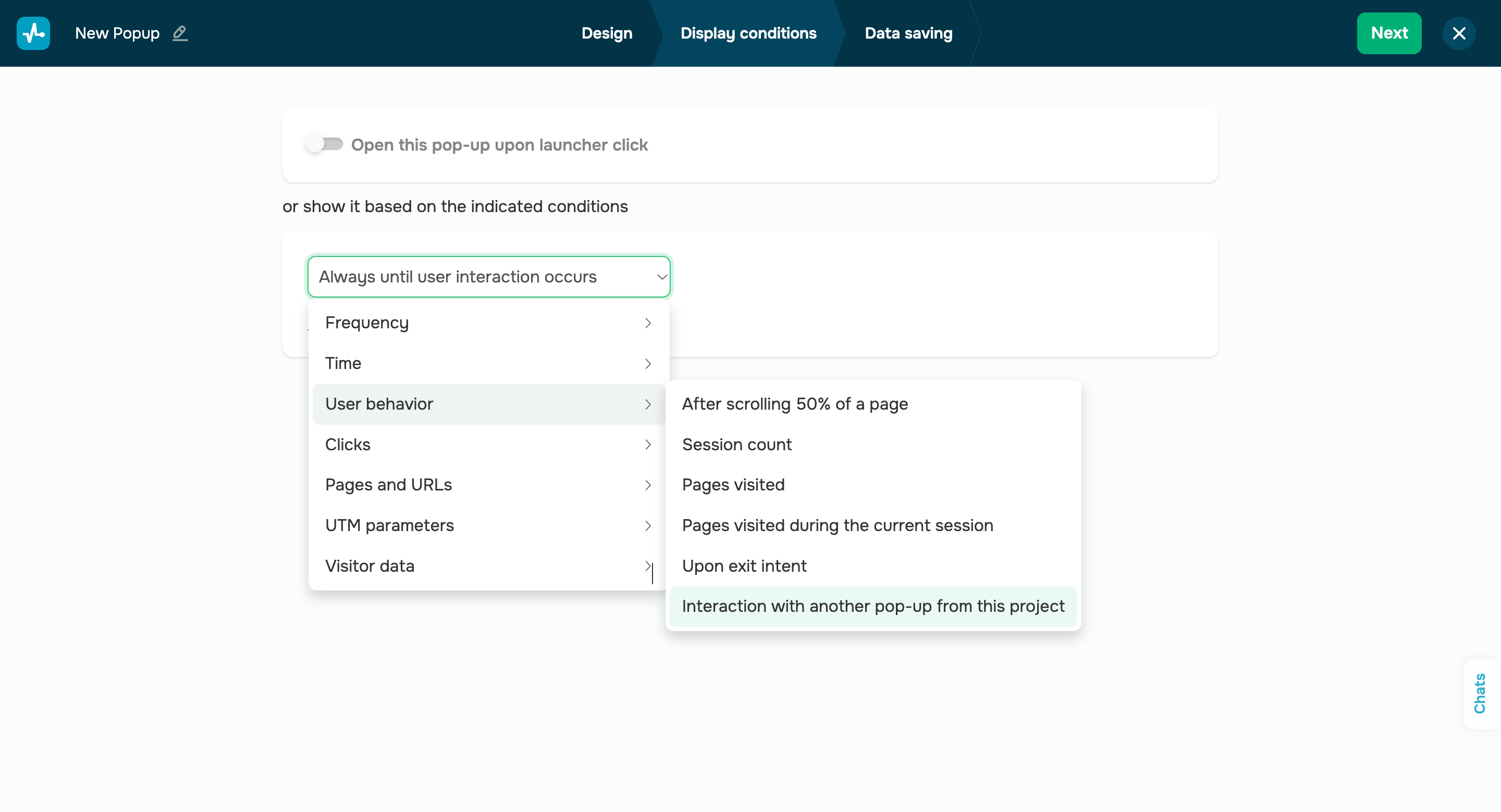
To avoid overwhelming your website visitors, you can now use the new “Interaction with another pop-up from this project” pop-up display condition. This condition prevents your pop-up from appearing if the user has previously interacted with any other pop-up. 

You can find the new display scenario in the “User behavior” category.

Set up display scenario
Auto-generated survey landing pages

Auto-generated survey landing pages

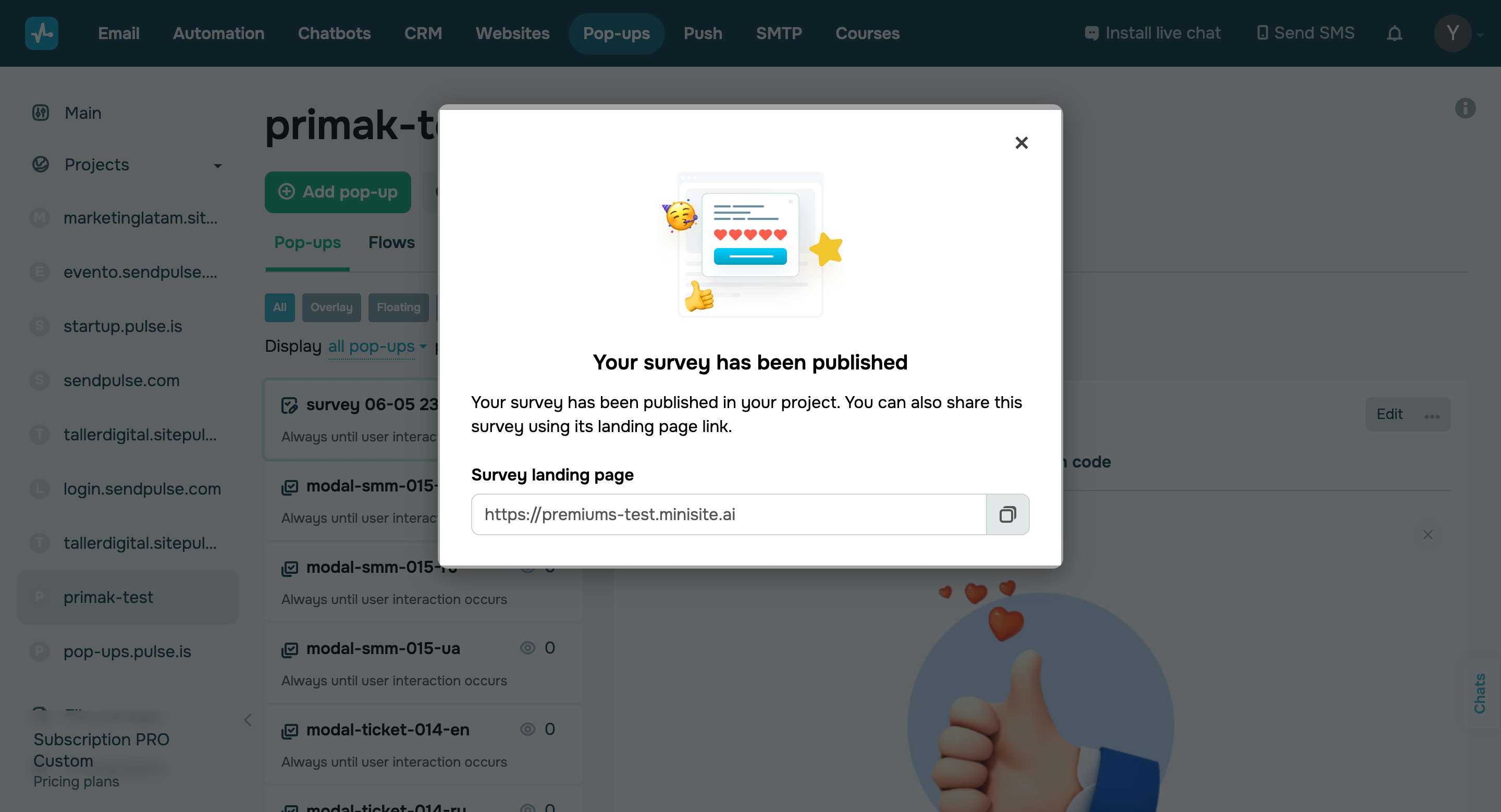
Once you've created your survey, the system will automatically generate a landing page for it. This page will allow your website visitors to easily participate in your survey. You can share this page link across social media, email campaigns, and other communication channels to effortlessly collect responses and drive more traffic.

To maximize user conversion, you can add useful information about your company, benefits for survey participants, or the survey itself. You can also customize your survey landing page to fit your corporate design style for better brand recognition.

Your auto-generated landing page will include:  

  • a page cover;
  • a call to take the survey;
  • a survey launch link.

You can also add any other information or elements to this page. 

To customize your auto-generated landing page, go to the “Websites” section in your account and select the “Quiz sites” tab. Then, select your website, click the three dots next to it, and click “Edit.” By upgrading to our paid website builder plan, you will unlock the option to remove the “Powered by SendPulse” element from your page.

Create your survey
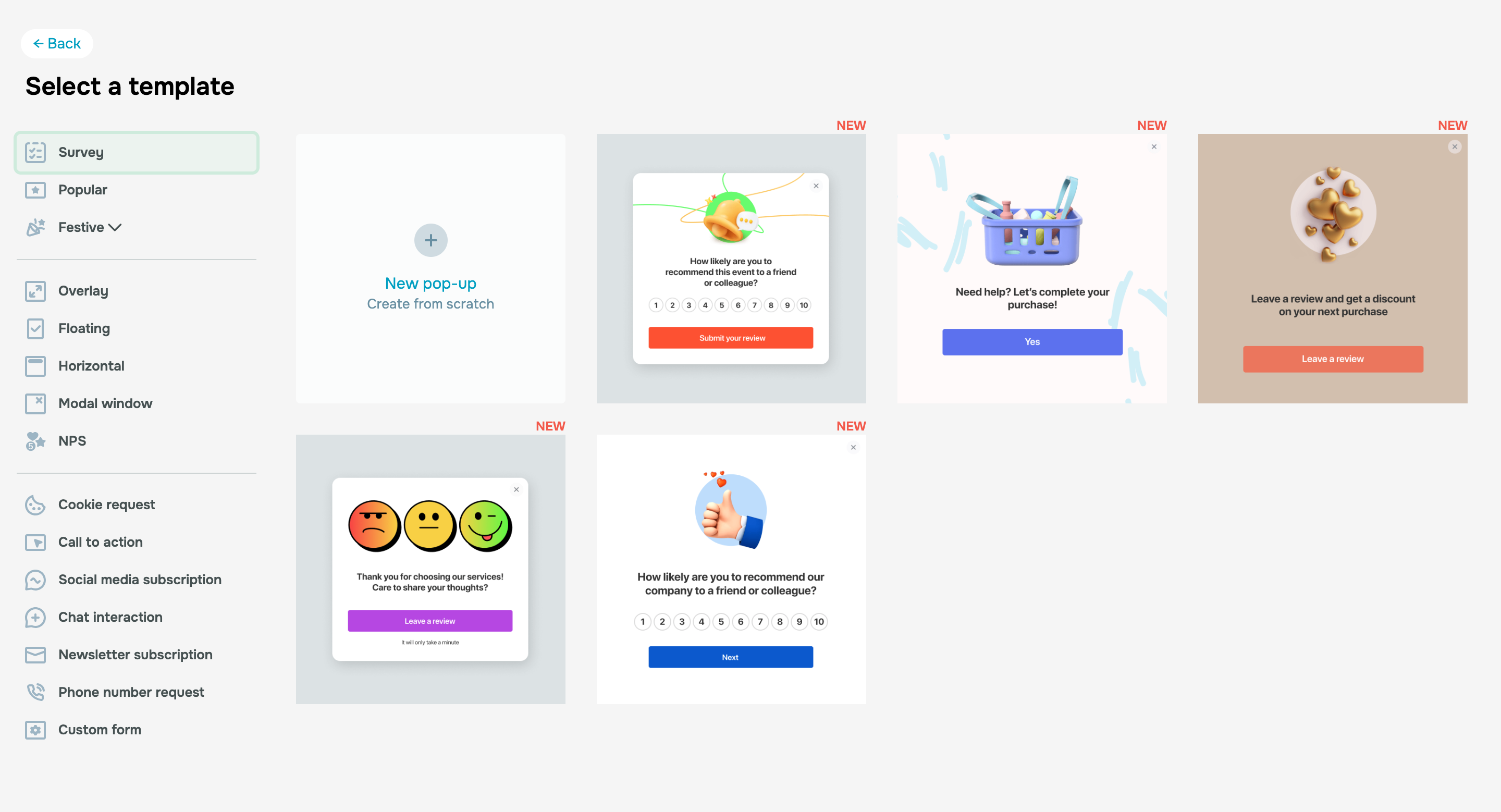
Pop-up survey templates

Auto-generated survey landing pages

To streamline your new survey launches or enhance existing ones, you can opt for our pre-made survey templates. The first five effective templates are already available in your account. 

We're currently designing fifteen more templates to ensure you can find a layout suitable for any type of event, activity, or industry. Customizing any template to your needs will not take more than 10 minutes.

Create your survey using a template

Image buttons in pop-ups

You can now replace a standard button with an image or GIF to make your pop-ups more dynamic and engaging.

Add an image button
icon

If you need help with setup or have any other questions, contact our tech support team — we're in touch 24/7.

Best regards, Caleb Smith

sendpulse.com

You received this email because you are a customer of SendPulse. 

Unsubscribe

Sent via

SendPulse