๐Ÿ”ฅ Surveys, static pop-ups and new pop-up appearance customization options

Newsletter Archive
SendPulse
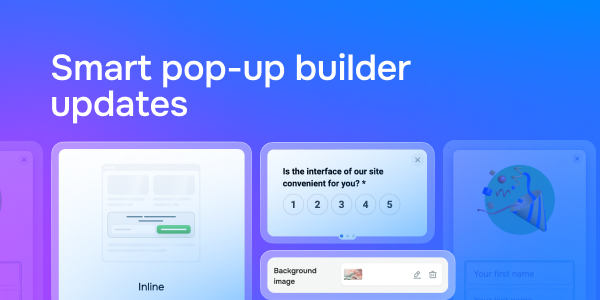
Smart pop-up builder updates
Caleb Smith

Caleb Smith

Product Marketer


ยซWe continually strive to improve our smart pop-up builder. Today, weโ€™d like to explore our latest pop-up updates: creating surveys in a separate builder, static pop-ups, and enrolling students in free courses. Also, weโ€™ve added even more customization options to enhance your pop-up design!ยป

New pop-up features: surveys, static pop-ups, and enrolling your students in free courses

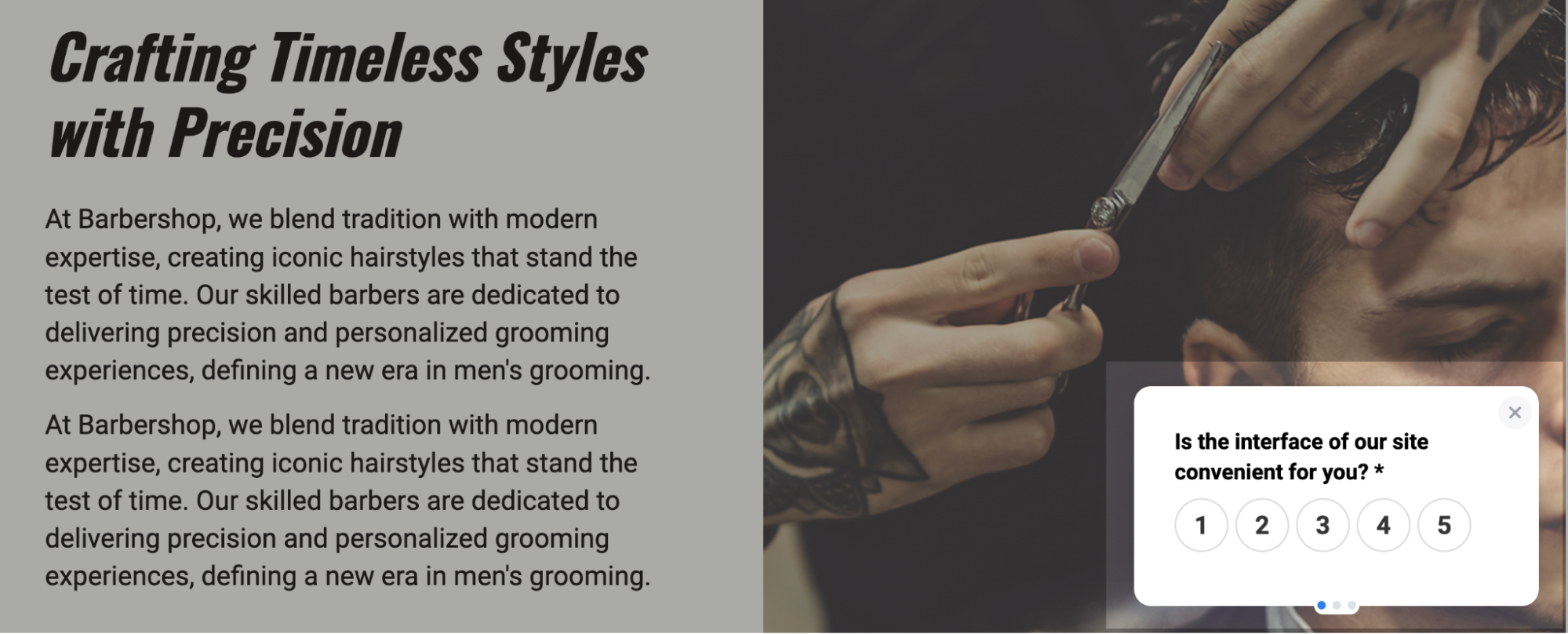
Launch surveys

Launching surveys on your website can help you collect valuable user feedback about your company and improve the quality of your goods or services.

Surveys consist of several linked pop-ups that appear one after another based on user actions defined in the settings.

You can now create surveys in a separate builder with extensive customization options for appearance and display conditions. Data collected through your surveys will be automatically transferred to your CRM system.

Launch surveys

Learn more about creating surveys in our knowledge base.

Create your survey

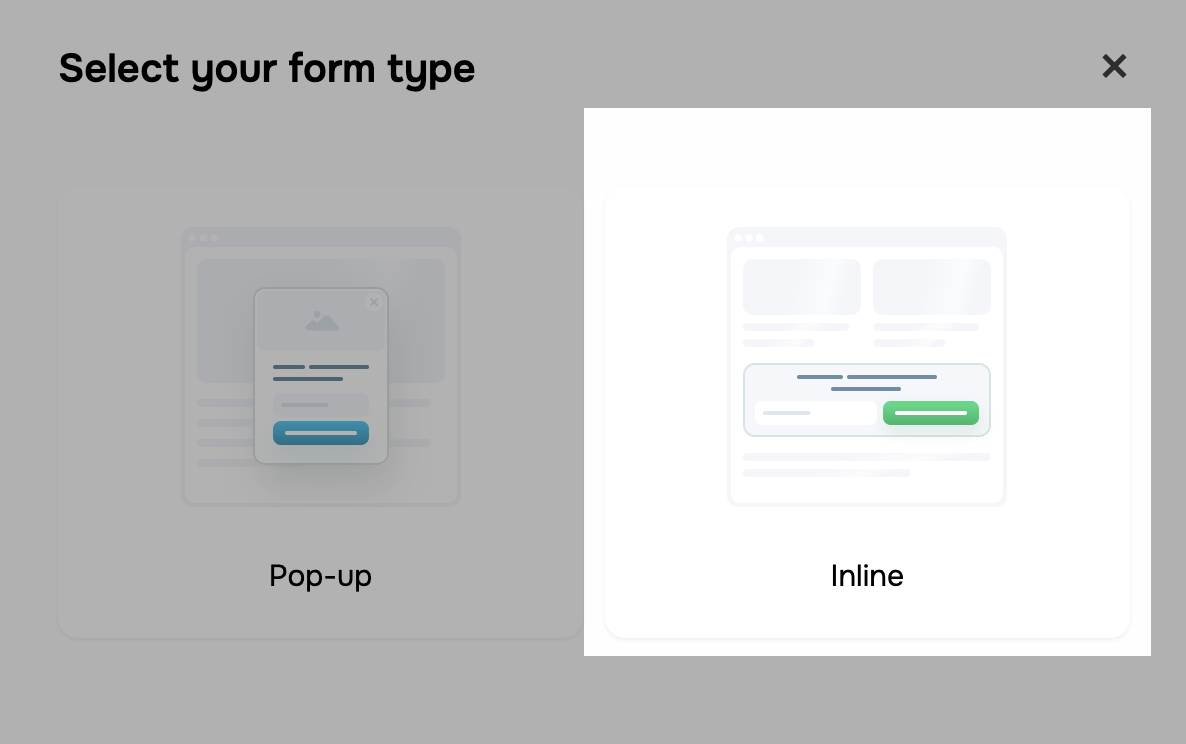
Create static pop-ups

You can now seamlessly integrate statics pop-ups into your website interface and tailor their appearance to your brand style.ย 

You can customize your pop-upsโ€™:

  • size;
  • width and padding;
  • background and color scheme;
  • effects.ย 

You can also select a pre-made template from our gallery and customize it to your liking.

Create static pop-ups

Static pop-ups are an excellent way to boost your lead generation and effectively guide your website visitors toward conversions.

Create a static pop-up

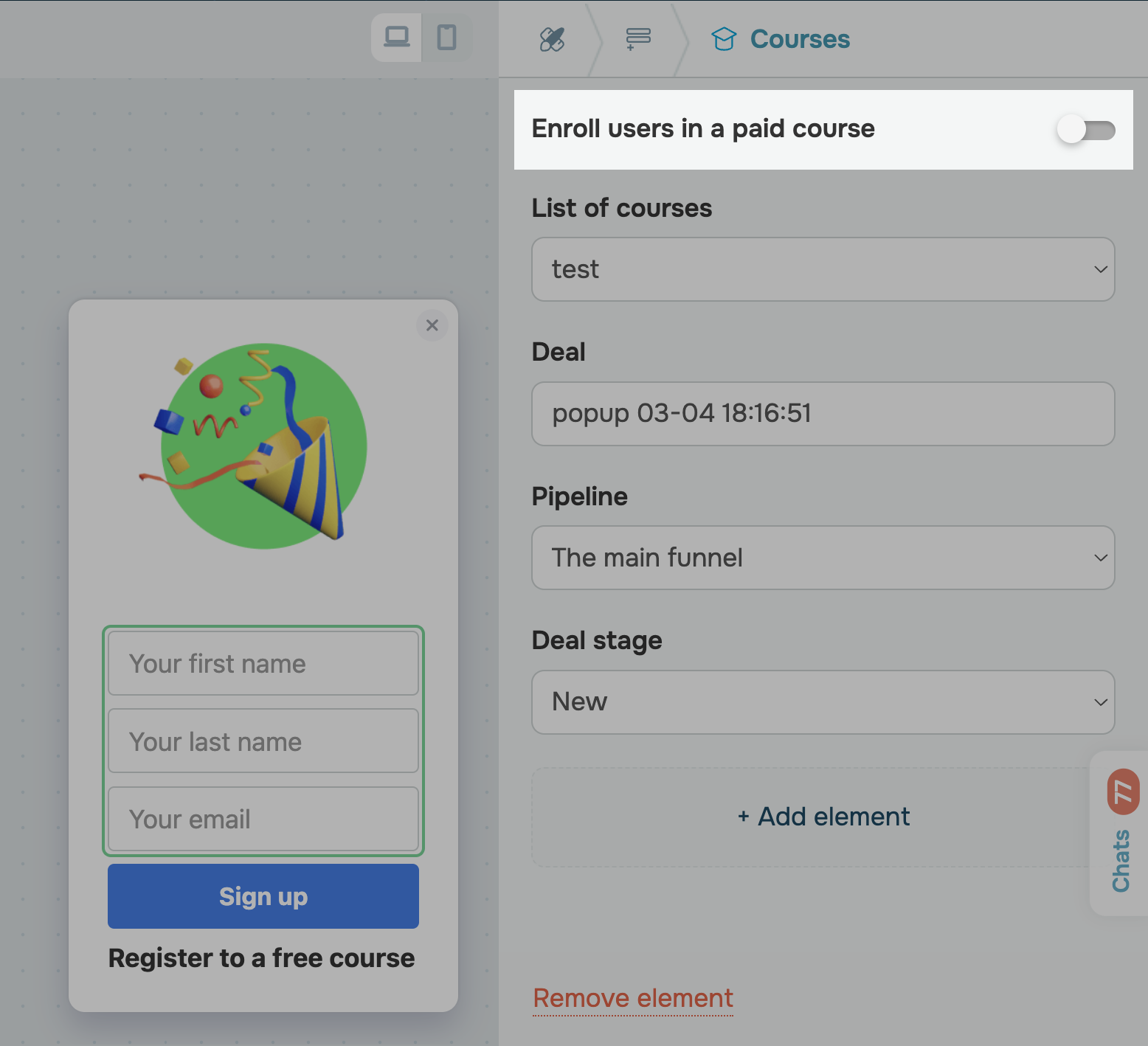
Enroll students in your free courses

Weโ€™ve also rolled out a new student enrollment pop-up type. You can now enroll students in your free online courses by adding a pop-up to your course landing page.

Enroll students in your free courses

New pop-up customization options

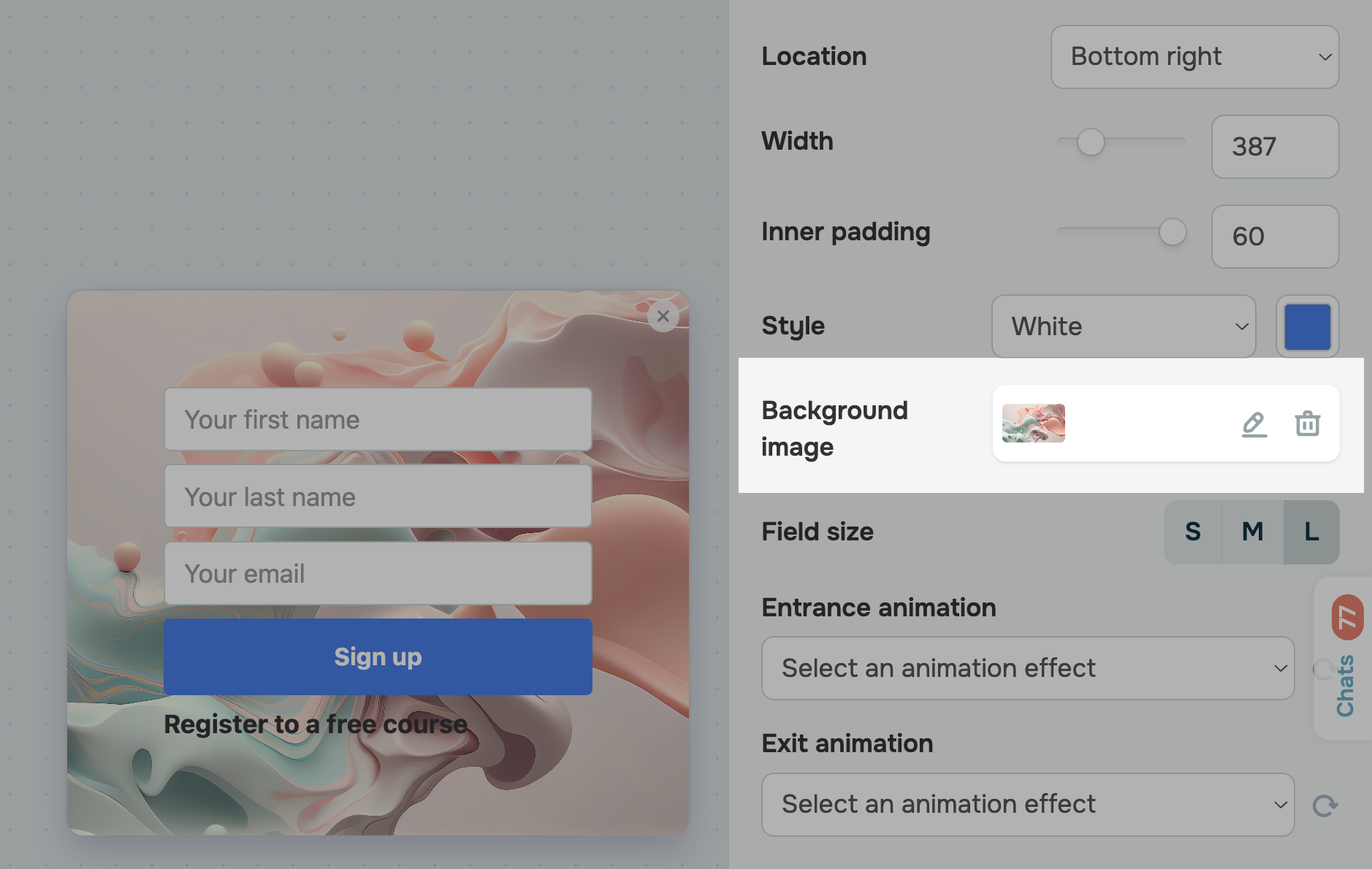
Background image

You can now set an image as your pop-up background. It will allow you to spice up your pop-up appearance, seamlessly blend it with your website design, or emphasize any special offers or discounts within your pop-up.

Background image

New button placement options

If you plan to add more than one button to your pop-up, our new customization option will come in handy. You can now arrange your buttons both vertically and horizontally in a row.ย 

That way, you can showcase several offers on one pop-up and easily segment your leads by their interests.

Configure Popup

Automate your website visitor interactions with SendPulse!

icon

If you need help with setup or have any other questions, contact our tech support team โ€” we're in touch 24/7.

Best regards, Caleb Smith

sendpulse.com

You received this email because you are a customer of SendPulse.ย 

Unsubscribe

Sent via

SendPulse