🔔 New “Header” element and mobile menu editing options

Newsletter Archive
SendPulse
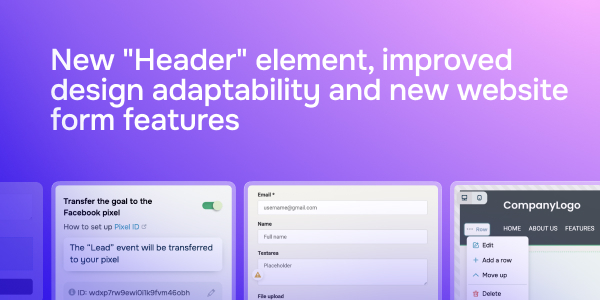
New “Header” element, improved design adaptability and new website from features
Caleb Smith

Caleb Smith

Product Marketer


“We’re excited to introduce our latest website builder updates that will help you make your website interface more feature-rich, boost your lead generation, and conduct a more comprehensive conversion analysis.”

New “Header” element and mobile menu editing options

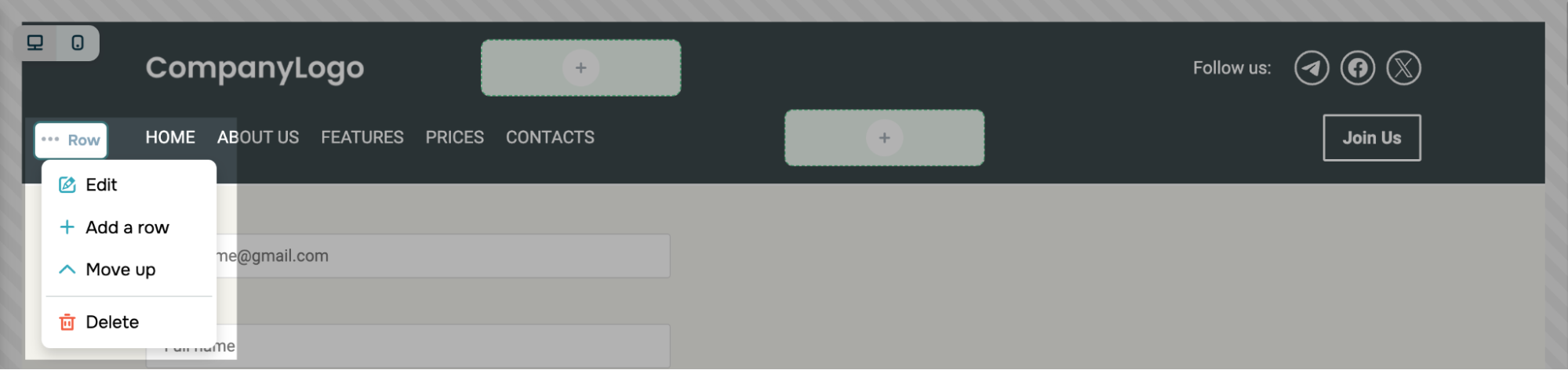
We’ve replaced our standard “Section” element with a more flexible and customizable “Row” element to ensure a more responsive and personalized design. You can now add widgets side by side to make your website more user-friendly and robust.

New “Header” element and mobile menu editing options

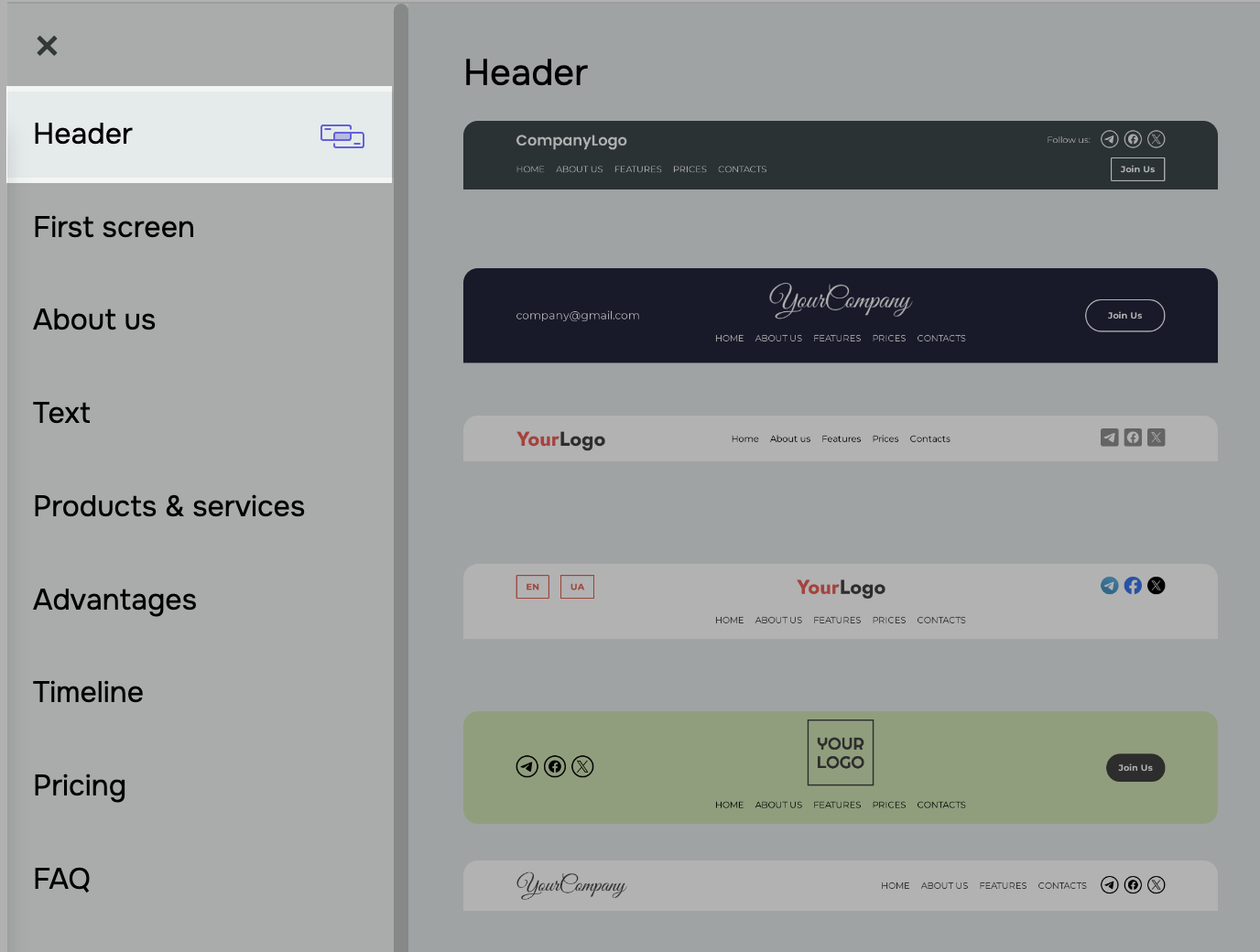
We’ve also rolled out a new “Header” element, which you can use to improve your website navigation.

 We’ve also rolled out a new “Header” element, which you can use to improve your website navigation

Also, in your mobile menu settings, you can now hide your widgets under your menu to optimize your website’s appearance on various devices.

Try the new features

File upload and text input fields in website forms

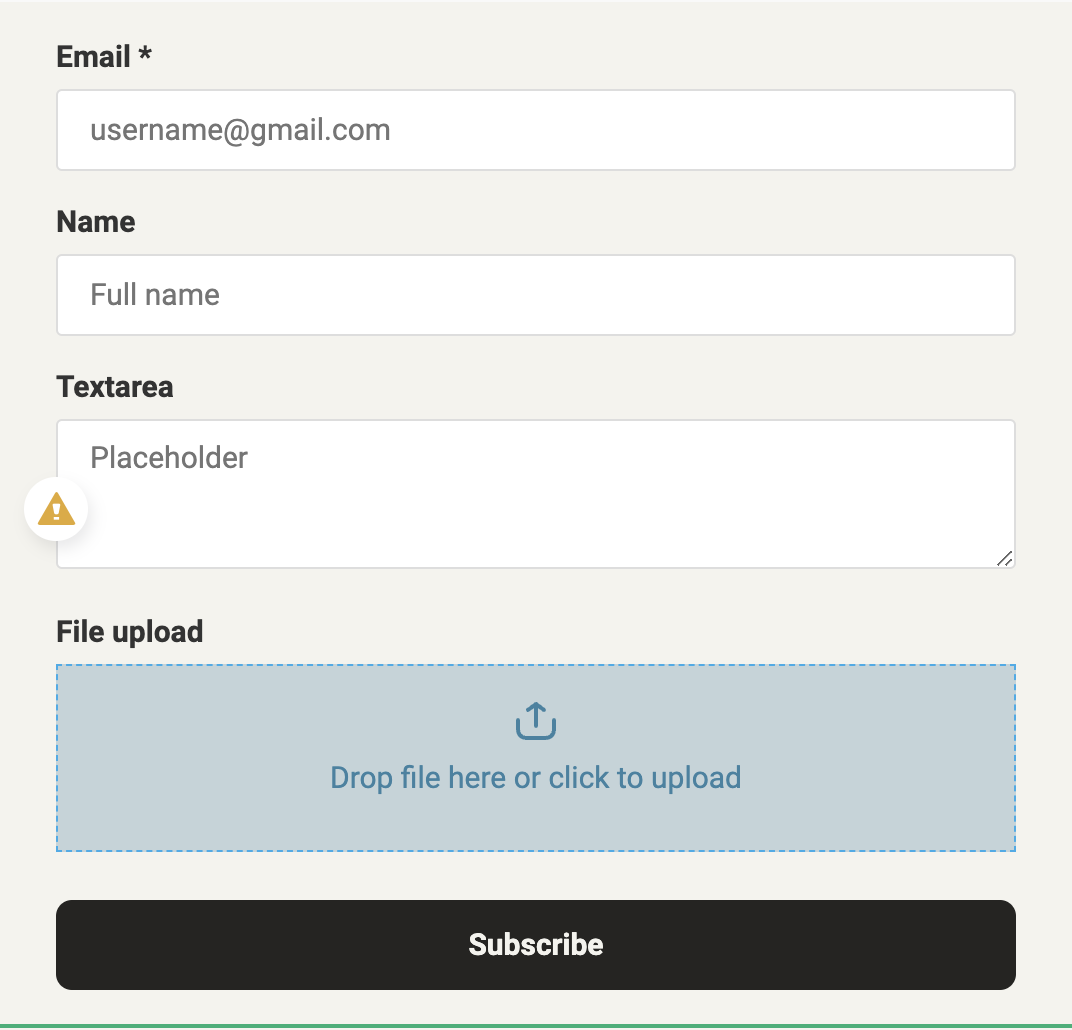
From now on, your website visitors can not only fill in your form fields but also attach files, including screenshots, documents, and other important information. All files will be automatically transferred to deals and contact cards in your CRM system and saved in your “Downloads” folder. 

Your form can now include a text field where users can enter up to 5,000 characters of any extra information, questions, or comments. All text field data will be transferred to deals or contact cards in your CRM.

 File upload and text input fields in website forms
Set up your form

Data transfer from your “Button” widget to tracking systems

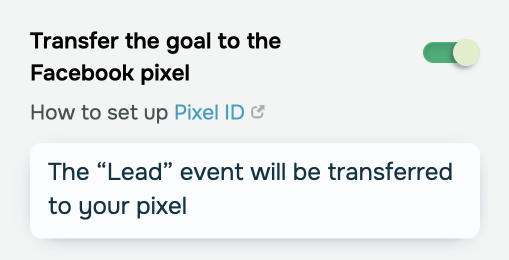
You can now transfer clickthrough data from your “Button” widget to Google Analytics and Meta Pixel events to track conversions.

Data transfer from your “Button” widget to tracking systems

You can enable data transferring in your website settings.

Set up data transferring

Improve your websites and take your business to new heights!

icon

If you need help with setup or have any other questions, contact our tech support team — we're in touch 24/7.

Best regards, Caleb Smith

sendpulse.com

You received this email because you are a customer of SendPulse. 

Unsubscribe

Sent via

SendPulse