🔥 Three helpful sales pipeline automation updates

Newsletter Archive
SendPulse
Three Automation 360 updates
Caleb Smith

Caleb Smith

Product Marketer


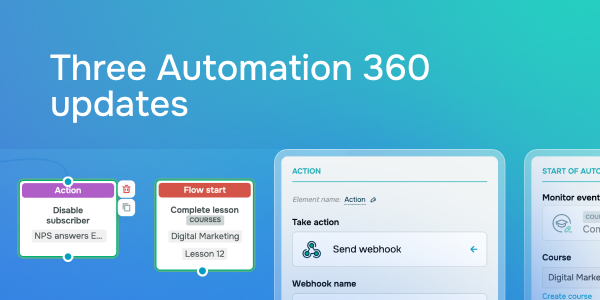
“We’ve just rolled out three handy Automation 360 updates! You can now use a new trigger to launch automations, disable inactive contacts through the “Action” element, and pass custom variables to your webhooks through GET parameters.”

Try the “Complete lesson“ launch trigger

Try the "Complete lesson" launch trigger

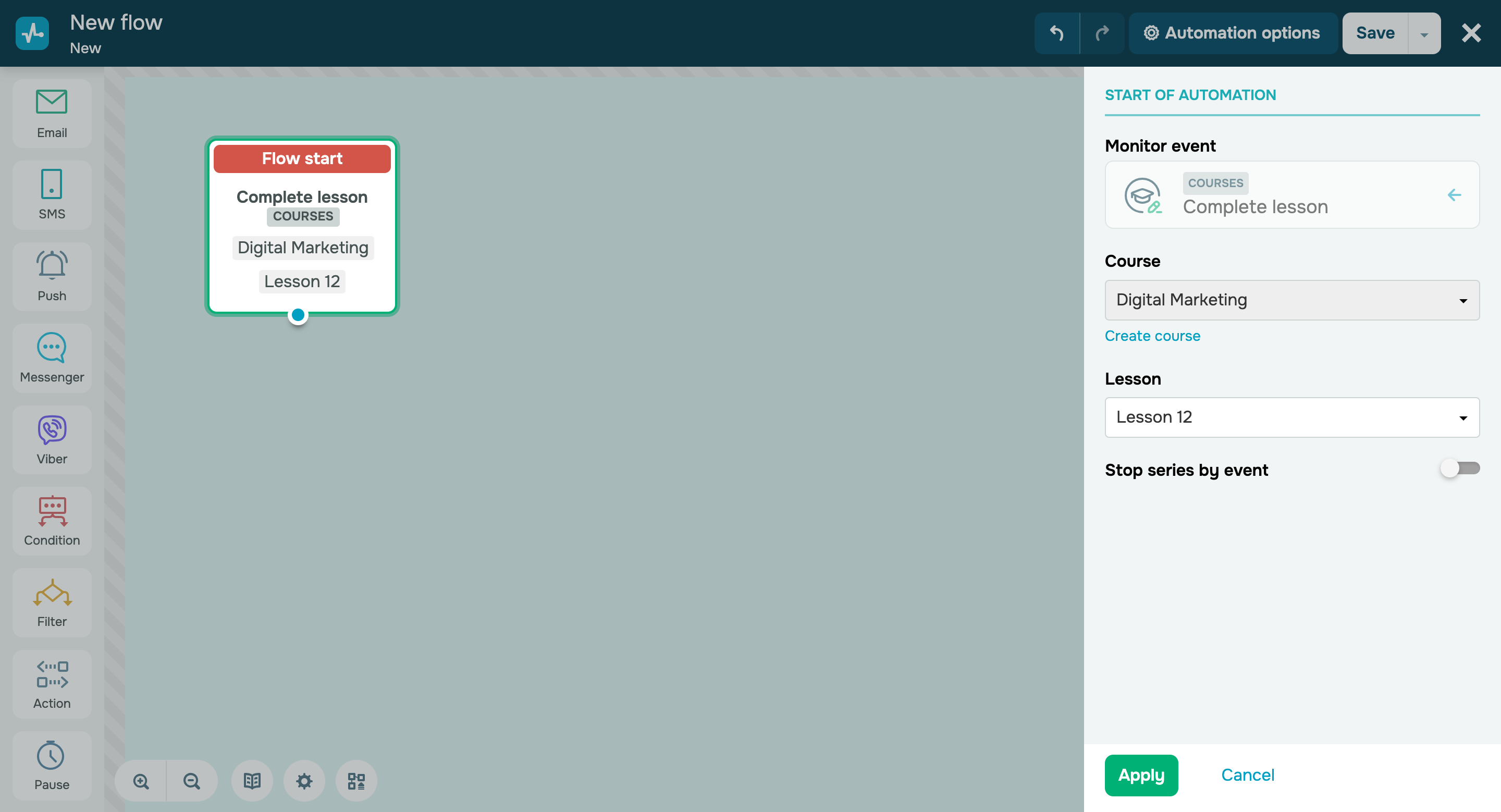
You can now use our new “Complete lesson” automation launch trigger to immediately notify your instructors about students who have completed certain lessons and continue engaging with your active audience.

Try the new launch trigger
Manage inactive contacts through the “Action” element

Manage inactive contacts through the “Action” element

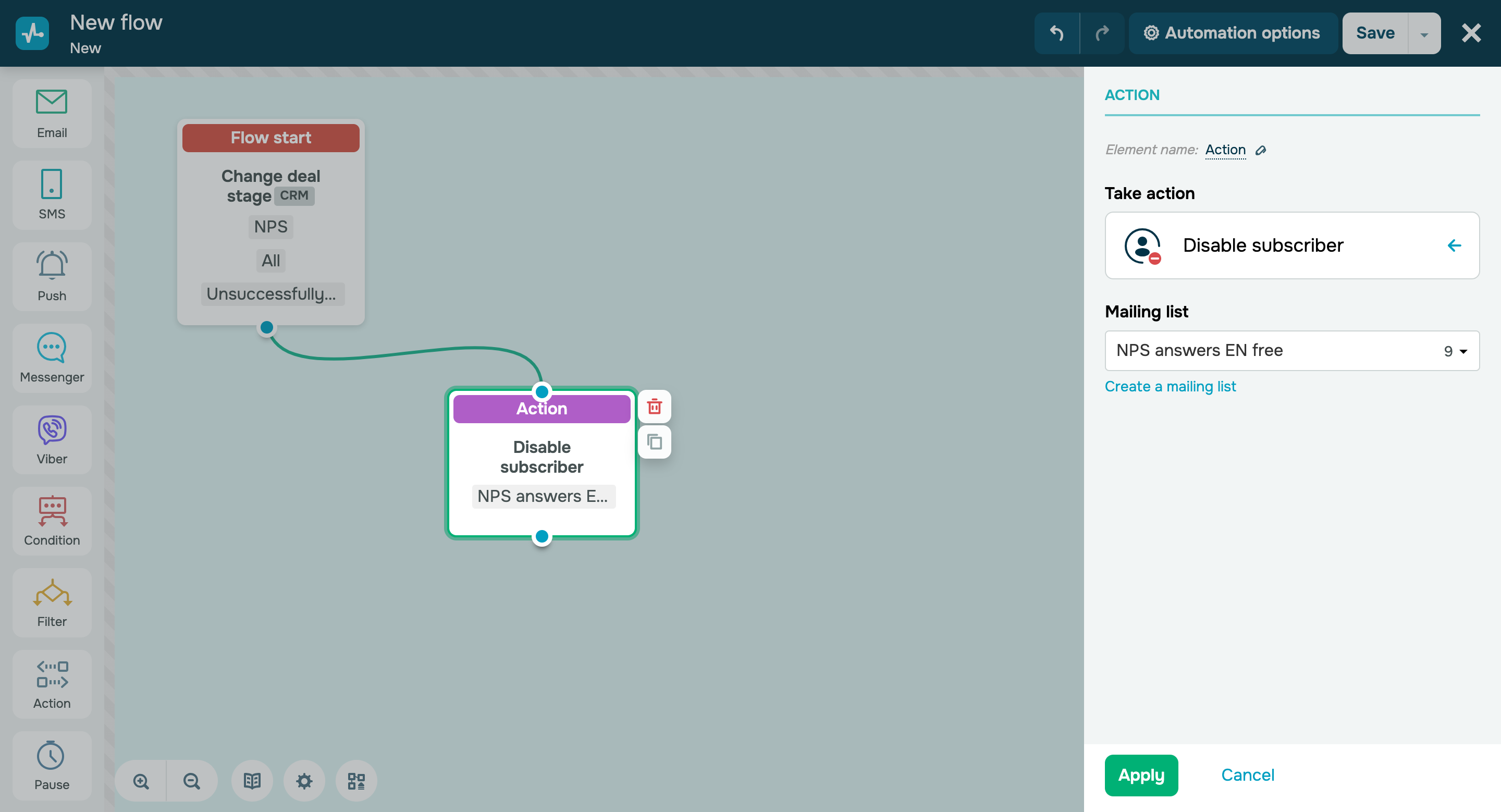
You can now disable inactive contacts through the “Action” element in the email service. Previously, you could only do so manually in a specific mailing list. 

Here’s how you can disable a contact:

  1. Add the “Action” element to the workspace next to your flow element. 
  2. Select the “Disable contact” option.
  3. Select a mailing list from the dropdown menu or create a new one.

Important note: you can only disable contacts with the “Active” status.

Once you disable a contact, their status will only change to “Disabled” in the mailing list you have selected. Their status will remain unchanged in other mailing lists. 

This status only applies to contacts with email addresses and does not extend to phone numbers.

You cannot add contacts with the “Disabled” status to the “Start when subscriber is added to the list multiple times” option.

Disable inactive contacts
Pass custom variables to your webhooks through GET parameters

Pass custom variables to your webhooks through GET parameters

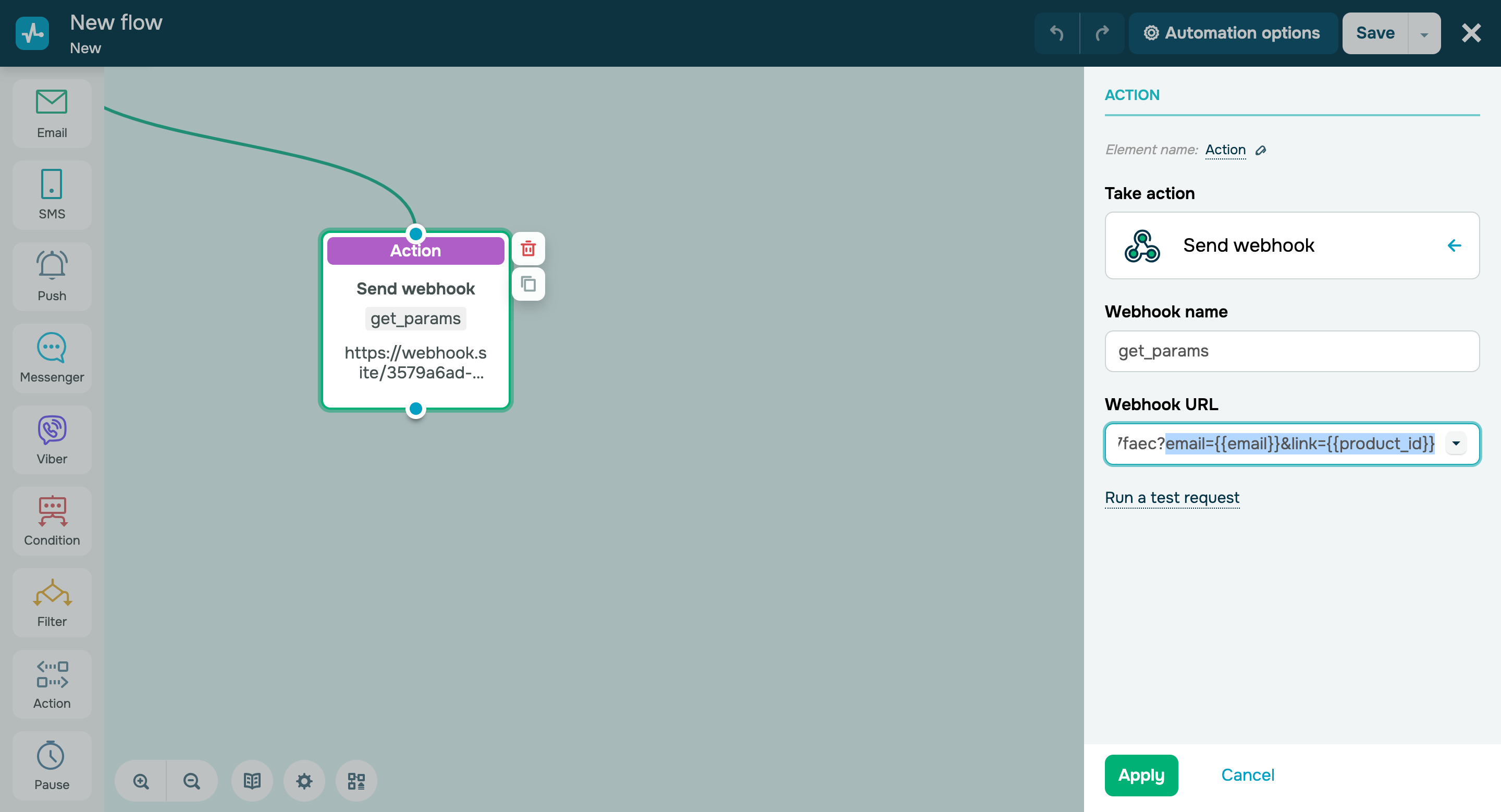
Your custom webhooks can now include GET parameters — you can use variables from your start trigger as parameters. 

Learn more about how to send webhooks in our knowledge base.

Set up your webhooks
icon

If you need help with setup or have any other questions, contact our tech support team — we're in touch 24/7.

Best regards, Caleb Smith

sendpulse.com

You received this email because you are a customer of SendPulse. 

Unsubscribe

Sent via

SendPulse