✅ Task board update and new “Payment” section in our CRM system

Newsletter Archive
SendPulse
Three CRM system updates
Caleb Smith

Caleb Smith

Product Marketer


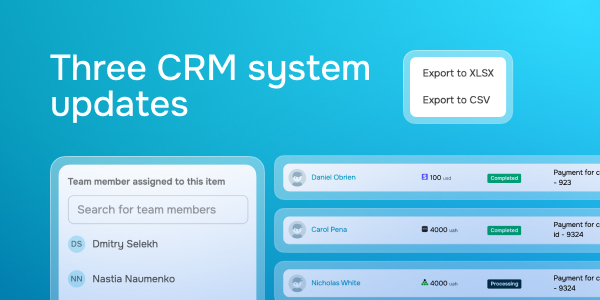
"Today, we’ll take a quick overview of our new “Payment” section, as well as two task board updates — adding assignees to checklist items and exporting deals in the “Kanban” display mode.

Let’s dive into the updates!"

Assign team members to checklist items

Assign team members to checklist items

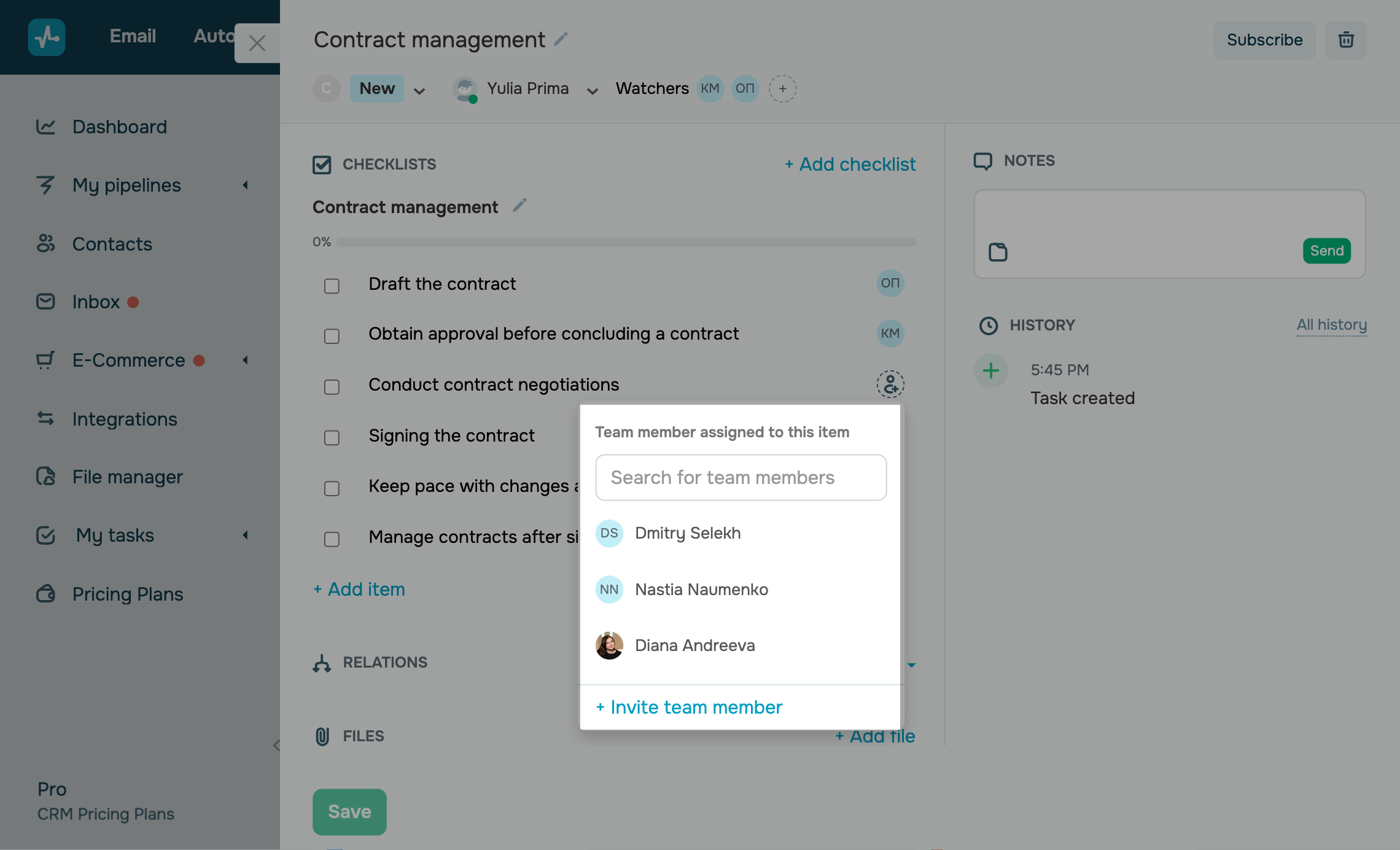
You can now assign a team member to every checklist item in your CRM system. This option allows you to assign different employees to specific tasks. For instance, a lawyer drafts a contract, an accountant assesses financial risks, and a manager gets final approval from the client — all within one checklist.

To add an assignee to a specific checklist item, click the circle next to it and select a team member from the list of users that have access to your CRM system.

Learn more about how to assign tasks to team members in our knowledge base.

Delegate tasks to team members
Export deals in the “Kanban” display mode

Export deals in the “Kanban” display mode

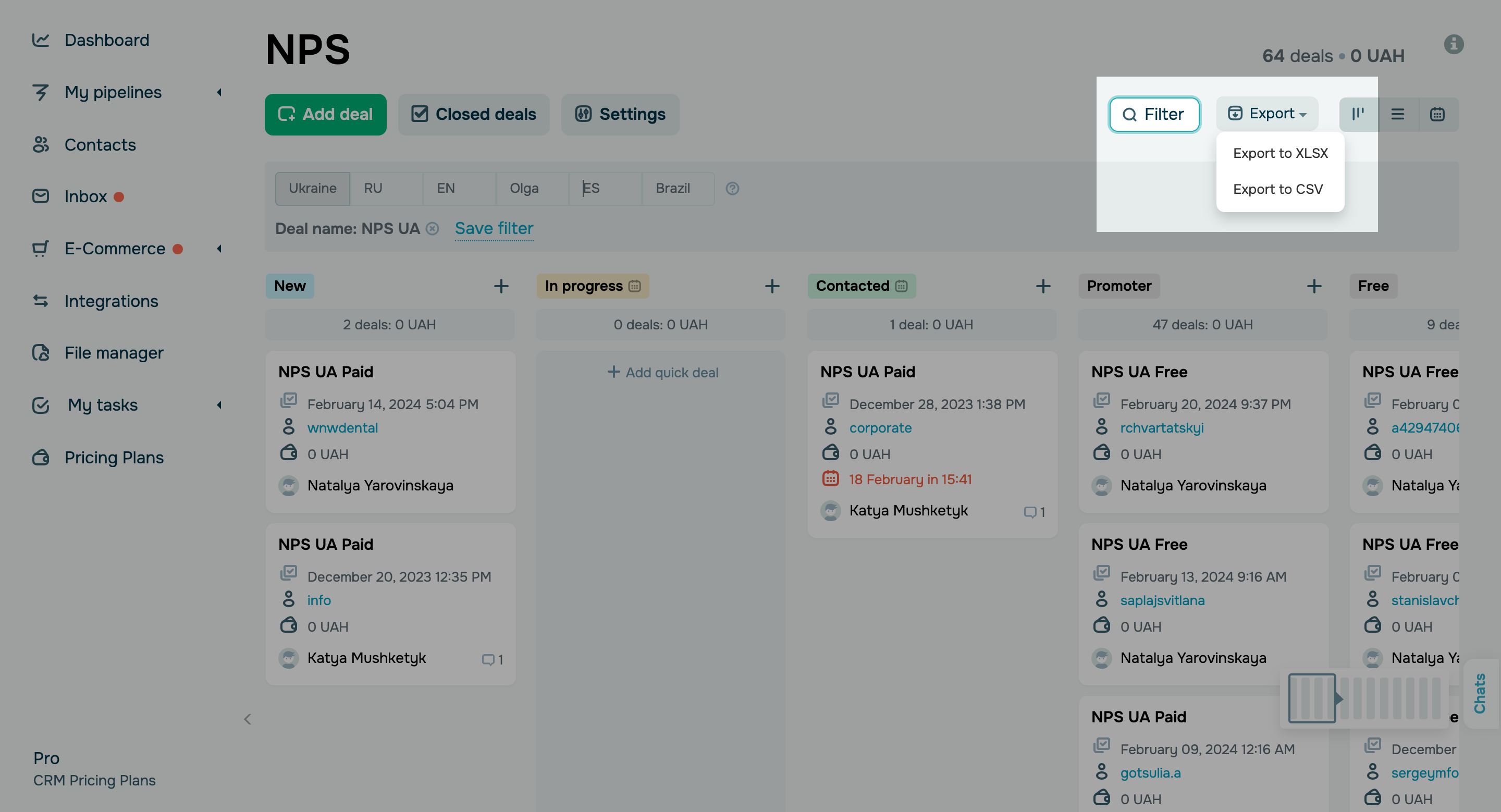
Previously, you had the option to export your CRM data as a file in the “List” display mode. Now you can also export your data in the “Kanban” mode.

Here’s how you can export your deal data:

  • Choose your pipeline and select the “Kanban” view. 
  • Filter the list and select your deals.  
  • Click “Export” and choose an export format —  XLSX or CSV.

The generated file will be automatically saved to your browser’s downloads folder.

Export your deals
New “Payment” section

New “Payment” section

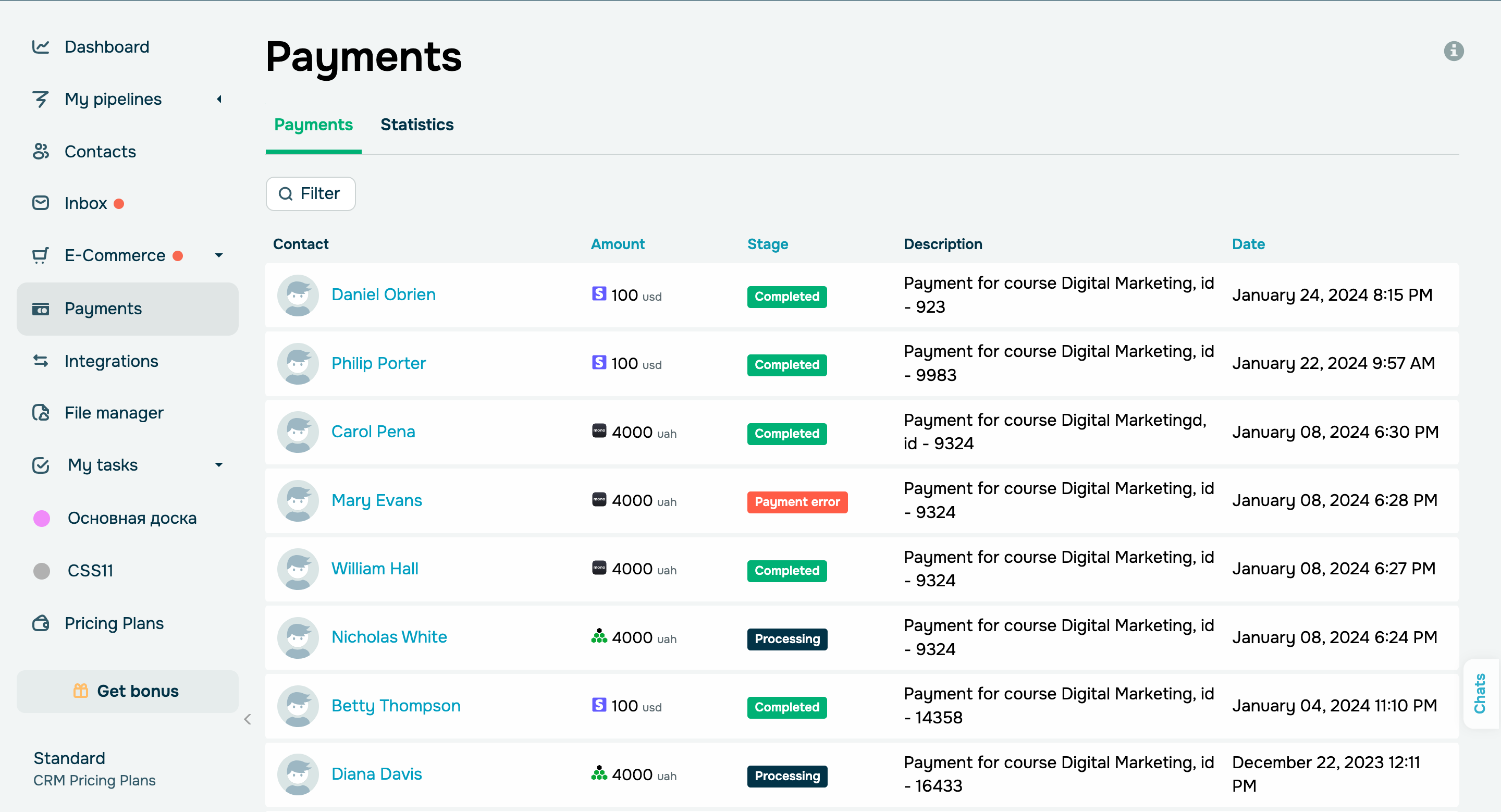
We’ve introduced a convenient payment management center to our CRM system that makes it easy to track client finances, manage deals, and analyze statistics.

In your “Payment” section, you can view:

  • Payment amount, currency, payment method, and description.
  • Contact cards of paying users.
  • Promo codes.
  • Payment date and status.

You can also filter out completed payments and view their statistics in another tab.

View all payment data
icon

If you need help with setup or have any other questions, contact our tech support team — we're in touch 24/7.

Best regards, Caleb Smith

sendpulse.com

You received this email because you are a customer of SendPulse

Unsubscribe

Sent via

SendPulse