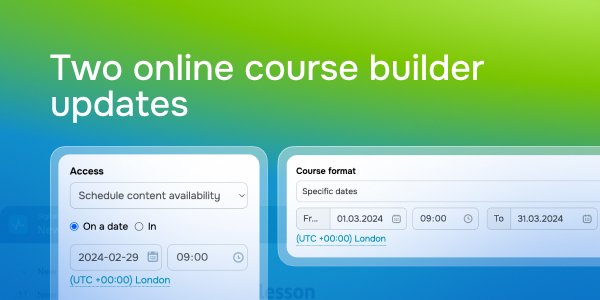
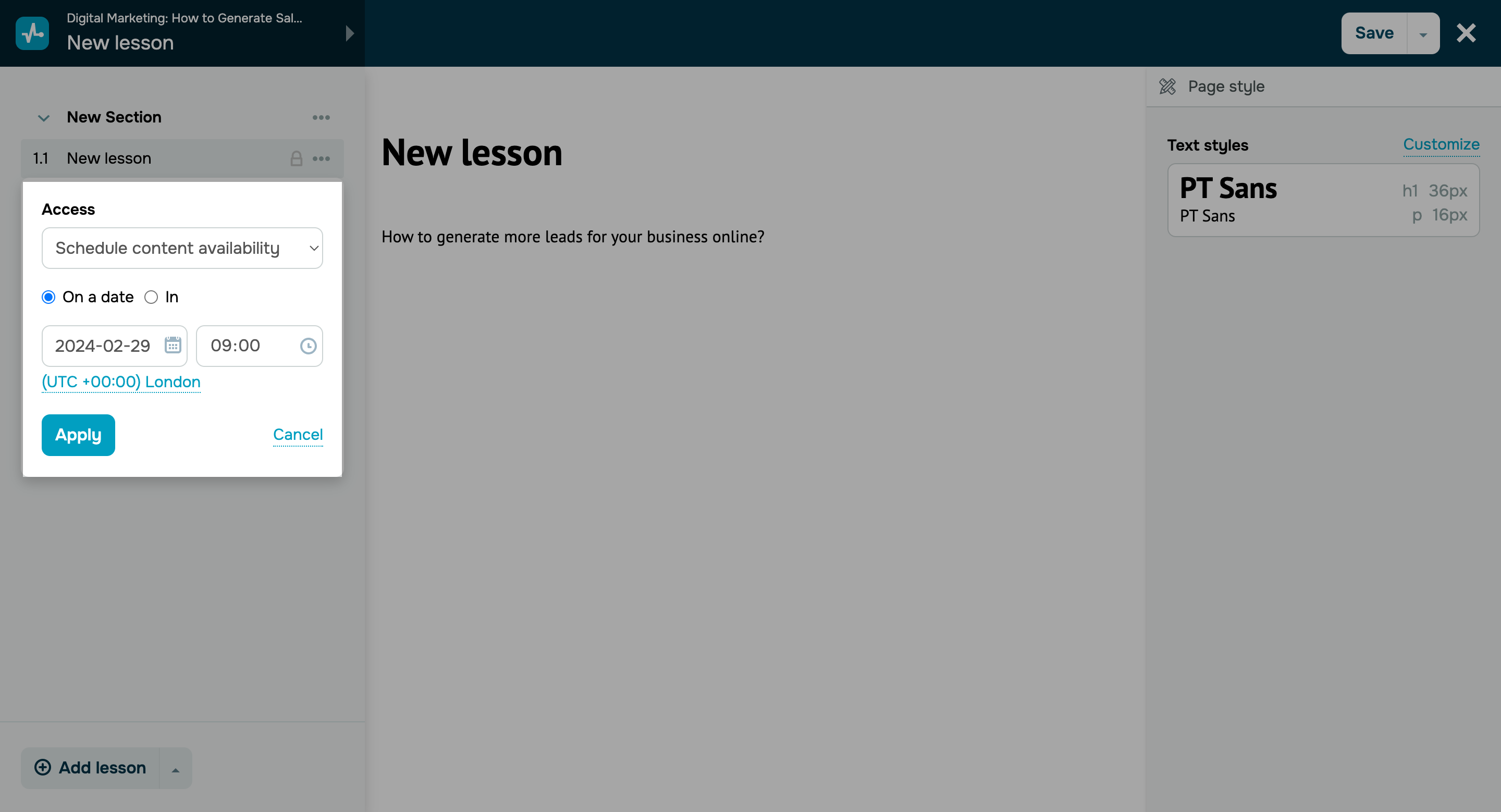
“Managing your online courses has become even easier! You can now schedule your content availability for a certain date and time, including specific sections, tests, or lessons.
Let's dive into the details!”
Set a course start and end time
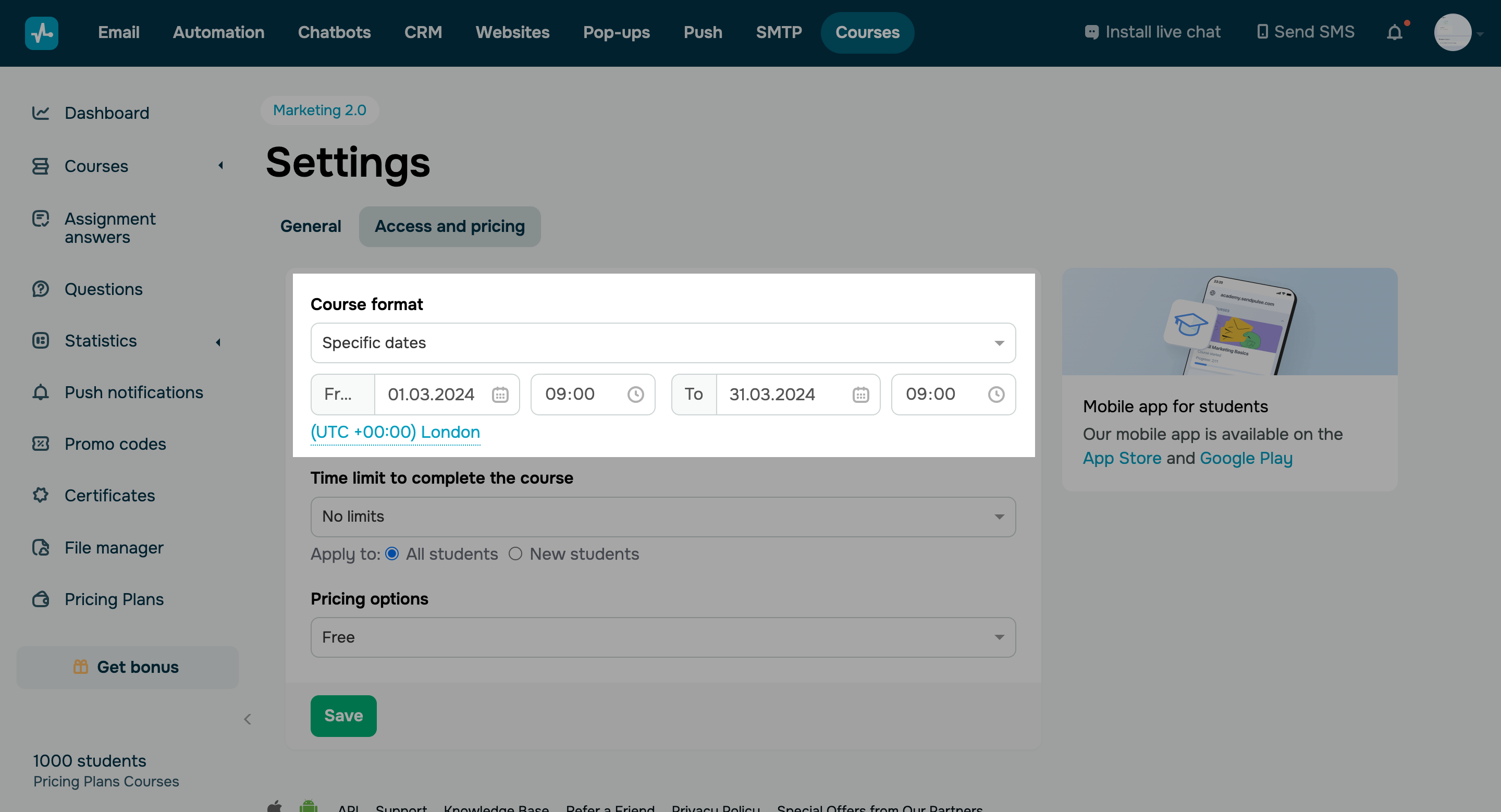
Previously, you could only schedule your course for a specific date. Now you can also specify its start and end time. This way, your students will only have access to your course within a specified timeframe.
Here’s how you can set up your course access time limits:
Go to the “Access and pricing” tab of your course settings.
Enable the “On a date” option and choose your course’s start and end date and time.