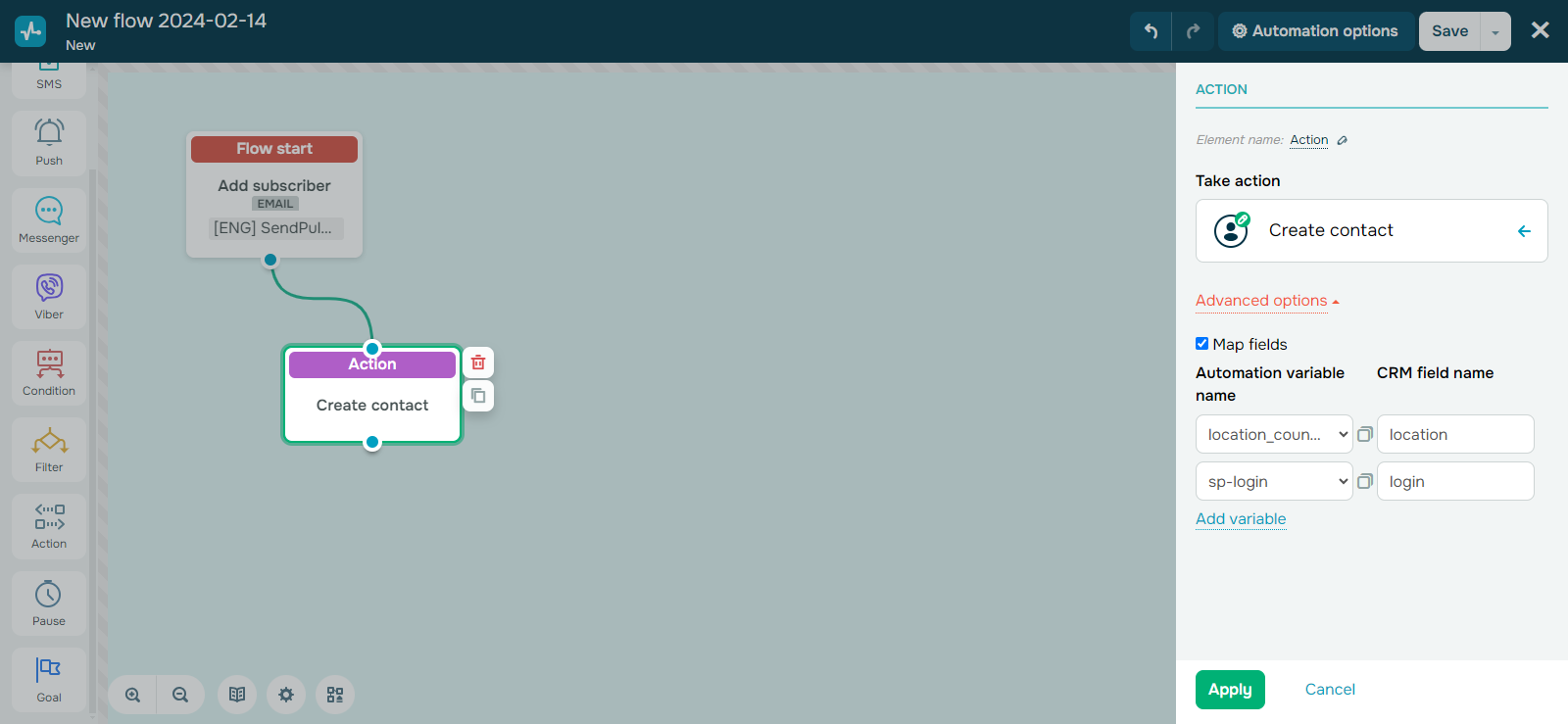
To ensure all of our services seamlessly integrate with our CRM system, we’ve added the option to manually synchronize variables when transferring contact data to your CRM. To manually synchronize your variables, click “Additional options” and specify the variable names you want to synchronize. Here’s how your selected start trigger will affect the synchronization process: If your flow is launched by email service triggers, you can synchronize variables with any type of values. If the value type doesn’t match, your CRM system will automatically create a new variable with the corresponding value type to store your data. If your flow is launched by CRM, online course, or custom triggers, you can only store variables with the “string” value type. If you attempt to synchronize other types of variable values, your CRM system will automatically create a new “string” variable to store your data. |