πŸ”₯ Introducing our new drag-and-drop pop-up builder

Newsletter Archive
SendPulse
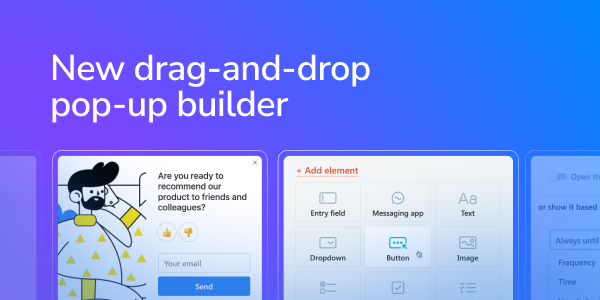
New drag-and-drop pop-up builder
Caleb Smith

Caleb Smith

Product Marketer


β€œWe’ve got some exciting news! Our new drag-and-drop pop-up builder is now available in your SendPulse account. Let's explore what it has to offer!”

Creating pop-ups from scratch

New option: creating pop-ups from scratch

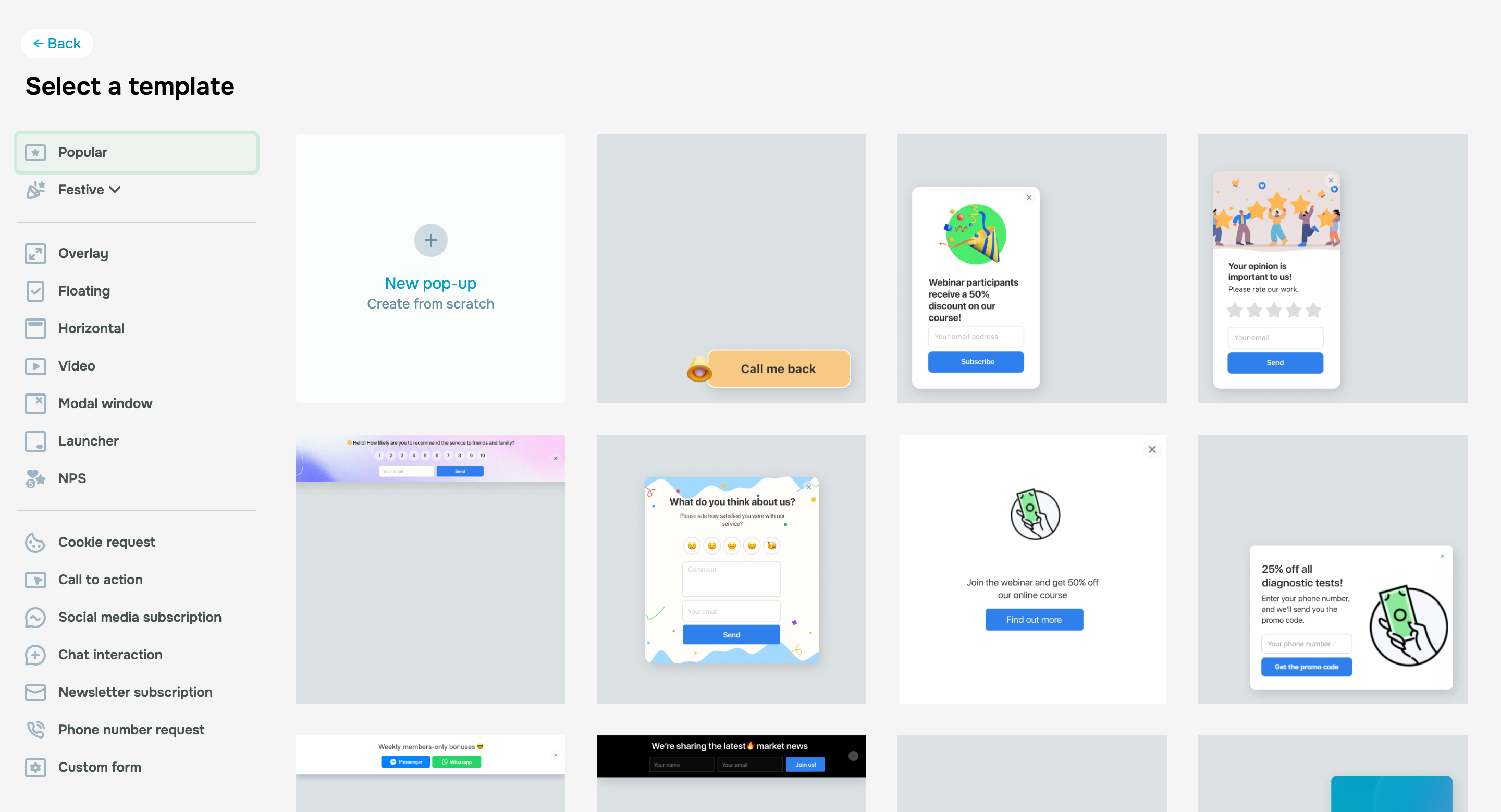
You asked, we delivered β€” you now can design pop-up forms without relying on our templates! Just go to the β€œPop-ups” section, select your project, click β€œCreate pop-up,” and select the "Create from scratch" option.

From there, you'll seamlessly transition to our new drag-and-drop pop-up builder.

Try our new pop-up builder
New pop-up builder features

New pop-up builder features

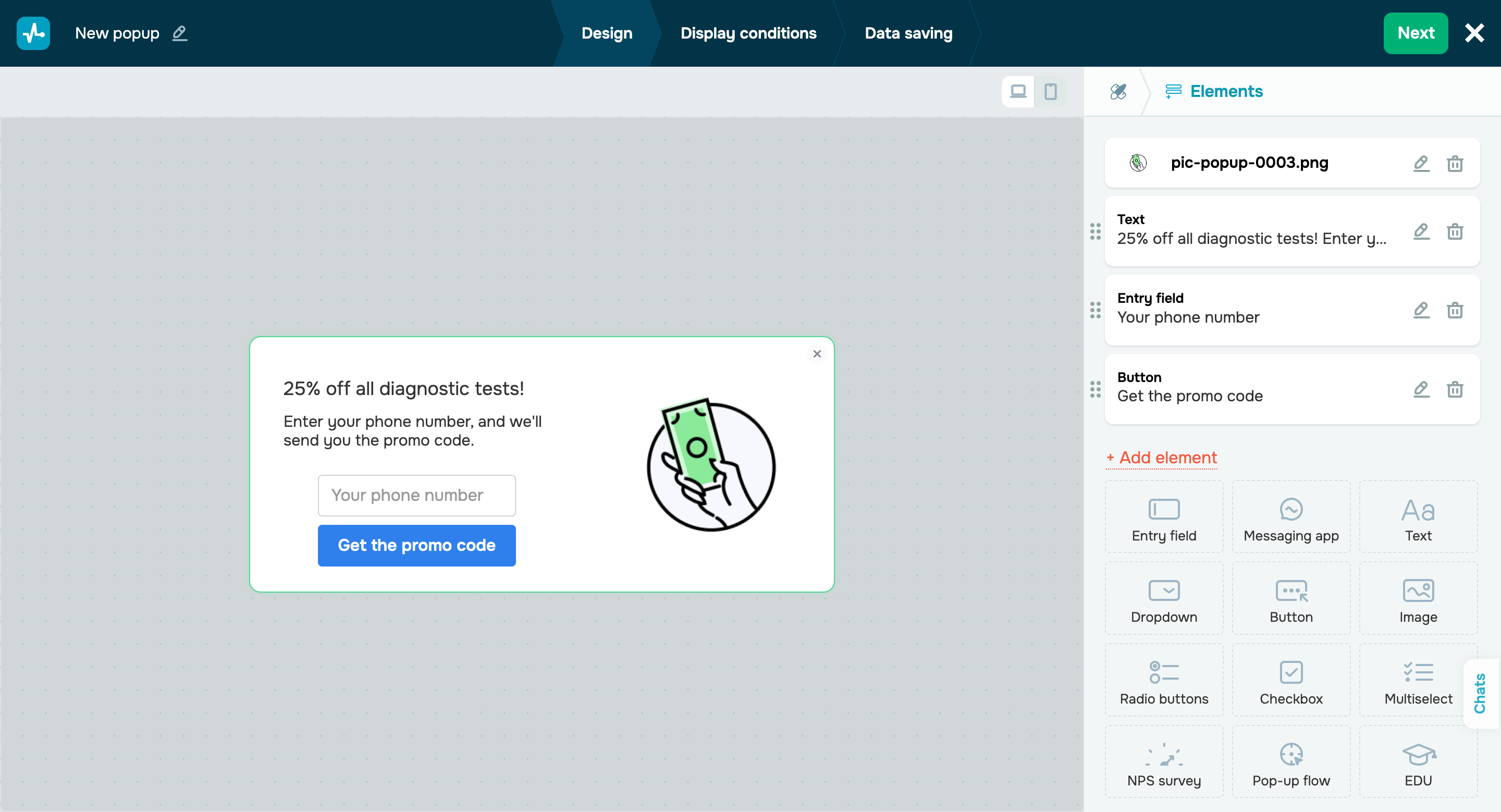
With our pop-up builder, you can:

  • Choose a pop-up type: floating, overlay, modal window, horizontal, video, or launcher.
  • Customize pop-up color, style, and placement.
  • Add entrance and exit animations.
  • Add the cover image and configure its placement.
  • Add and move elements: entry field, text, button, image, etc.
  • Launch A/B tests and create pop-up flows.

You can also edit previously created pop-up forms in the same way.

Switch to our old interface

Important note: pop-ups created in our previous builder version can be edited in both the new and old interfaces. However, once you click β€œSave” in our new builder interface, you will no longer be able to switch to the old one.

Please take this into account when editing your previously created pop-ups.

Display conditions

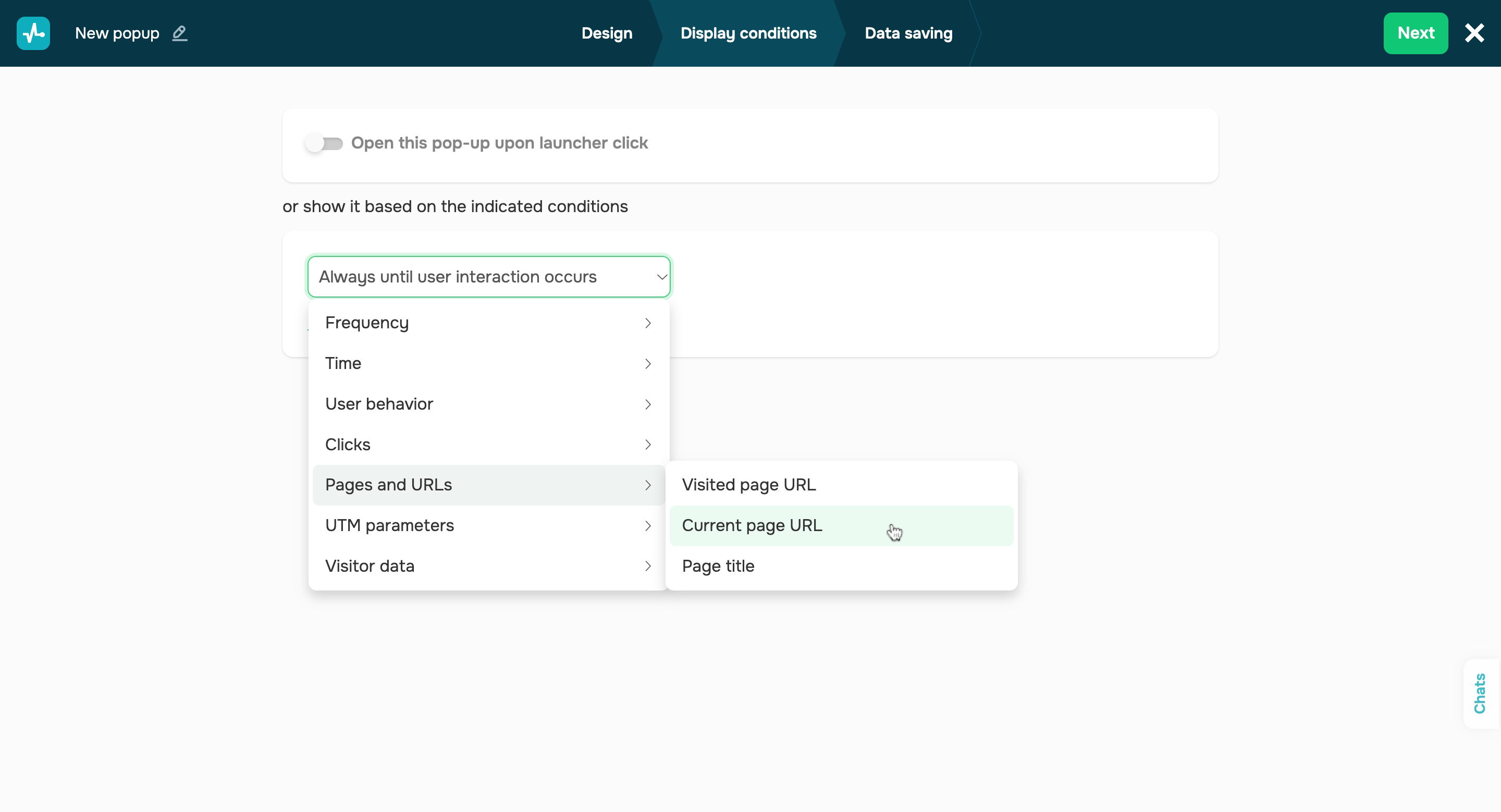
We’ve also refined our pop-up display conditions.

All pop-up scenarios are now divided into seven categories:

  • frequency;
  • time;
  • user behavior;
  • clicks;
  • pages and URLs;
  • UTM parameters;
  • visitor data.

This will make it easier to navigate through our extensive list of display conditions. To find a specific condition, all you need to do is select a relevant category. Just like before, you can combine multiple display conditions using the β€œany” and β€œall” operators.

Data saving

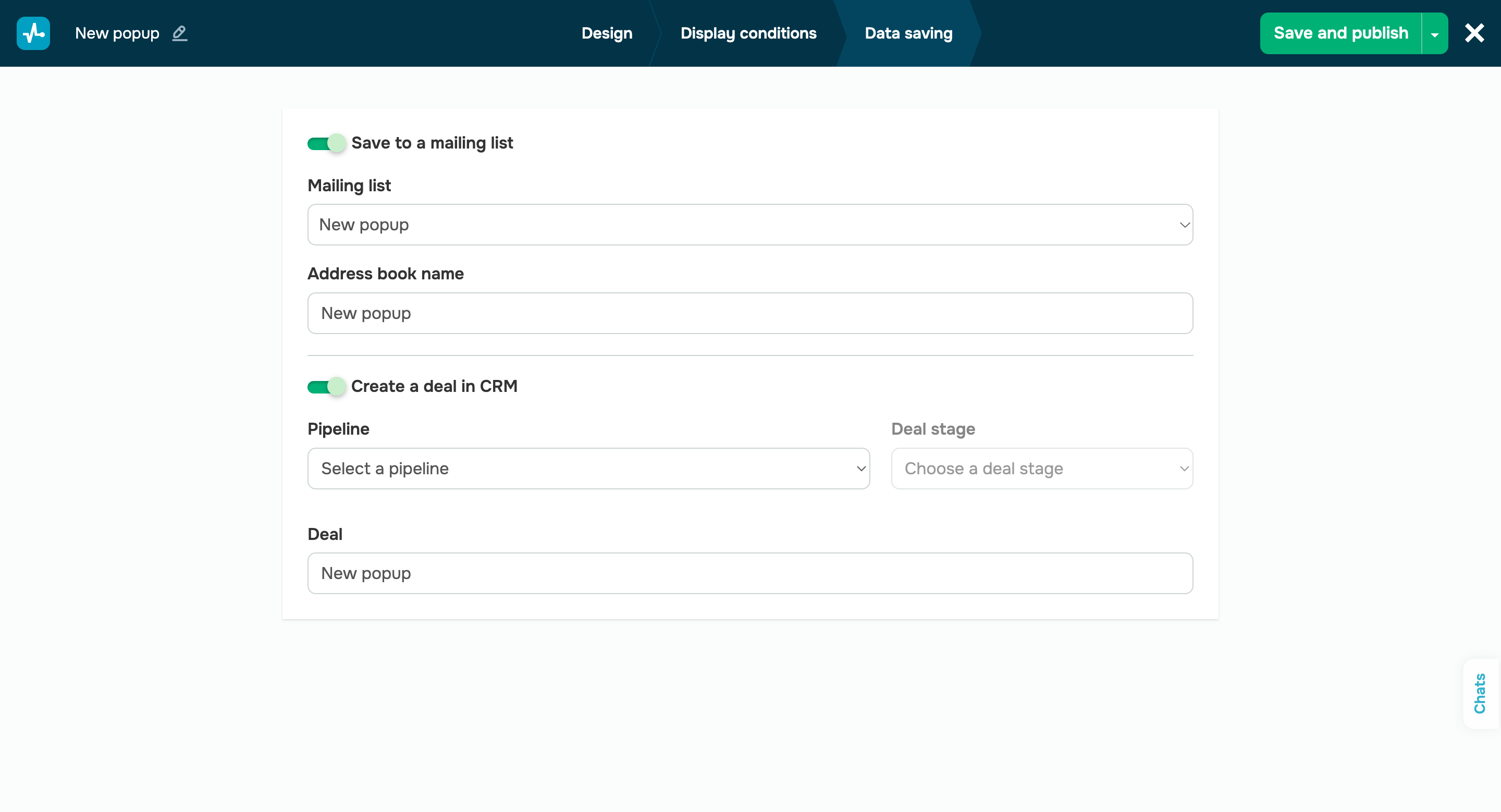
And, finally, there’s data saving. At this stage, you can save contacts to your mailing list and create a deal in your CRM system.

These were all the updates for today. In the meantime, we will continue updating our pop-up builder so that you can collect contacts and transform your website visitors into subscribers and customers even more quickly and efficiently.

Stay tuned!

Create a pop-up
icon

If you need help with setup or have any other questions, contact our tech support team β€” we're in touch 24/7.

Best regards, Caleb Smith

sendpulse.com

You received this email because you are a customer of SendPulse.Β 

Unsubscribe

Sent via

SendPulse