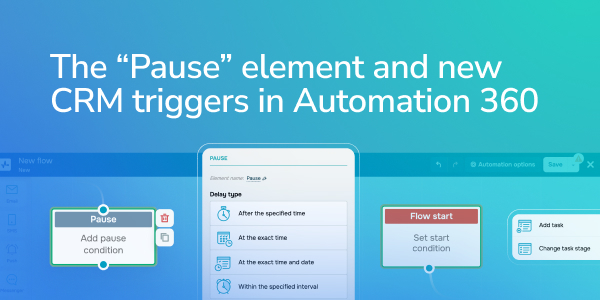
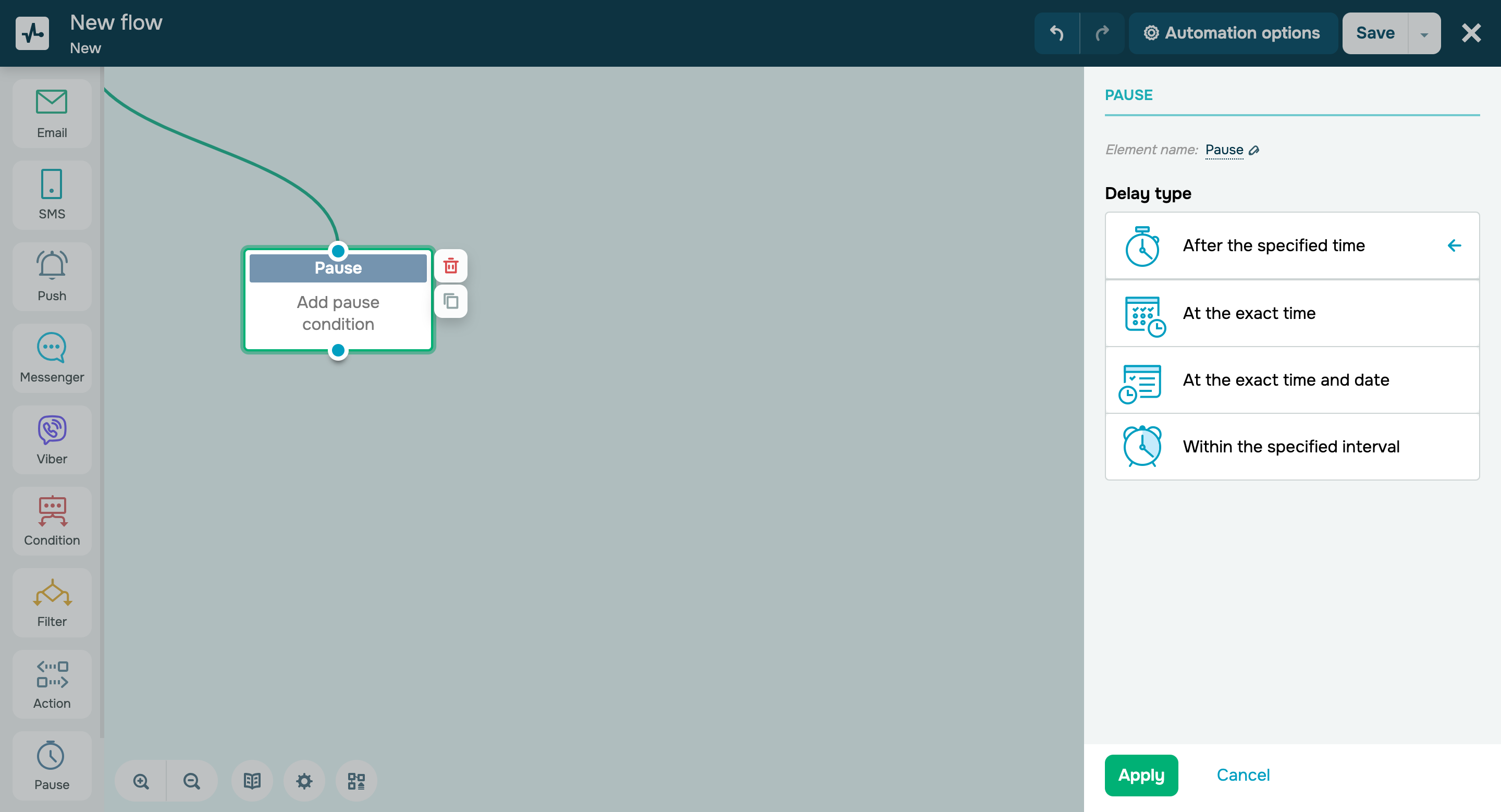
“Pause” is the new element in our automated flow builder that allows you to temporarily stop users’ progression through your flow elements and specify a trigger date and time that launches your next elements. For instance, you can set a specific time interval during which your contacts will not receive any messages. What’s more, you can prevent your contacts from moving through your flow after a certain date to make sure you only share up-to-date offers and events. There are four pause types available: - After the specified time;
- At the exact time;
- At the exact time and date;
- Within a specified time interval.
Learn more about how to set up the “Pause” element and view its statistics in our knowledge base. |