đź”” Automatic website backups

Newsletter Archive
SendPulse
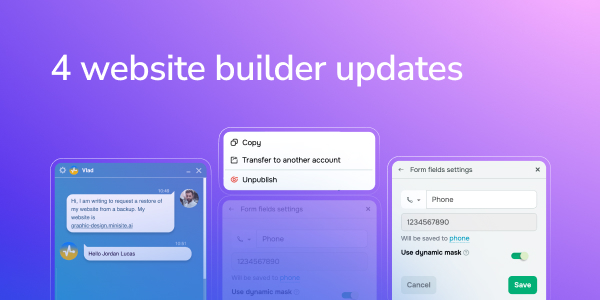
4 website builder updates
Caleb Smith

Caleb Smith

Product Marketer


“Let's start the year with good news: you can now restore your website from automatically created backups, use a phone number mask in your website forms and new button effects.

There’s also a new helpful feature for agencies — they can now transfer websites to client accounts.”

Automatic website backups

We're continuously striving to improve our service's reliability, so this time, we're introducing automatic website backups.

Website backups are automatically created every five days, allowing you to restore your website in case of any unforeseen circumstances, for instance, a hacker attack. We keep three backups: 5, 10, and 15 days old.

Our website backups include your website structure and settings, excluding images and videos. Currently, we don’t store backups of chatbots and online course websites.

If you need to restore your website from an automatically created backup, please contact our support team — we will contact you and help you recover your website.

Contact our support team
Dynamic phone number mask

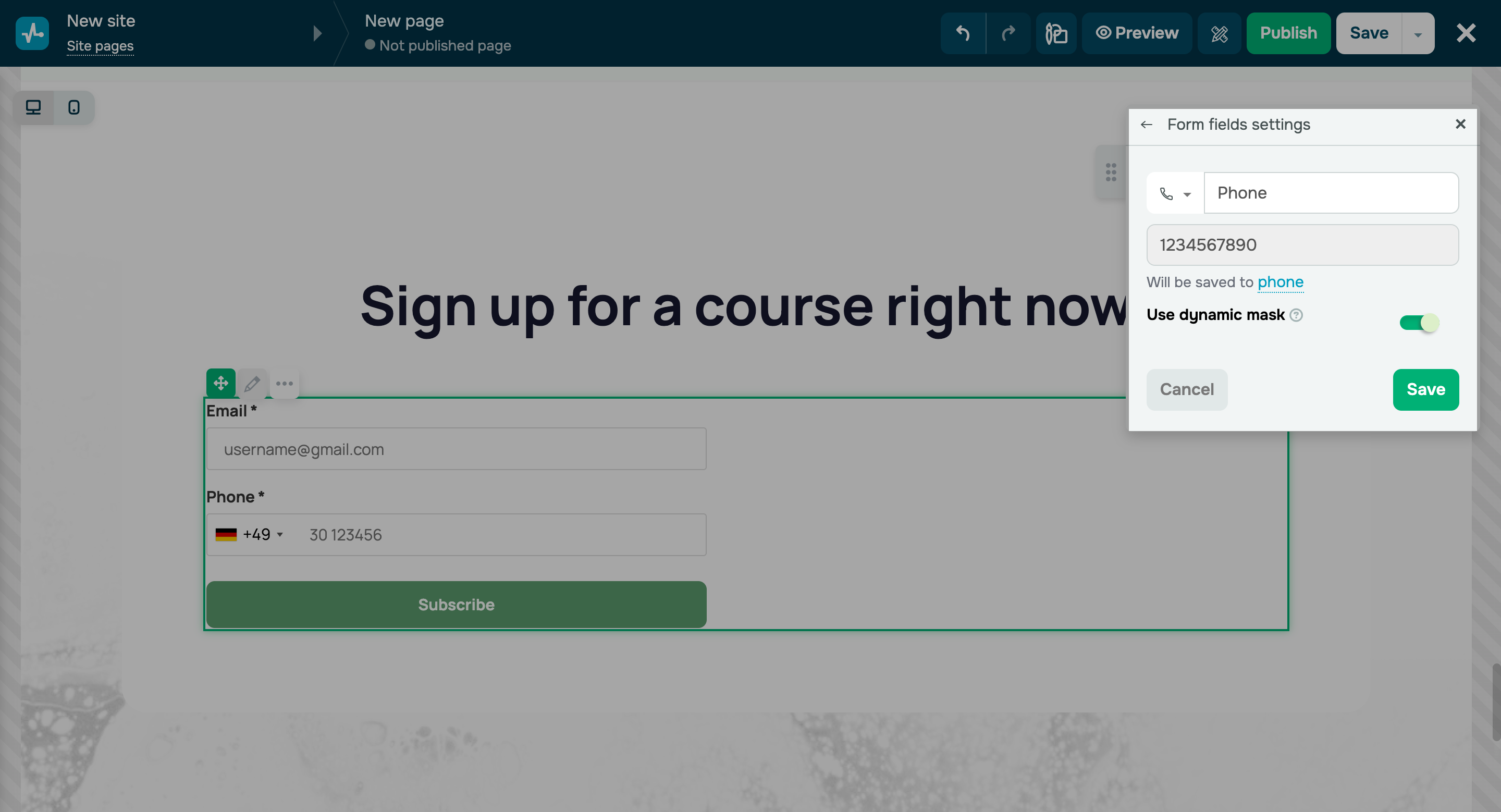
Dynamic mask for the “Phone number” field in website forms

If you want to store formatted phone numbers in your CRM system and make it easier for users to enter their contact information, you can now enable the “Use dynamic mask” option. Dynamic masks significantly simplify phone number input by visually breaking down characters and reducing the likelihood of errors.

Once you activate this option, the system automatically identifies your website visitor’s country and suggests a suitable phone number mask. This option is available in our website and bio link page builder.

Use the dynamic phone number mask
New button hover effects

New button hover effects

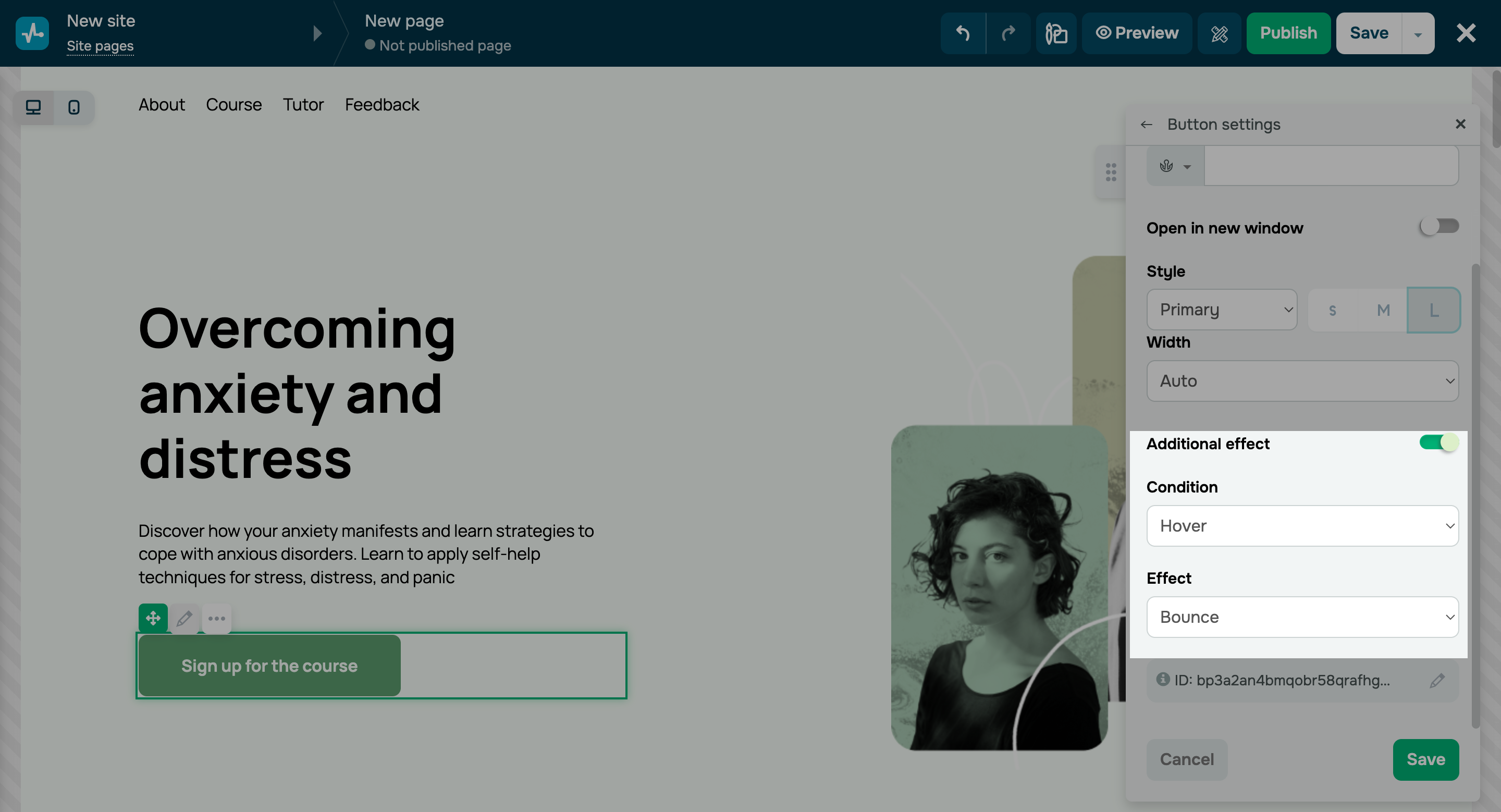
To add hover effects and animations to your buttons, turn on the “Additional effect” toggle in your button settings. It’s a great way to make them stand out and increase clicks.

In the "Condition" field, choose a user interaction that will trigger the button effect, and in the “Effect” field, select the animation available for the specified condition.

There are nine new effects available:

  • color inversion;
  • transparency;
  • shadow;
  • bounce;
  • oscillation;
  • reduction;
  • enlargement;
  • glare;
  • flashing.

You can also add scroll animations to your buttons.

Add new button effects

Transferring websites to client accounts for agencies

If you’re involved in custom website development, you can now move your websites to other accounts. Select your website and click “Transfer to another account” in the “Action” element to do this.

Important note:

  • You can move website files, images, and your system domain.
  • You can’t transfer third-party code, custom domains, and integrations with our CRM system, chatbot builder, online course builder, or analytics.

Learn more about transferring your websites to other accounts in our knowledge base.

Try transferring a website
icon

If you need help with setup or have any other questions, contact our tech support team — we're in touch 24/7.

Best regards, Caleb Smith

sendpulse.com

You received this email because you are a customer of SendPulse. 

Unsubscribe

Sent via

SendPulse