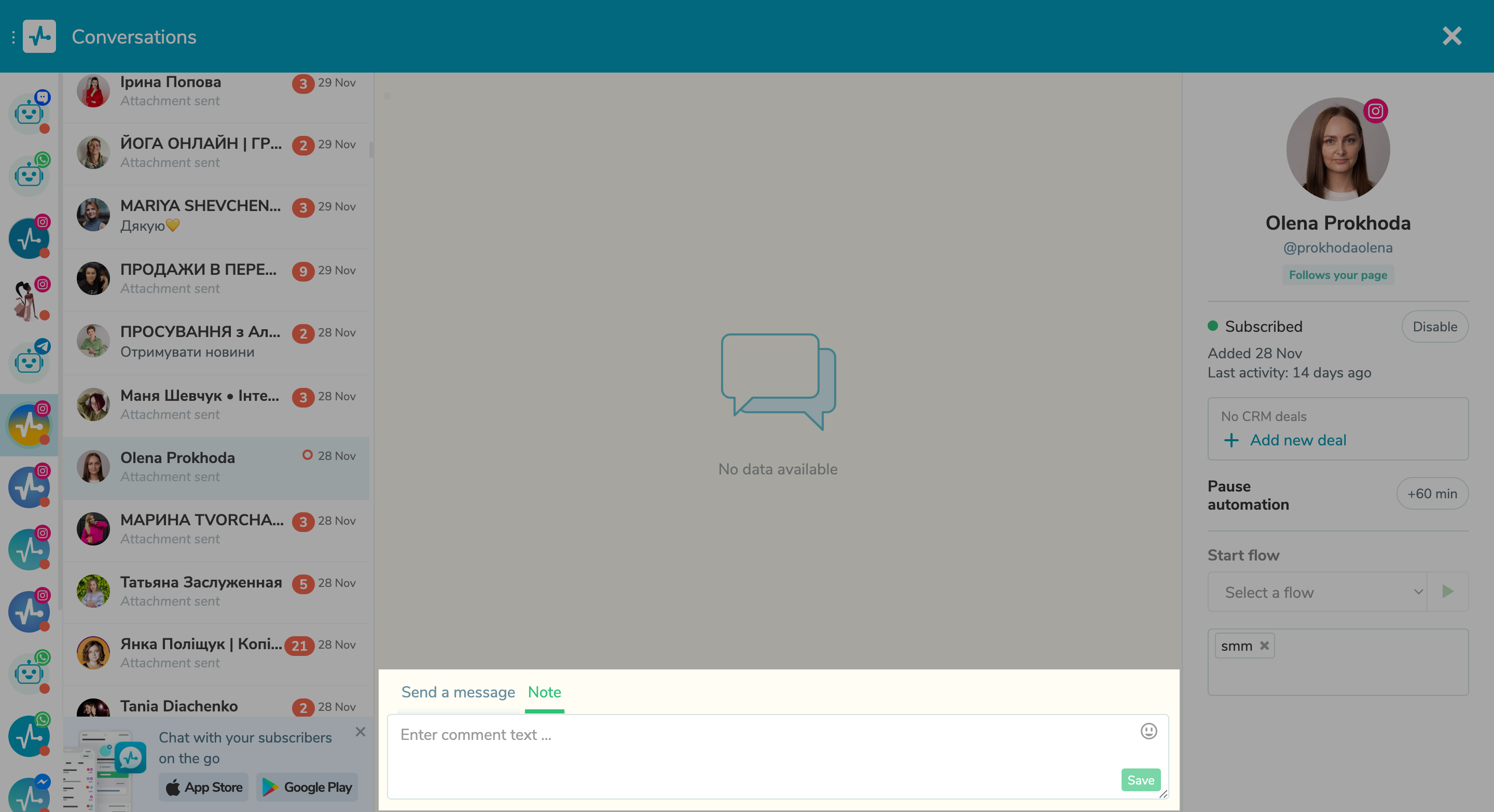
Add notes for chat assignees From now on, you can share more information with your team members right in your chatbot. There’s an option to add notes on user preferences or requests, feedback about previous interactions, reminders about important events, or any other useful comments. To add a note, go to the “Notes” tab and enter up to 2,000 characters of text, including emoji. Notes are not visible to users — they are only available to your team members. Each note includes information on who added it and when. To delete or edit a note, click the three dots to the left of the note and select a corresponding option. |