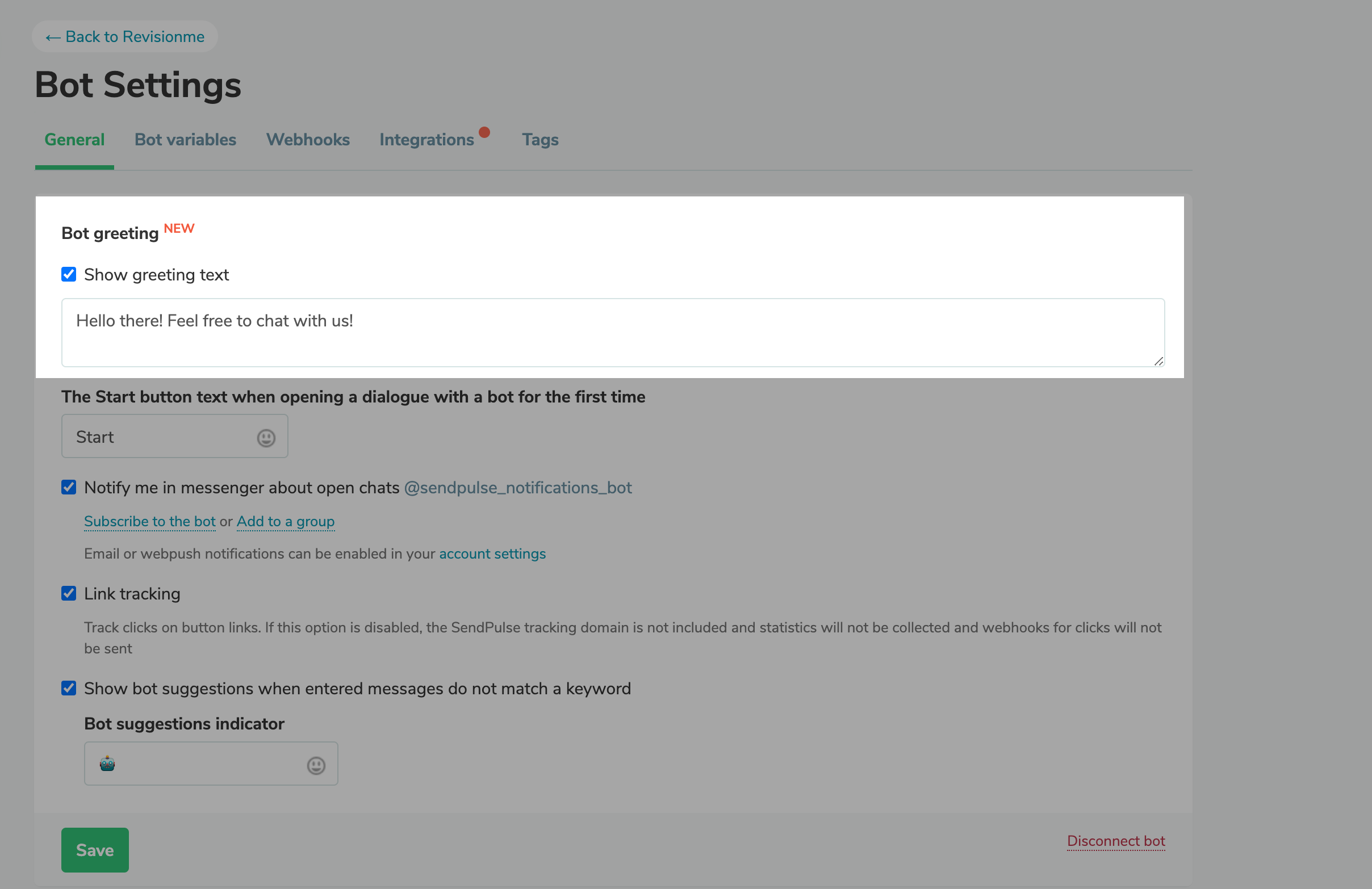
Craft welcome messages for your chatbots to introduce their benefits and features and engage potential subscribers. You can find your welcome message in the chat window above the “Start” button. It’s visible to all users before they start interacting with your chatbot. Here’s how you can add a welcome message to your chatbot: Select a bot in the “Chatbots” tab. Go to the “Bot settings” tab and select the “Show welcome message” checkbox. Customize your welcome message text and save the changes. |