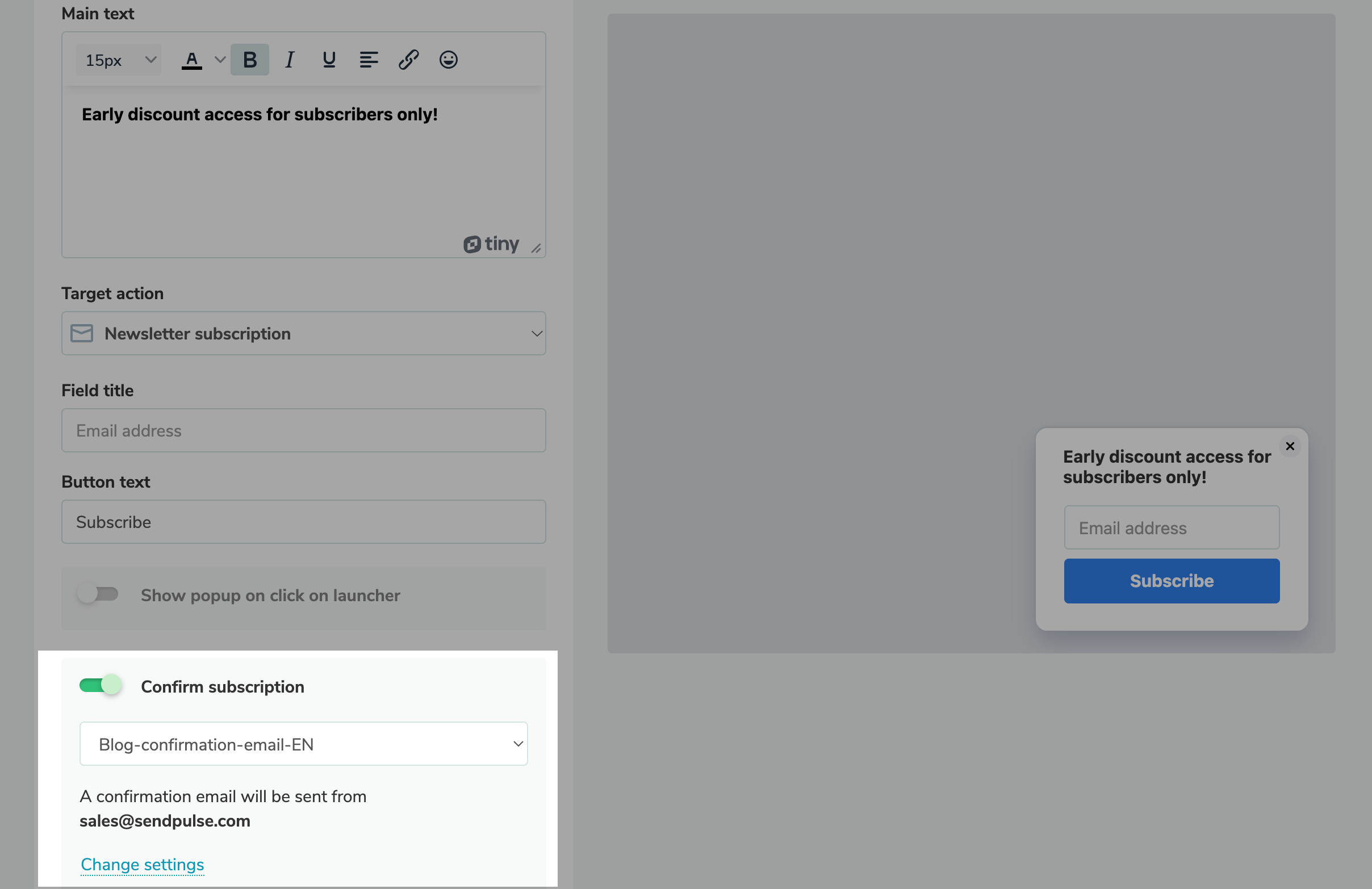
Go to the “Pop-ups” section, create or select an existing project, and click “Create pop-up.” Then, select a template from the “Newsletter subscription” category, and customize its style, text, and target action, if necessary. Once the pop-up is created, enable the "Confirm subscription"option. Next, you can: - Select a confirmation email from the list.
- Check the sender’s email address.
- Change the settings of the notification the user will receive after clicking "Subscribe."
To add a new confirmation email or edit an existing one, go to “Confirmation emails.” You can add the sender’s email address in the settings of each confirmation email. |