To copy a chatbot flow to a client’s account, you need to do the following: - Go to the “Chatbots” tab and select your source bot.
- Go to "Bot Structure."
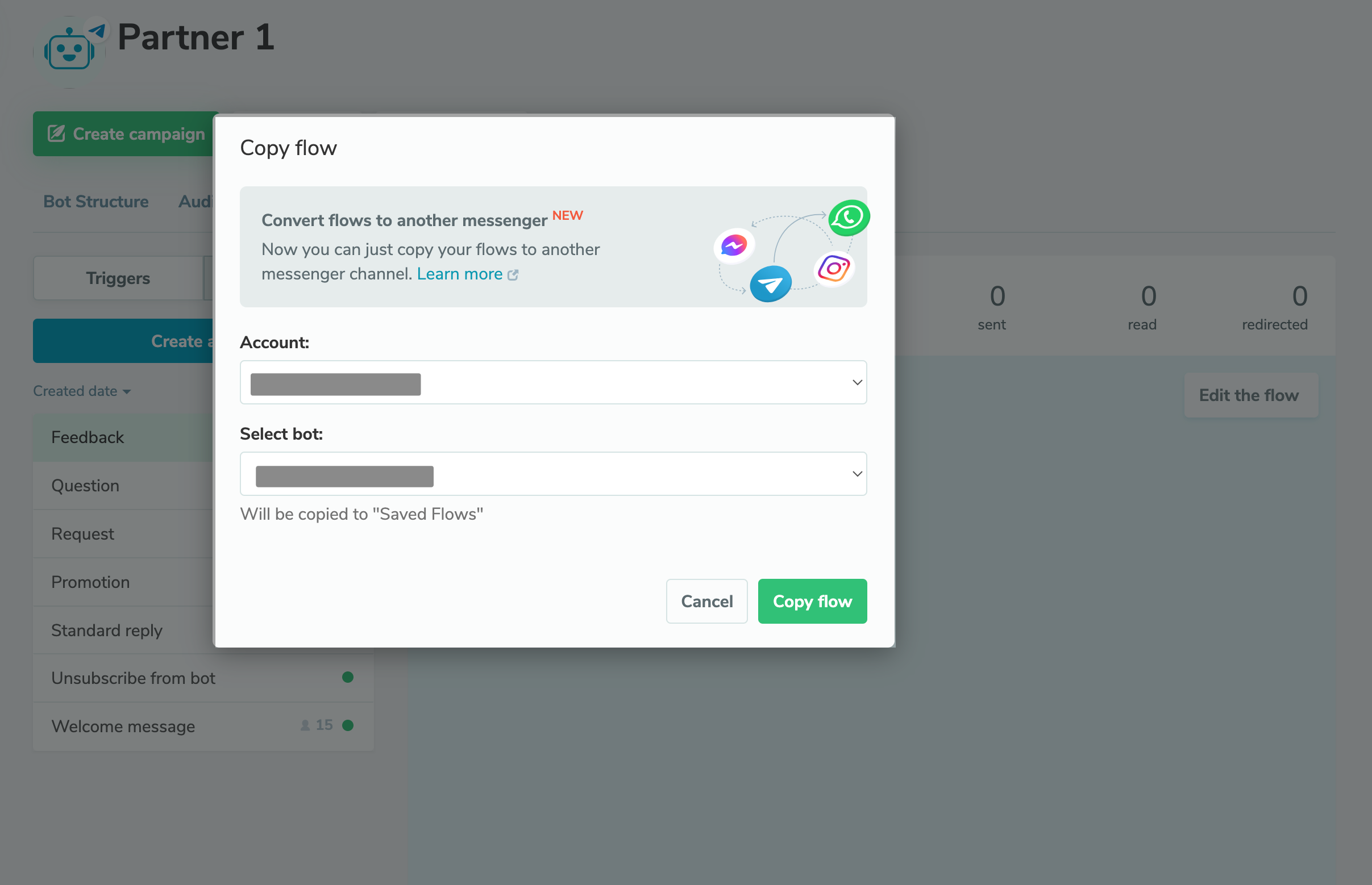
- Click the three dots and select "Copy flow."
- In the drop-down menu, select your target account and chatbot you want to copy your flow to.
You can copy your chatbot flows within one messaging app or move them to another one. For example, you can copy your Telegram chatbot scenario to a client's Instagram chatbot. However, you will have to keep the following in mind: - Messaging apps may not support certain chatbot elements or have other content limitations.
- The system will not automatically transfer variables, tags, linked flows, and campaigns from your source bot's audience to your target chatbot.
I recommend going over all elements with a warning sign to take all limitations into account and add variables and tags to your target chatbot accordingly. You can find out more about how to copy flows to other chatbots and how to copy flows from one messaging app to another in our knowledge base. |