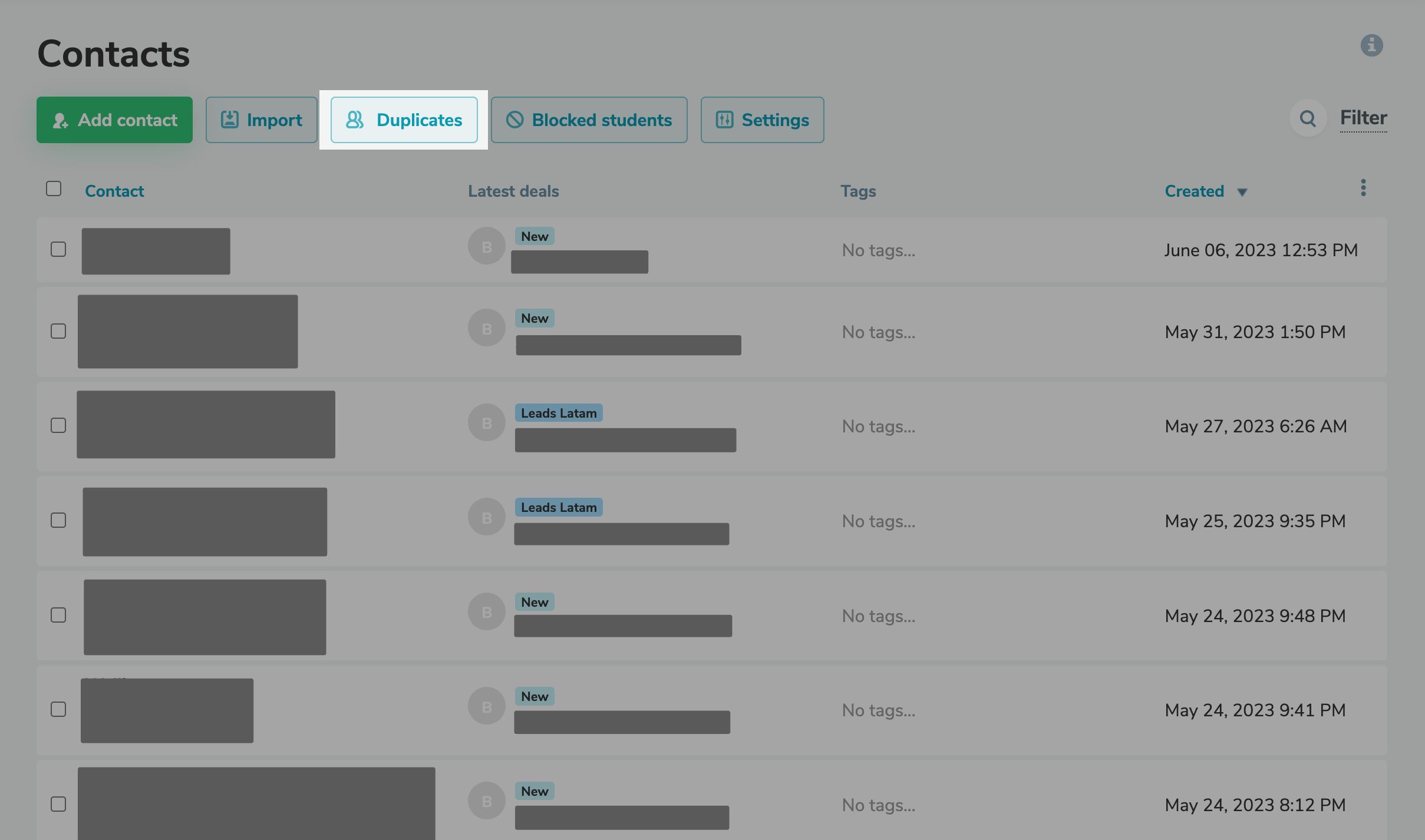
On the "CRM" tab in the "Contacts" section, click on the "Duplicate" button. Select the type of searching and merging duplicates: - by name and surname;
- by email;
- by phone number.
You can choose one of the characteristics or combine them all. Three options of result are available: leave input from older fields, leave input from newer fields, or leave both new and old data. We recommend using the last method only for users with a small amount of data, because saving both new and old input leads to a significant increase in contact fields. Click "Merge Duplicates" and go about your usual business: the merging process will run and complete in the background. The system processes up to 10,000 contacts at a time. |