๐Ÿ”ฅ New pop-up forms feature and A/B pop tests

Newsletter Archive
SendPulse

2 Pop-Up Service Updates

New pop-up launcher
Caleb Smith

Caleb Smith

Product Marketer


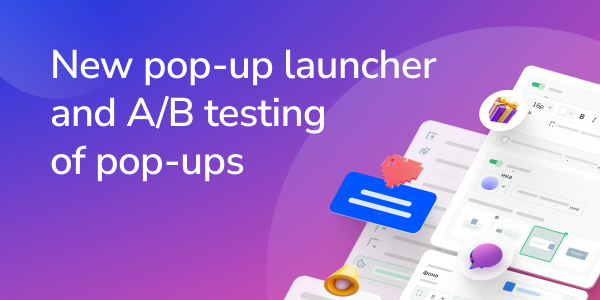
ยซSendPulse introduces The Pop-Up Launcher that captivates attention and create seamless interaction with the content. The unnoticeable pop-up launcher is all you need to draw more website visitors to your site and boost engagement for future sales.

Use A/B testing capabilities to compare two or more pop-up versions and determine the most effective one.ยป

The Pop-Up Launcher

What is a pop-up launcher?

A pop-up launcher by default will present all the main content of the website. By simply clicking on the launcher, the pre-made link, or a massive pop-up with a form for collecting leads will emerge.

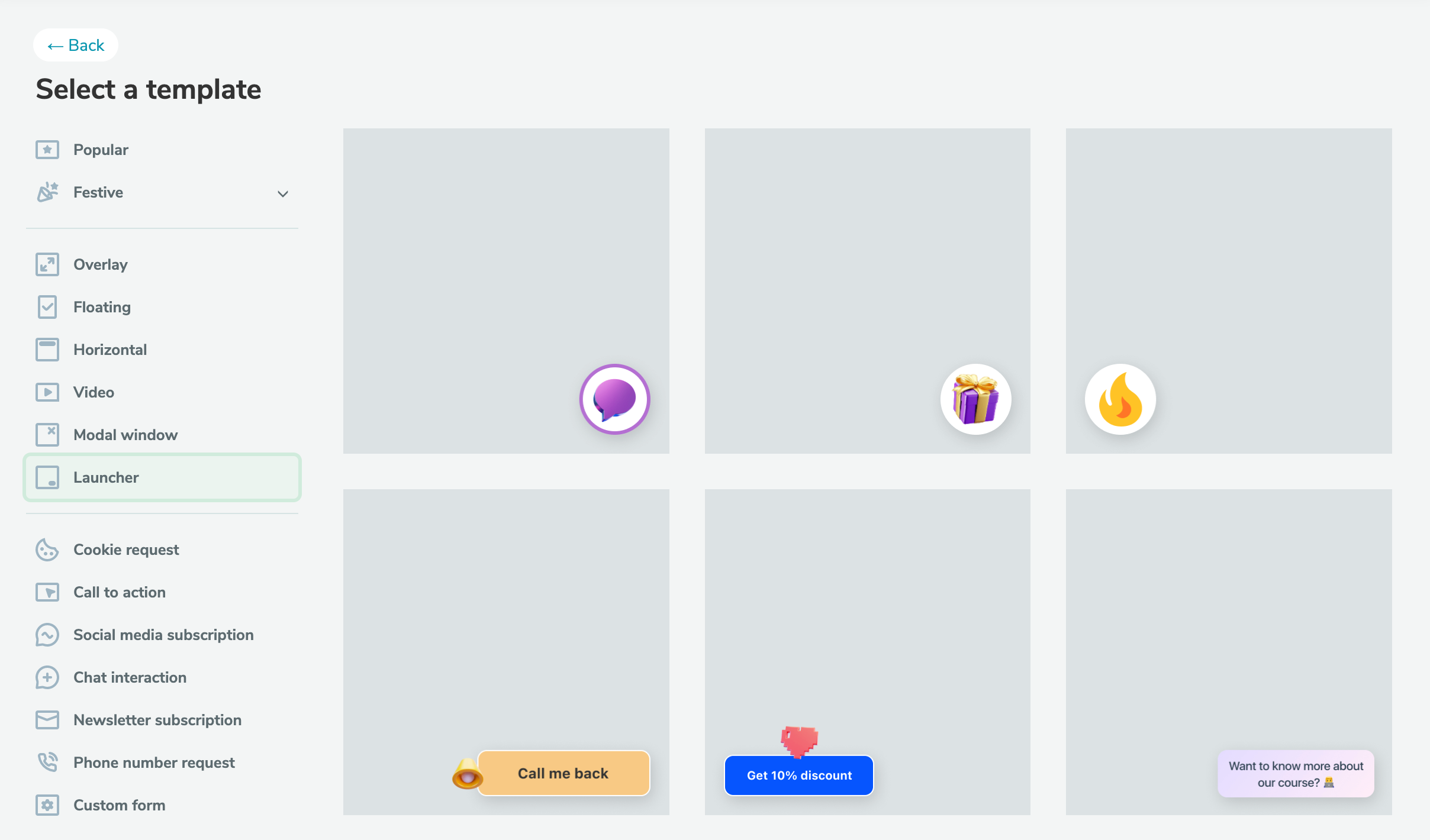
The package includes 7 ready-to-use templates available in your account.

Utilize ready-made templates or edit based on your preference.

Test the launcher

How to use it?

With the help of the pop-up launcher, it is easy to implement two cases:

  1. Redirect traffic to a landing page.
  2. Open the previously created pop-up form with another form for collecting leads.

A landing page could be any web page on or off the website. For example, you can redirect visitors to a section with new products or a sale, offer a gift for filling out a Google form, or book individual consultations in third-party services such as Calendy.

How to set it up?

In your account, on the "Pop-ups" tab, create or select a previously created project and click "+ Add pop-up". Select the Launcher template and edit the style, text, and main action as needed.

By default, the launcher presents all the main content of the website. Choose your targeting conditions from more than 20 guidelines to set a unique scenario.

Set up pop-up launcher
A/B test pop-ups

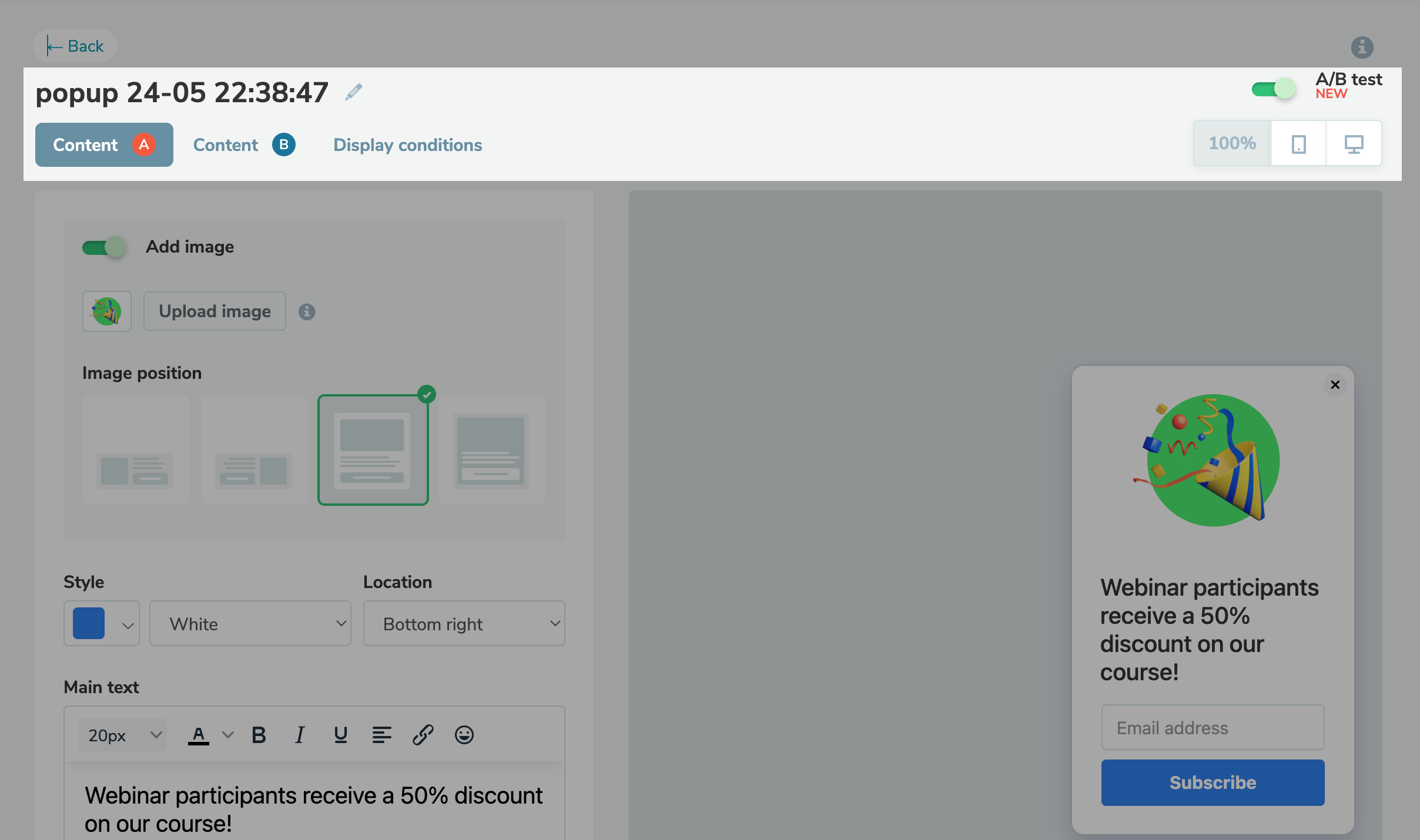
How to A/B test pop-ups?

The pop-up options can now be compared to determine the best option to meet your business goals, improves user experience, and increases conversions on your website.

The condition for completing testing can be:

  • arrival of a certain date;
  • achieving a given number of impressions;
  • receiving a given number of subscriptions.

It is possible to turn off testing earlier if needed.

The statistics are available in the panel to check the winner, as well as the total number of views, interactions with the pop-up and leads, and the percentage ratio of each indicator between pop-ups A and B, are displayed.

Find out more about setting up A/B popup testing in the knowledge base.

Set up A/B testing
icon

If you need help with setup or have any other questions, contact our tech support team โ€” we're in touch 24/7.

Best regards, SendPulse team

sendpulse.com

You received this email because you are a customer of SendPulse.ย 

Unsubscribe

Sent via

SendPulse