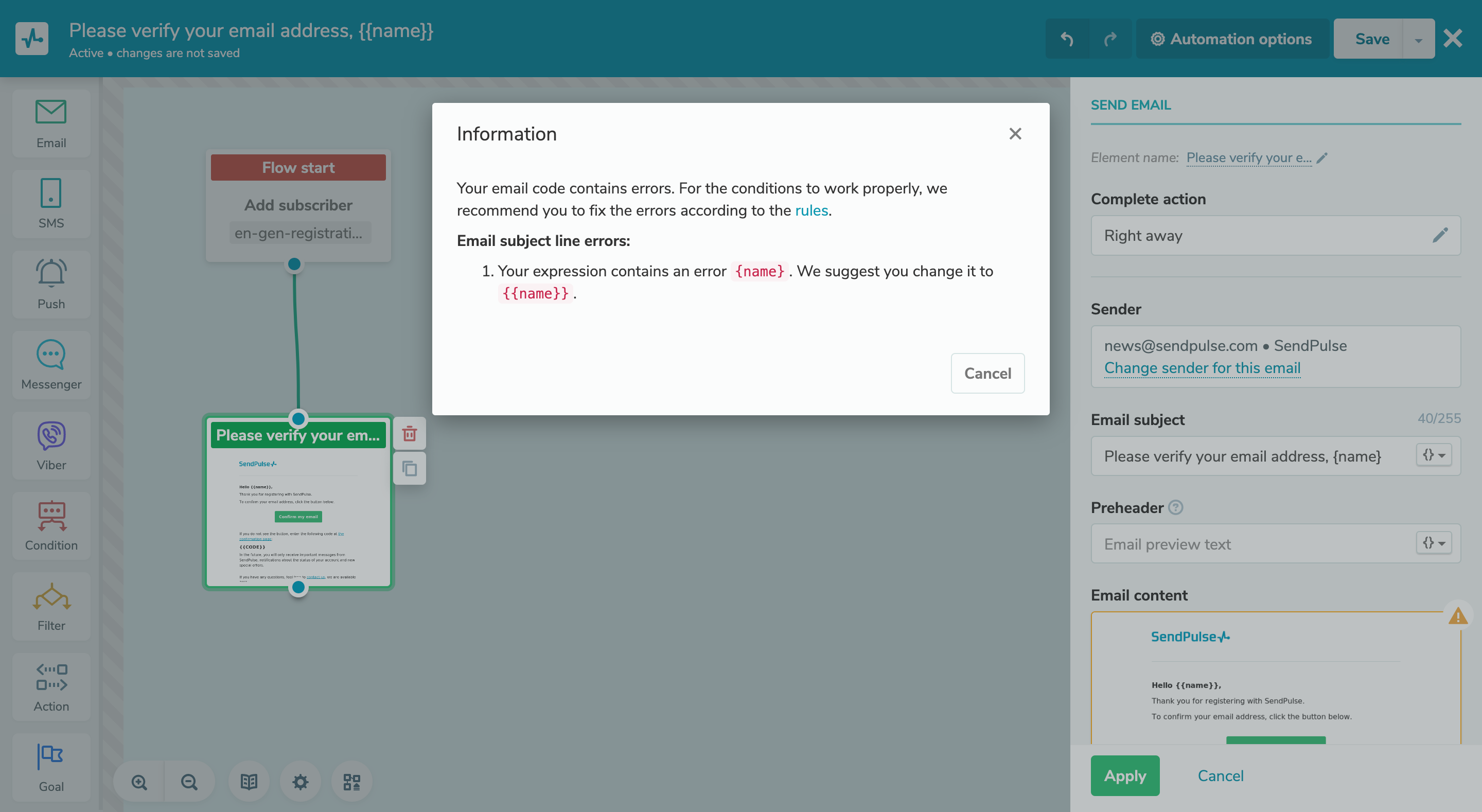
Now the system automatically: - checks the email's subject line and body;
- highlights possible errors in variables and regular expressions;
- offers correction options.
You will know about possible errors before sending: a notification will appear in the email block builder, clicking on which will open a window with the error description and recommendations for correction. If an error is found in the email subject, a notification will appear after applying the changes in the email block and opening it again. If an error is found in the email body, the notification will appear after exiting the editor or after opening the email block. |